
Home > Blog >
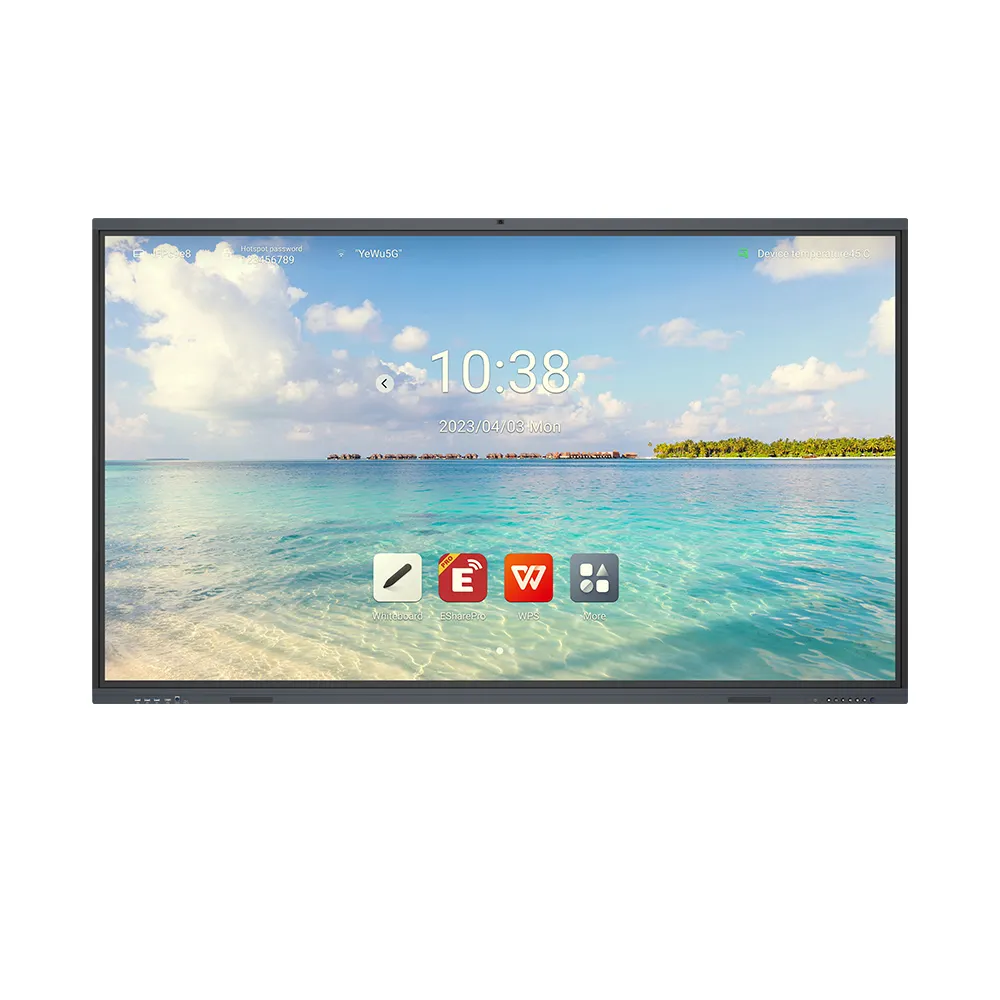
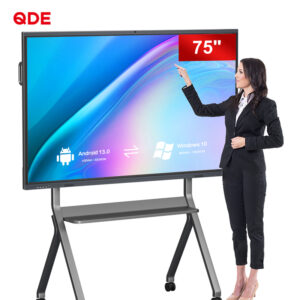
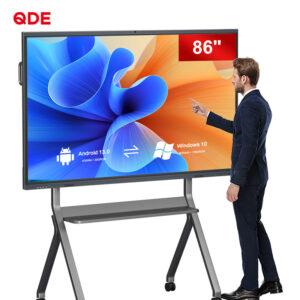
Modern education relies heavily on visual and tactile engagement. Static presentations no longer hold student attention effectively. Today, the touchscreen whiteboard serves as the classroom’s digital heart. These advanced displays do more than show images.
They invite students to participate directly in the lesson. Touch-sensitive technology creates a dynamic bridge between digital content and physical movement. Consequently, interactive whiteboard activities become more immersive and memorable. Let us explore the specific features that drive this transformation.
Earlier digital boards only allowed one user at a time. This limitation often led to passive observation by others. However, modern multi-touch technology changes the entire classroom dynamic.
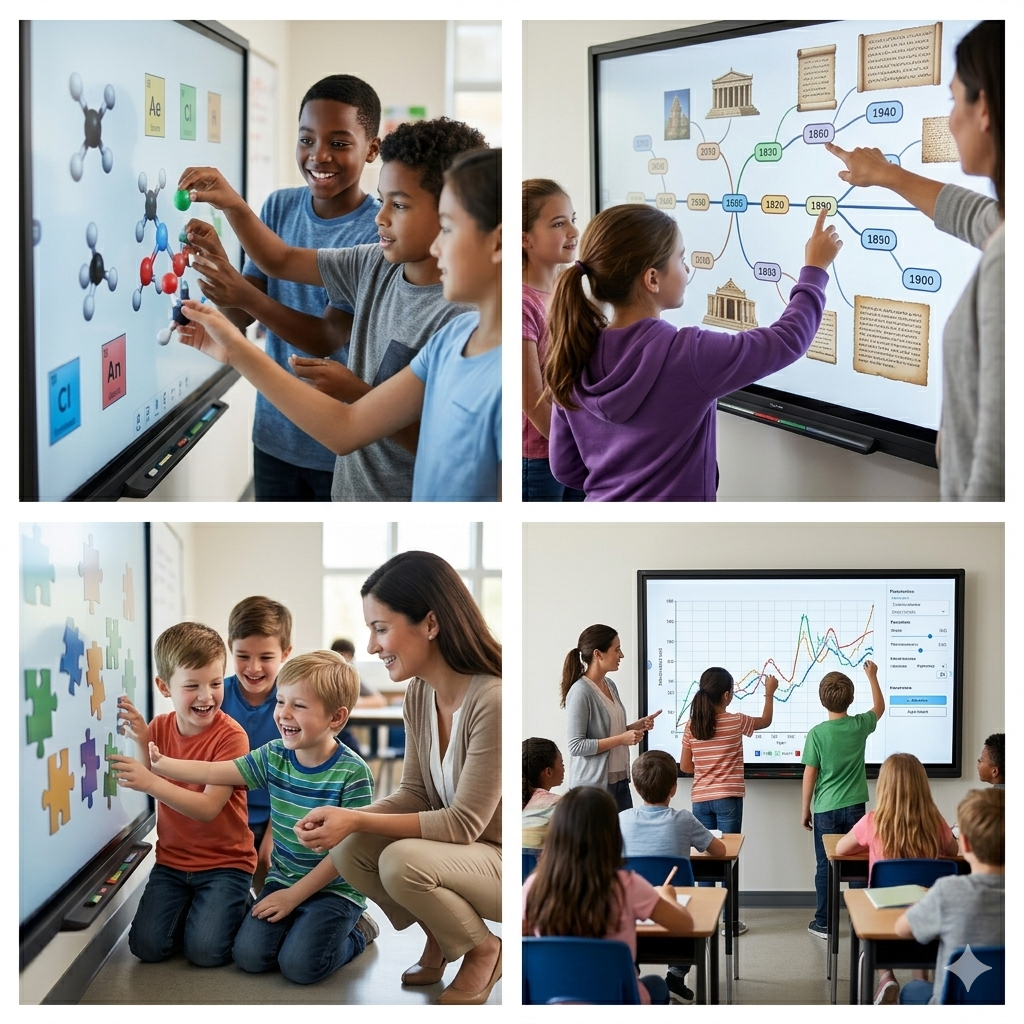
Most current displays support 20 or even 40 touch points. This means multiple students can work together simultaneously. For instance, two students can solve different math problems side-by-side. This simultaneous action builds confidence and encourages teamwork. Furthermore, it reduces the “waiting time” that often leads to boredom.
We all use gestures on our smartphones every day. Modern boards bring these familiar movements to the classroom. Students can pinch to zoom into a historical map. They can swipe to flip through digital flashcards. These natural motions make technology feel invisible. Thus, the focus remains entirely on the learning material itself.
A major hurdle in early tech was “input lag.” If the digital ink is slow, the lesson stalls. High-precision touch sensors solve this issue completely.
Advanced touchscreens offer almost zero latency today. Writing on a screen now feels as fluid as ink on paper. This precision is vital for handwriting practice or complex diagramming. Teachers can highlight key text in real-time during a lecture. This immediate feedback helps students follow complex logical steps easily. Explore the technical specs of high-precision touch sensors.
Many boards now distinguish between a pen, a finger, and a palm. You can write with a stylus and erase with your hand. This feature mimics a traditional chalkboard but adds digital power. It allows for a fast-paced, intuitive teaching style that keeps students alert.
To understand the impact, we must look at the specific hardware capabilities. The following table breaks down how these features improve the classroom.
| Touch Feature | Educational Benefit | Classroom Application |
| Multi-Touch (20+ points) | Encourages group collaboration | Small group brainstorming sessions |
| Palm Rejection | Prevents accidental inputs | Comfort for students while writing |
| Pressure Sensitivity | Adds artistic depth | Digital art and calligraphy classes |
| Anti-Glare Surface | Ensures visibility from all angles | Clear viewing in bright rooms |
| 4K Resolution | Enhances visual engagement | Detailed biology or geography lessons |
Engagement is the “holy grail” of modern teaching. Touch features provide the tools to reach this goal.
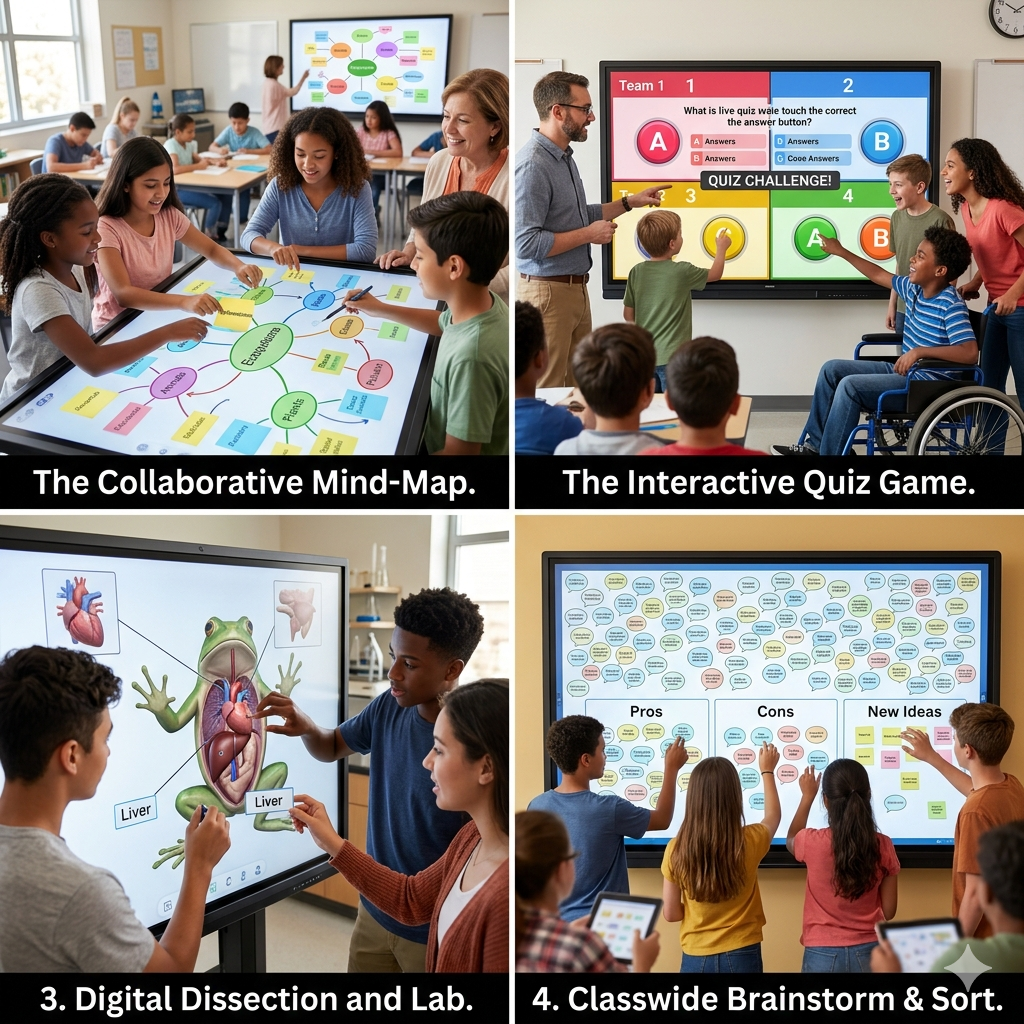
Teachers can turn a boring quiz into a competitive game. Students race to touch the correct answer on the screen. This physical movement triggers better memory retention. Interactive whiteboard activities like these transform the room into an active lab. Consequently, attendance and participation rates often see a significant rise.
Not every school has a fully equipped chemistry lab. However, a touchscreen allows for safe, virtual experiments. Students can “pour” chemicals and “mix” solutions with their fingers. This hands-on approach builds practical knowledge without any safety risks.
Hardware is only half of the story. The way touchscreens interact with software defines the user experience.
Most touch displays now connect directly to Google Workspace or Office 365. You can pull a document from the cloud and annotate it instantly. After the class, you can save the notes and share them. This creates a continuous learning loop that extends beyond the classroom walls.
Modern boards act as a hub for all classroom tech. You can mirror a tablet or a laptop with a single touch. This flexibility allows teachers to move around the room. They are no longer tethered to a desk or a computer. This mobility creates a more personal and approachable teaching environment.
Touchscreens are powerful tools for inclusive education. They provide alternative ways for students with different needs to interact.
Adjustable Height: Mobile stands allow screens to reach every student.
Visual Aids: Large, bright icons help students with visual impairments.
Tactile Feedback: Physical interaction helps kinesthetic learners stay focused.
Text-to-Speech: Many boards offer built-in tools to read text aloud.
By focusing on these features, schools ensure that no student is left behind. Technology should be an equalizer, not a barrier. See our case study on inclusive classroom technology.
Even the best technology requires a skilled operator. Schools must invest in teacher training to see real results.
In my experience, the most successful schools hold “play sessions.” Teachers explore the board’s features without the pressure of a live class. They discover new ways to design interactive whiteboard activities that suit their style. This bottom-up approach leads to much higher adoption rates.
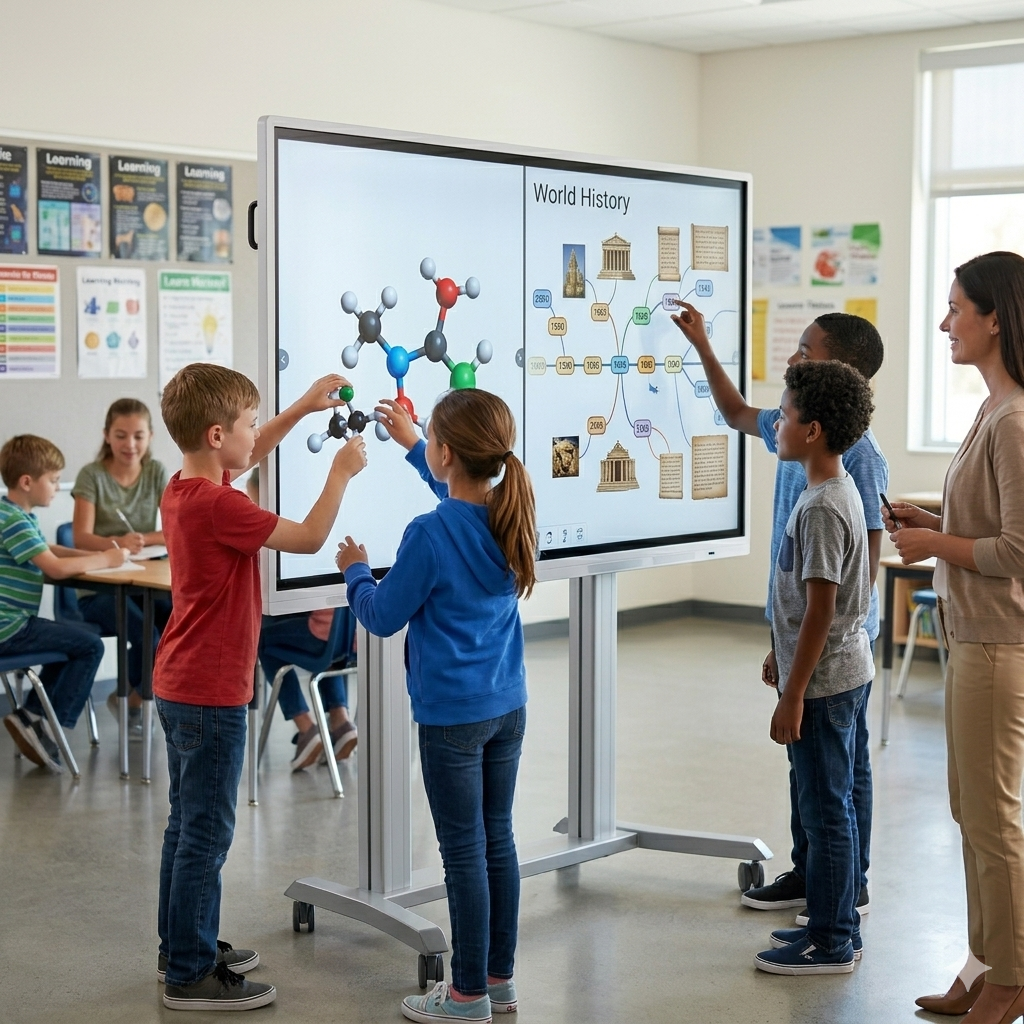
Touchscreen features have redefined what is possible in a classroom. They turn passive listeners into active participants. From multi-touch collaboration to zero-latency writing, these tools empower both teachers and students.
As we look forward, the technology will only become more intuitive. Choosing the right display is about more than just screen size. It is about selecting a partner for the educational journey. When you prioritize touch performance, you prioritize the future of your students.

 Hot News