
Home > Blog >
Modern classrooms now rely on digital interaction. Consequently, IT managers face huge hardware challenges. They must maintain dozens of devices every single day. Managing external laptops and messy cables is a nightmare.
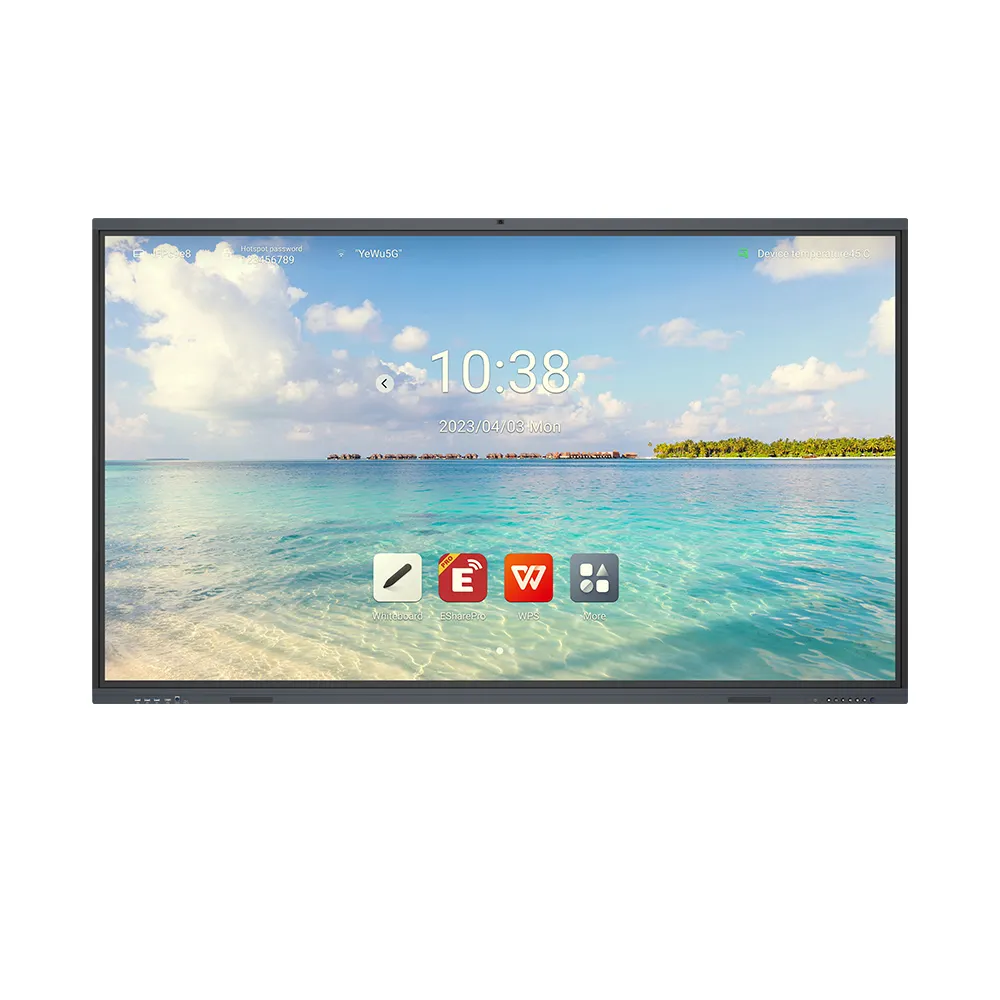
However, the ops for interactive display offers a better way. This “Open Pluggable Specification” module changes everything. It turns a simple screen into a powerful computer. In this guide, we explore how it simplifies school technology. Furthermore, we see why many schools choose QDE ops for reliability.
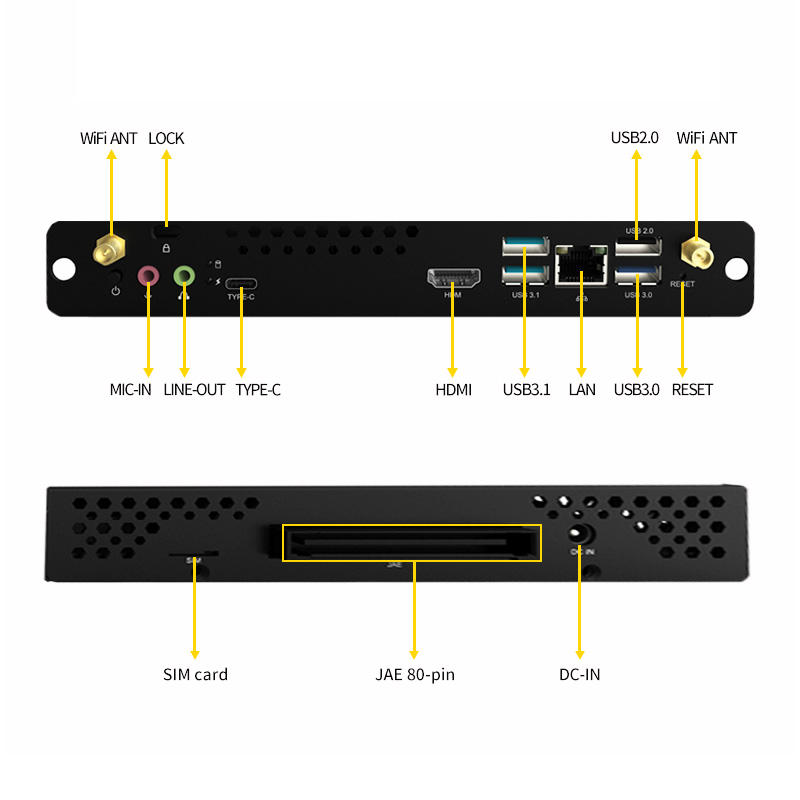
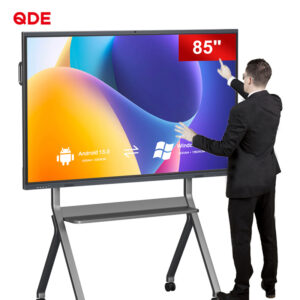
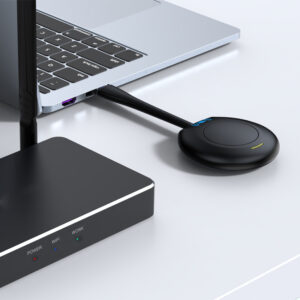
An OPS is a standardized computer module. It slides directly into a slot on the display. Therefore, it eliminates the need for external PC towers. It uses a single internal connection for power and data.
This design creates a sleek, cable-free environment. Teachers simply turn on the screen to start teaching. Meanwhile, the ops for interactive display handles all the heavy processing. It runs Windows or Android applications with total ease. This simplicity is the first step toward better IT management.
Traditional PCs are difficult to service in a classroom. Technicians must crawl under desks to reach cables. But an OPS module stays at eye level.
If a module fails, you simply slide it out. You can replace it with a new one in seconds. This reduces classroom downtime significantly. Moreover, you do not need special tools for this task. It makes the repair process fast and stress-free.
Technology improves every year. Eventually, you will need a faster processor. When you choose QDE ops, upgrading is very simple. You only replace the small module, not the whole screen. This saves your school thousands of dollars in the long run.
Managing software across a campus is a huge task. An ops for interactive display makes this much easier. IT teams can push updates to all units simultaneously.
Most OPS modules support remote management tools. You can restart devices or install patches from your office. Consequently, you spend less time walking between classrooms. This centralized control ensures every screen stays secure and updated.
Every teacher gets the same desktop environment. This reduces the number of “how-to” questions for IT staff. Because the system is consistent, troubleshooting becomes much faster. Standardization is the key to a smooth educational workflow.
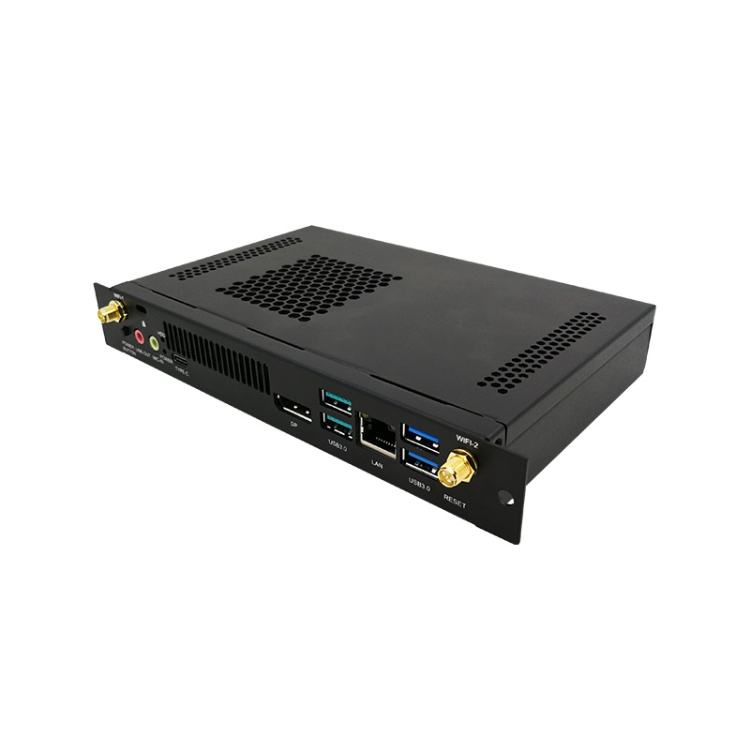
Cables are more than just a visual mess. They are a serious tripping hazard for students. Furthermore, students often pull on loose wires by accident.
An ops for interactive display removes these risks entirely. Since the PC is inside the display, no cables exist. This creates a cleaner and safer learning space. It also prevents the common “no signal” errors caused by bad HDMI cords. If you want a tidy classroom, you must choose ops for your hardware.
Insights from the Field: The Reddit SysAdmin PerspectiveOn popular forums like Reddit, IT professionals often discuss classroom tech. In the r/SysAdmin community, a user shared a common story. Their school used external desktop PCs for every interactive whiteboard. They faced constant issues with broken USB ports and stolen cables. Eventually, the district switched to the ops for interactive display format. The lead technician reported a 70% drop in support tickets. They praised the “plug-and-play” nature of the modules. This real-world case proves that OPS technology solves genuine administrative pain. |
Teachers want to teach, not troubleshoot computers. A complex setup creates anxiety for many educators.
Fast Boot Times: High-speed SSDs ensure the system starts instantly.
One-Button Operation: One switch controls the screen and the PC.
Seamless Integration: The OPS works perfectly with the touch overlay.
Built-in Connectivity: Enjoy stable Wi-Fi and Bluetooth without extra dongles.
By choosing the right hardware, you empower your staff. They can focus on student engagement rather than technical bugs. This is why schools choose ops for their daily needs.

Quality varies between different OPS manufacturers. However, QDE stands out for its industrial-grade builds. Our modules handle the heat of a busy classroom easily.
We offer various configurations to match your specific budget. Whether you need an i5 or an i7, we deliver. Furthermore, we provide excellent technical support for IT managers. When you choose QDE ops, you invest in a partner. We ensure your classroom technology stays reliable for many years.
Managing classroom technology does not have to be hard. The ops for interactive display is the ultimate IT solution. It simplifies repairs, enhances security, and removes cable clutter.
Transitioning to a modular system is a smart strategic move. It protects your budget while improving the teacher’s experience. If you want a better way to manage tech, choose QDE ops today. The future of education is modular, efficient, and very powerful.
 Hot News