
Home > Blog >
Imagine you are sketching a masterpiece. Or perhaps you are taking vital meeting notes. Suddenly, your digital ink trails behind your hand. This delay, known as stylus lag, ruins your creative flow.
A smart stylus pen should feel like a real pencil. When it stutters, your productivity drops instantly. Many users think their device is broken. However, the fix is often quite simple.
In this guide, we explore why lag happens. We will also provide actionable steps to improve smart pen response time. Let’s dive into the technical heart of your tablet setup.
Most modern styluses rely on Bluetooth technology. This wireless link is convenient but fragile. Other devices can easily disrupt this signal.
Your desk might have many wireless gadgets. Keyboards, mice, and headphones all use the 2.4 GHz band. These signals compete for “airspace.” This competition causes data packets to drop. Consequently, you experience stylus lag issues.
Turn your Bluetooth off and on again.
Disconnect unused wireless accessories from your tablet.
Move away from heavy machinery or routers.
Unpair and re-pair your smart stylus pen entirely.
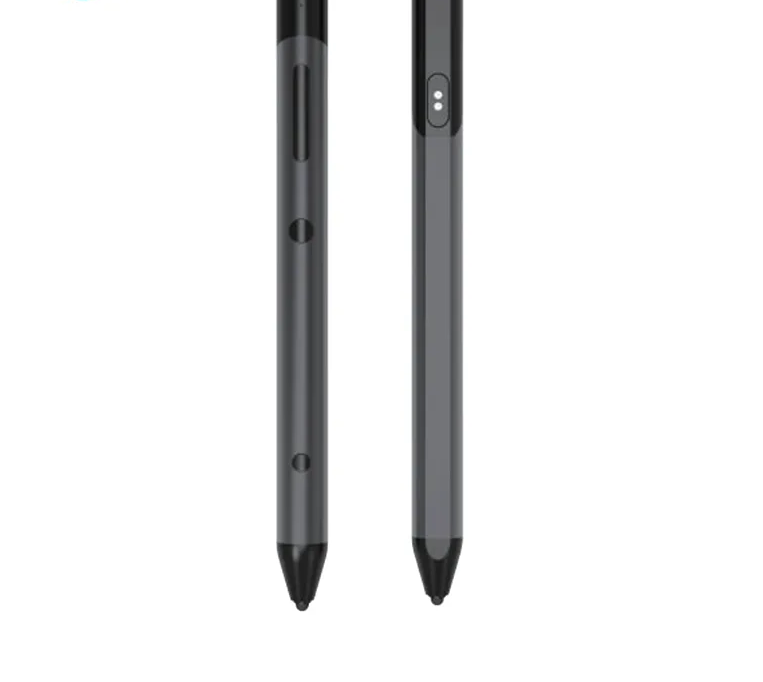
Power is the lifeblood of your digital tools. When voltage drops, performance often follows. Many pens enter a “low power” state to save energy. This state reduces the polling rate.
Your tablet might also be the culprit. Many tablets throttle the CPU when the battery is low. If the processor slows down, the screen cannot update quickly. This creates a noticeable delay between your stroke and the line.
Keep your pen charged above 20%.
Disable “Power Saving Mode” on your tablet.
Check if your pen has a specific firmware update.
Replace the internal battery if it no longer holds a charge.
Your tablet is a computer. Like any computer, it has limits. If you run too many apps, the CPU struggles. It cannot process touch inputs and background tasks simultaneously. This is a common reason why is my stylus delayed.
High-resolution canvases require immense RAM. If your browser is open with fifty tabs, the drawing app suffers. The system prioritizes core functions over smooth pen tracking.
Close all apps except your drawing software.
Restart your tablet to clear the system cache.
Lower the canvas resolution in your app settings.
Disable “Stabilization” settings if they are too high.

Sometimes, the problem is not digital. It is physical. The surface of your tablet matters immensely. Thick glass protectors can interfere with the digitizer layer.
Your screen uses a digitizer to sense the pen. A thick or low-quality protector increases the distance. This gap can cause erratic signals. Furthermore, dirt or oils on the screen create “dead spots.”
Clean your screen with a microfiber cloth.
Remove thick, non-brand glass protectors.
Try a “paper-feel” film for better friction.
Check your pen tip for flat spots or damage.
Software drives the hardware experience. An outdated OS can lead to compatibility bugs. Similarly, drawing apps need regular updates to function well.
Manufacturers release patches to fix smart stylus pen lag on tablet devices. These patches optimize how the OS handles pen pressure. Without them, you are using inefficient code.
Update your tablet’s operating system (iOS/Android/Windows).
Check the App Store for your drawing software updates.
Reinstall the stylus driver if you are on a PC.
Reset your app’s pressure sensitivity settings to default.
| Issue | Likely Cause | Primary Fix |
| Input Delay | Bluetooth Interference | Re-pair the device |
| Stuttering | Low Battery | Charge to 100% |
| System Lag | High CPU Load | Close background apps |
| Missed Strokes | Dirty Screen | Clean with microfiber |
| Bugs | Old Software | Update OS and Apps |
A smart stylus latency is a precision tool. It requires a healthy environment to function. By managing your connections and keeping your software fresh, you can eliminate lag. Do not let technical glitches stop your creativity.
Follow these steps to improve smart pen response time today. You deserve a seamless digital writing experience. Usually, a simple restart or a clean screen solves most problems.
 Hot News