
Home > Blog >
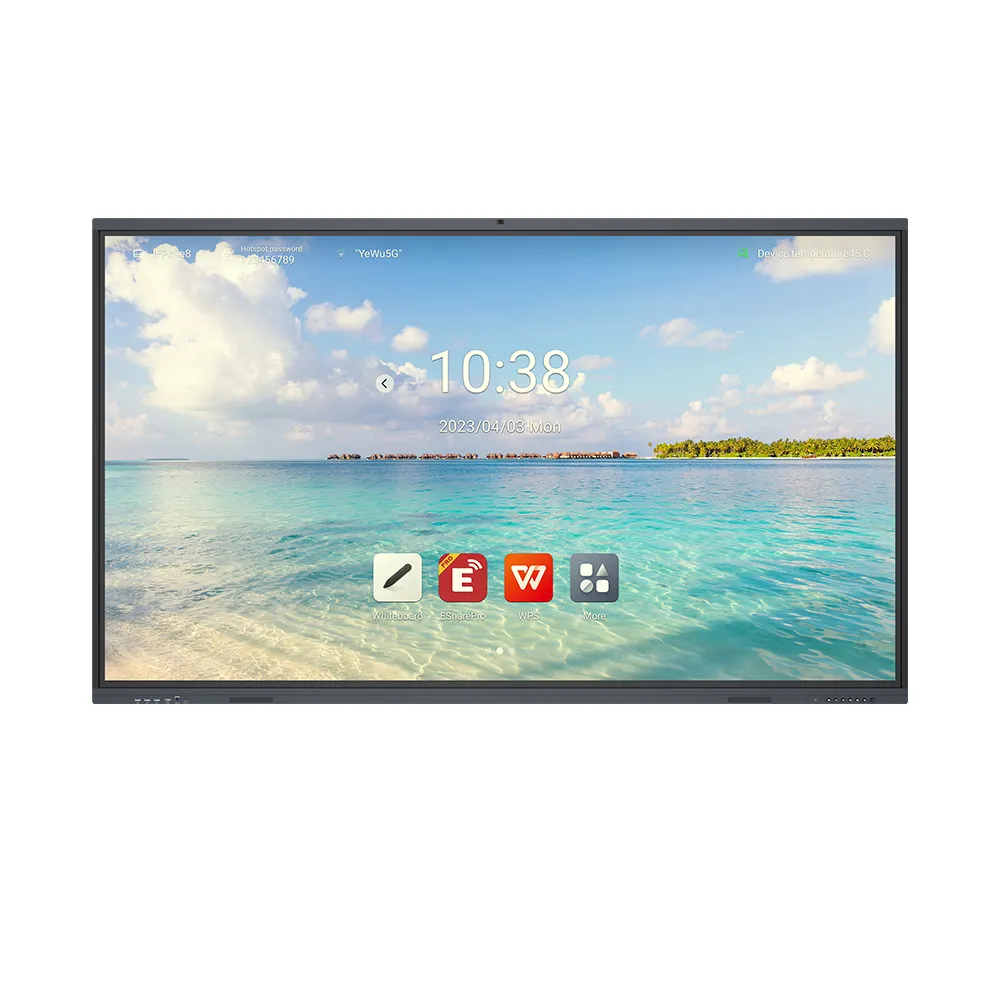
For schools evaluating a smart board in classroom upgrade, the 86-inch Nano Smart Blackboard combines writing with digital teaching tools. Its 4K resolution, 120-hertz refresh rate, and 40-point touch support clear visuals and group interaction. For procurement teams, value depends on usability, lifecycle cost, maintenance, and verified configuration.
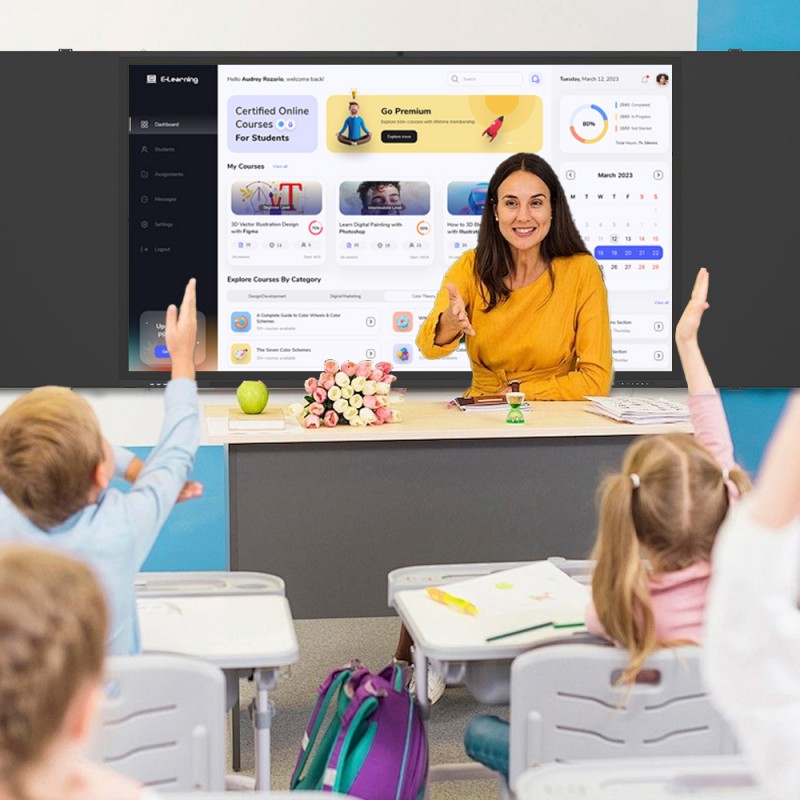
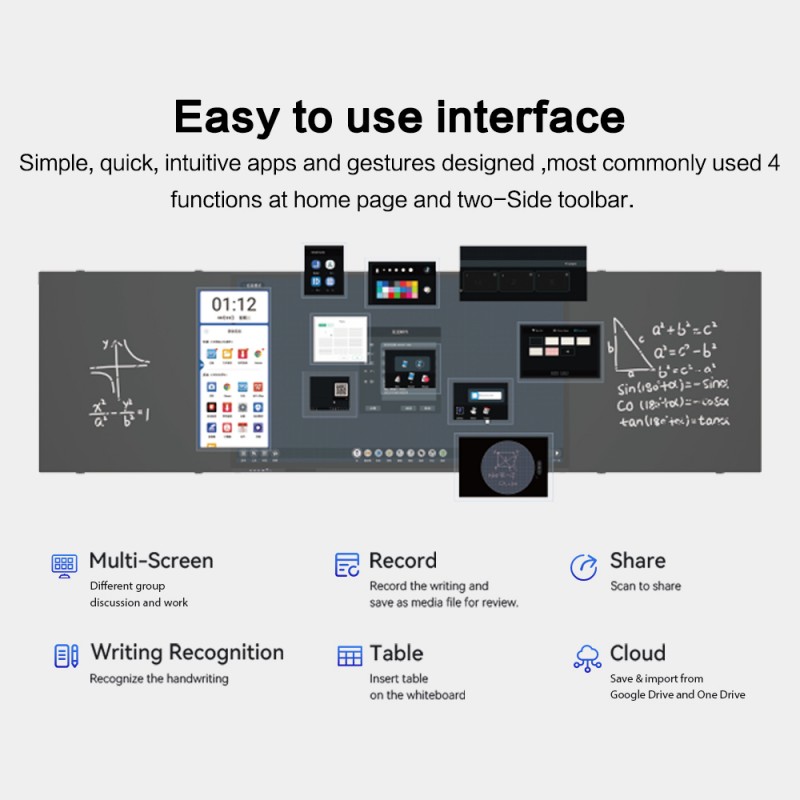
Teachers often move between handwritten explanations, slides, videos, and online learning resources. Therefore, a hybrid nano smart blackboard helps teachers keep core tasks in one teaching area.
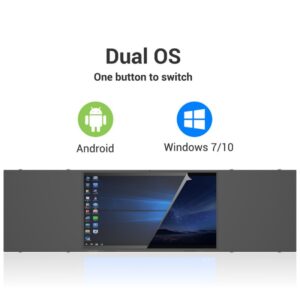
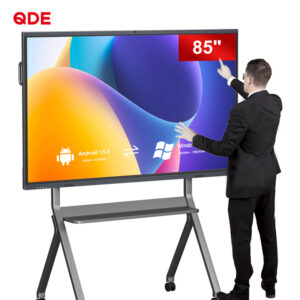
The 86-inch display supports detailed diagrams, text, and visual learning materials. The product specification lists 4K resolution, a 120-hertz refresh rate, and 40-point touch. Teachers can write notes while using digital resources. In addition, listed Android or Windows systems support compatible multimedia playback and teaching applications.
Wireless screen mirroring lets teachers share content from laptops, tablets, and smartphones. As a result, teachers can move between prepared materials and live explanations with fewer workflow changes.
Explore our product categories
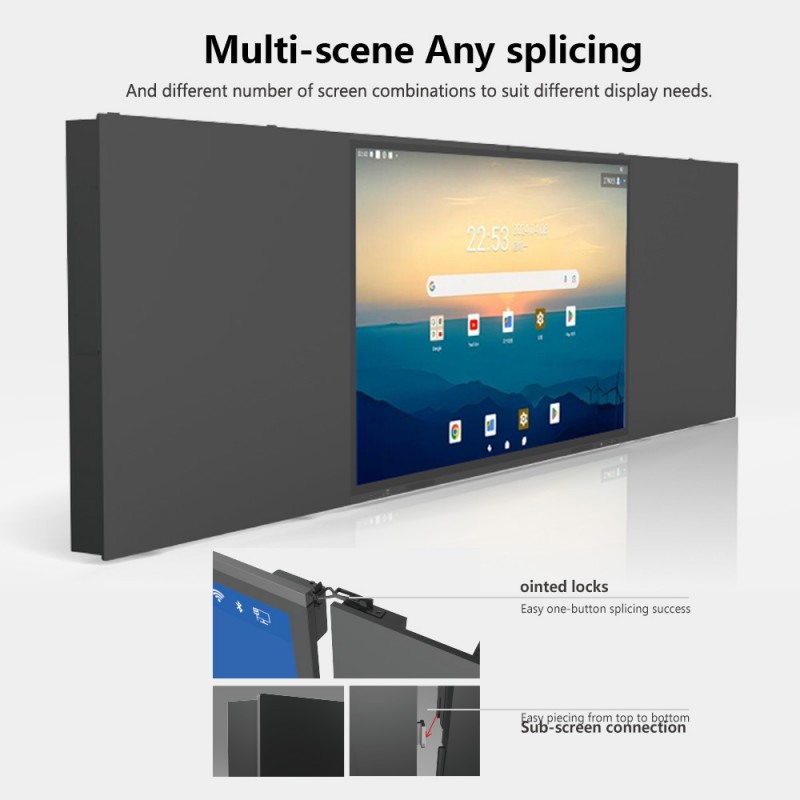
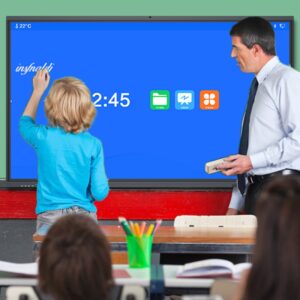
Whole-class discussions can leave some students watching rather than contributing. Multi-touch interaction creates more ways to involve learners in sorting, annotating, and solving visual tasks. Moreover, teachers can invite students to explain answers directly on the display.
The listed 40-point touch capability supports multiple simultaneous touch inputs. This suits group activities, collaborative problem-solving, and shared annotation. However, participation still depends on lesson design, application support, and classroom routines. Teachers should test common education software before placing a bulk order.
Teachers and students may view classroom screens for extended periods. Therefore, glare control and display setup deserve attention alongside resolution. The product description identifies anti-glare glass and reduced blue-light emission as eye-care features.
Anti-glare treatment can help manage reflections from classroom lighting. Reduced blue-light emission may also support a more comfortable viewing setup. Nevertheless, comfort varies with room brightness, viewing distance, content, and individual needs. Buyers should request current test reports and review the display settings before installation.
For school districts and integrators, purchase price is only one part of total cost. Consumables, training, service access, software compatibility, and expected service life also affect value. Therefore, evaluate these items before comparing quotations.
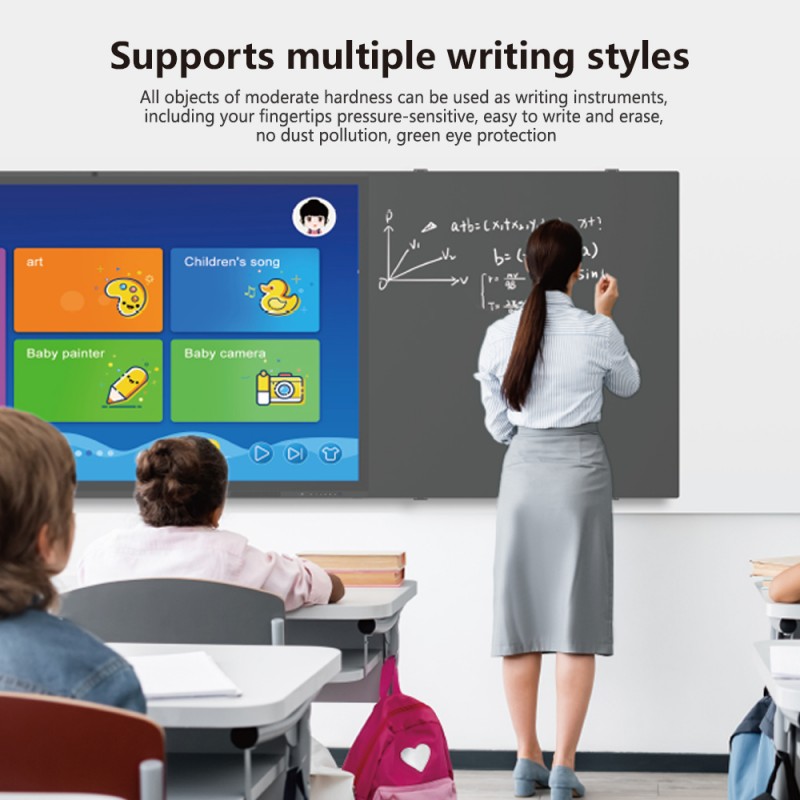
The product supports digital whiteboarding and traditional-style writing. It also describes a non-powered function for the designated writing area. Since layouts can vary, confirm the writing area, compatible tools, and offline behavior. This helps teams match the board to teaching routines and budgets.
| Item | Listed Product Information | Buyer Verification |
|---|---|---|
| Display size | 86 inches | Confirm room dimensions and viewing distance |
| Resolution | 4K | Review sample content and text legibility |
| Refresh rate | 120 hertz | Confirm the final quoted configuration |
| Touch input | 40 touch points | Test with required apps and group tasks |
| Operating system | Android or Windows system options described | Confirm edition, memory, storage, and software needs |
| Viewing features | Anti-glare glass and reduced blue-light emission | Request applicable test reports and documentation |
| Writing mode | Digital writing and a described non-powered writing function | Confirm surface layout, writing tools, and power requirements |
No certificate name or report number appears in the supplied product details. Therefore, procurement teams should request current documentation for any required market or institutional standard.
A suitable smart board in classroom solution should match the room, teaching applications, and support expectations. First, confirm the operating system and connectivity requirements. Next, review touch performance, display uniformity, writing-surface details, warranty terms, and after-sales response. Finally, request a sample demonstration or acceptance checklist when order volume justifies it.
For cost-effectiveness, compare full quotations, including installation, training, software, shipping, and service where applicable. These checks help schools estimate ownership costs and standardize repeat purchases.
Q: Can B2B buyers customize this 86-inch nano smart blackboard?
A: Ask the supplier to confirm available options for system configuration, connectivity, writing-surface layout, branding, packaging, and order quantity. The listed baseline includes 4K resolution, a 120-hertz refresh rate, and 40-point touch. Confirm each requested change, its effect on lead time, and the final quotation before production.

 Hot News