
Home > Blog >
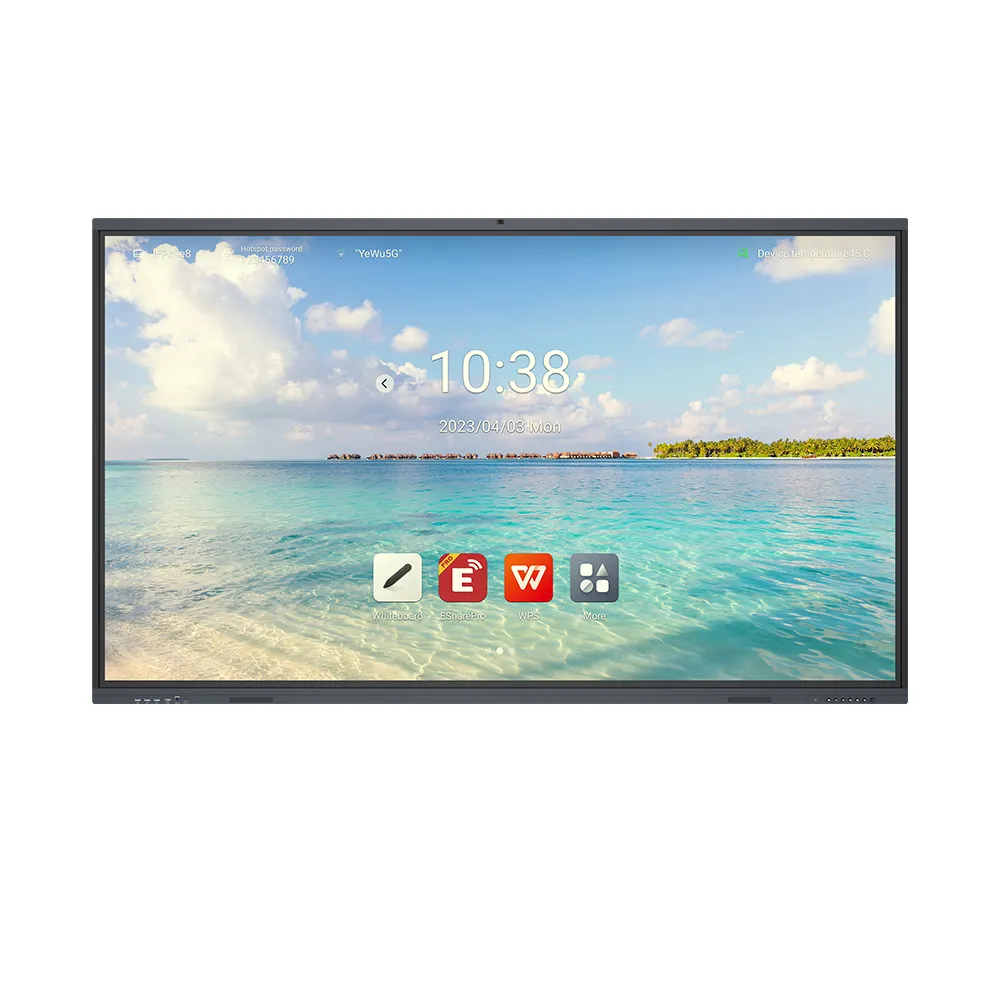
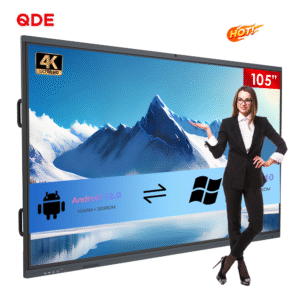
An Android Interactive Board helps schools, businesses, and government organizations improve collaboration through interactive displays. For B2B buyers, the right interactive flat panel should combine clear visuals, responsive touch, flexible connectivity, and manageable ownership costs. The featured 105-inch smart display offers four-kilopixel Ultra High Definition resolution, infrared forty-point touch, and wireless screen sharing. Additionally, Android operating system options and OEM customization support different project requirements. Buyers should confirm hardware compatibility, software needs, and installation conditions before placing bulk orders.
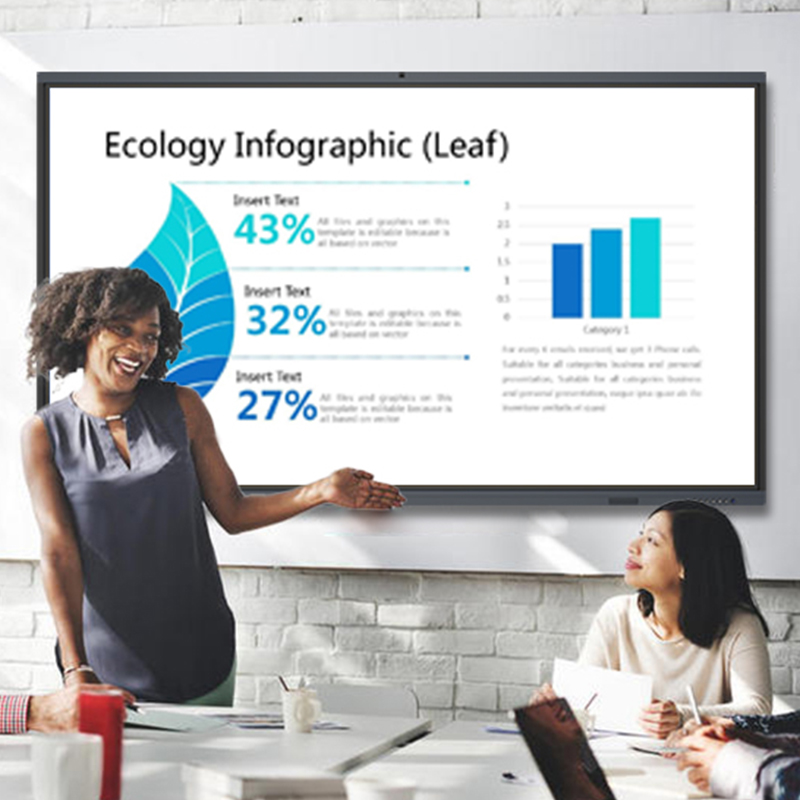
Meeting rooms and classrooms need displays that suit their viewing distances and layouts. Therefore, buyers should assess room dimensions, seating arrangements, and content types first.
The featured Android Interactive Board measures 105 inches diagonally. Its large format suits spacious conference rooms, training centers, and collaborative classrooms. Moreover, Ultra High Definition four-kilopixel resolution helps present detailed documents, diagrams, and presentations.
However, screen size alone does not determine readability. Room lighting, viewing distance, and font size also influence the experience. Therefore, review the installation layout before selecting a display.
For multi-room projects, consistent screen specifications can simplify deployment. Explore our interactive display product category to compare suitable configurations.

Interactive displays must respond naturally to writing, annotation, and group participation. Consequently, touch accuracy and simultaneous input deserve close attention.
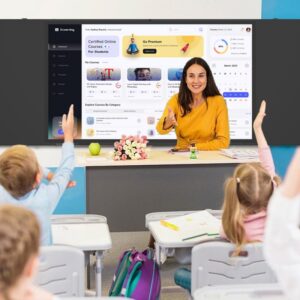
This Android Interactive Board supports infrared forty-point touch. Multiple participants can interact with compatible software and content simultaneously. For example, students can annotate diagrams while instructors explain concepts.
Similarly, meeting participants can review charts and brainstorm ideas together. However, actual collaboration depends on software support and interface design. Buyers should test writing accuracy, palm handling, and touch response with their intended applications.
The display also uses zero-bonding technology, according to the supplied specifications. Ask the supplier to explain its optical construction and cleaning requirements. This helps buyers evaluate the configuration against their usage needs.
Different organizations use different applications, collaboration platforms, and device-management systems. Therefore, operating system compatibility should guide procurement decisions.
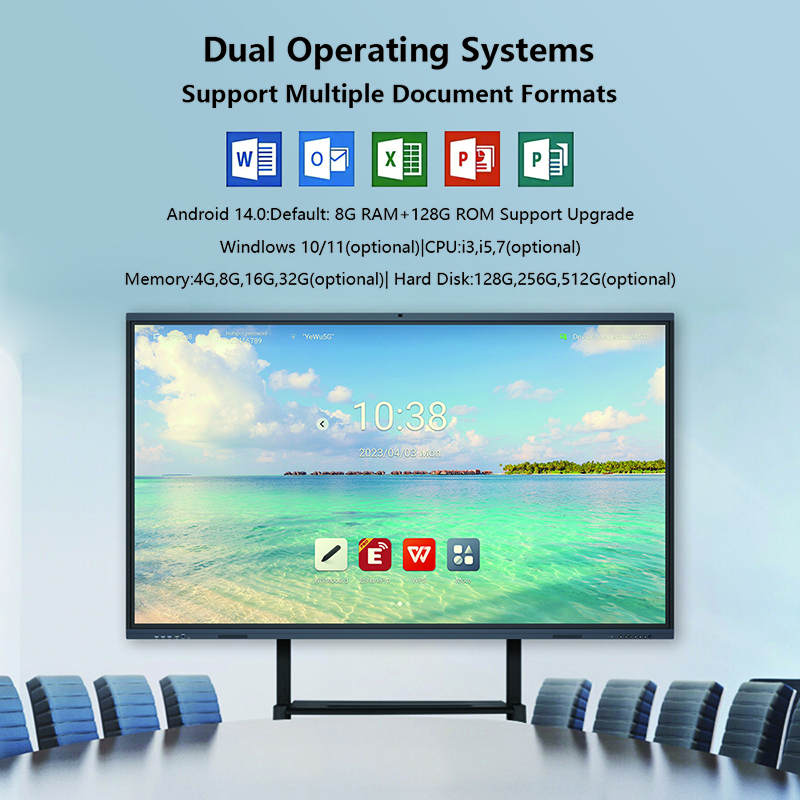
The product supports Android versions eleven through fourteen. Its standard configuration includes four gigabytes of random-access memory and thirty-two gigabytes of storage. Higher configurations can reach eight gigabytes of memory and one hundred twenty-eight gigabytes of storage.
These options give buyers flexibility when planning different workloads. Basic presentation tasks may require fewer resources. Meanwhile, multitasking and more demanding applications may benefit from higher configurations.
Before ordering, confirm the exact Android version and memory combination. Also, verify application compatibility, security updates, and available system-management features. This approach helps organizations select cost-effective hardware without unnecessary upgrades.
Modern classrooms and meeting rooms often combine laptops, mobile devices, cameras, and network services. Therefore, connectivity should support the intended workflow.
The featured display supports wireless screen sharing. This feature can help presenters share compatible devices without repeatedly changing physical connections. Additionally, the product includes a full-function Type-C interface.
However, wireless performance depends on network conditions and device compatibility. Buyers should confirm supported screen-sharing protocols and the Type-C interface capabilities. They should also check whether optional peripherals require additional ports.
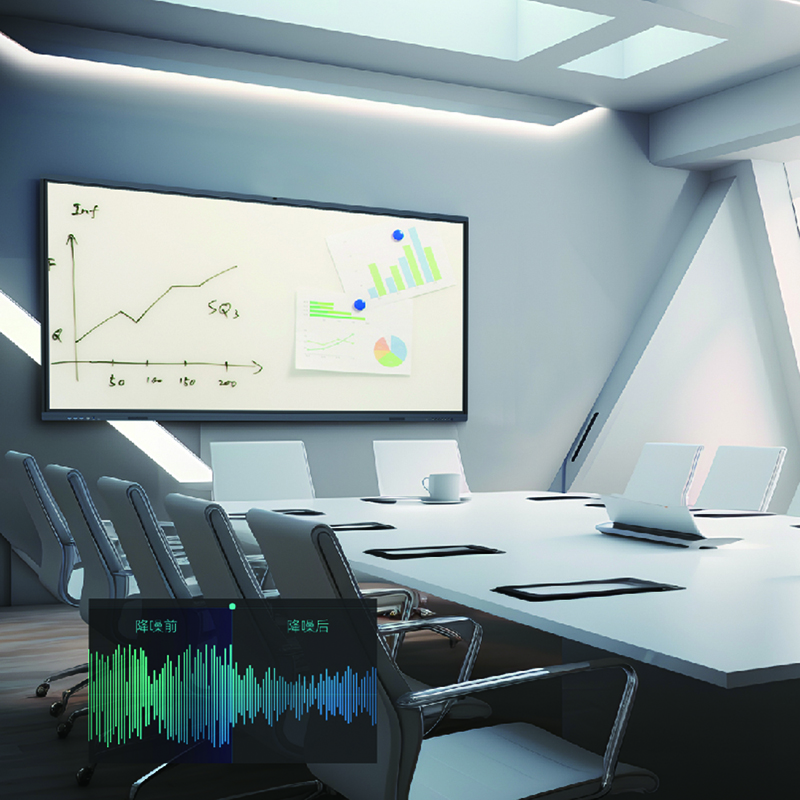
The product description lists upgraded audio and a twenty-watt speaker. These features can support presentations and everyday meetings. Larger rooms may still require external audio equipment, depending on seating and acoustic conditions.
Review our technical guide for further planning considerations before installation.
Bulk purchasing involves more than comparing initial quotations. Buyers should evaluate hardware consistency, customization, software compatibility, and after-sales support. Consequently, a structured specification review can improve purchasing decisions.
| Evaluation Item | Available Specification | Buyer Verification |
|---|---|---|
| Screen size | 105 inches | Confirm room dimensions and mounting requirements |
| Resolution | Ultra High Definition, four-kilopixel class | Verify native resolution |
| Touch | Infrared forty-point touch | Test simultaneous interaction |
| Operating system | Android versions eleven through fourteen | Confirm selected version |
| Standard memory | Four gigabytes | Match application requirements |
| Standard storage | Thirty-two gigabytes | Check software and content capacity |
| Maximum listed memory | Eight gigabytes | Confirm available configuration |
| Maximum listed storage | One hundred twenty-eight gigabytes | Confirm available configuration |
| Audio | Twenty-watt speaker | Assess room acoustics |
| Connectivity | Wireless screen sharing and full-function Type-C | Verify protocol and port capabilities |
| Certifications | Not specified | Request applicable compliance documents |
China Chip Depot offers original equipment manufacturer, original design manufacturer, semi-knocked-down, and completely-knocked-down services. These options support different distribution and assembly strategies.
Buyers can discuss custom logos, packaging, hardware configurations, and software localization. Supported language examples include Spanish, Arabic, and Indonesian. Furthermore, project teams can coordinate configuration requirements before production.
For better value, request sample testing and a written quotation. Confirm inspection procedures, warranty coverage, production lead times, and technical support. These details help distributors and integrators plan repeat orders with greater confidence.
Choosing an Android Interactive Board requires a clear understanding of room size, collaboration needs, system resources, and connectivity. The featured 105-inch display provides a large working area and flexible configuration options. Meanwhile, OEM and ODM services can support brand development and regional requirements.
For education suppliers, corporate equipment distributors, and project integrators, careful specification matching helps control costs and simplify deployment. Contact China Chip Depot with your target quantity, operating system preference, customization needs, and installation environment. This information helps the team recommend a practical configuration for your project.
 Hot News