
Home > Blog >
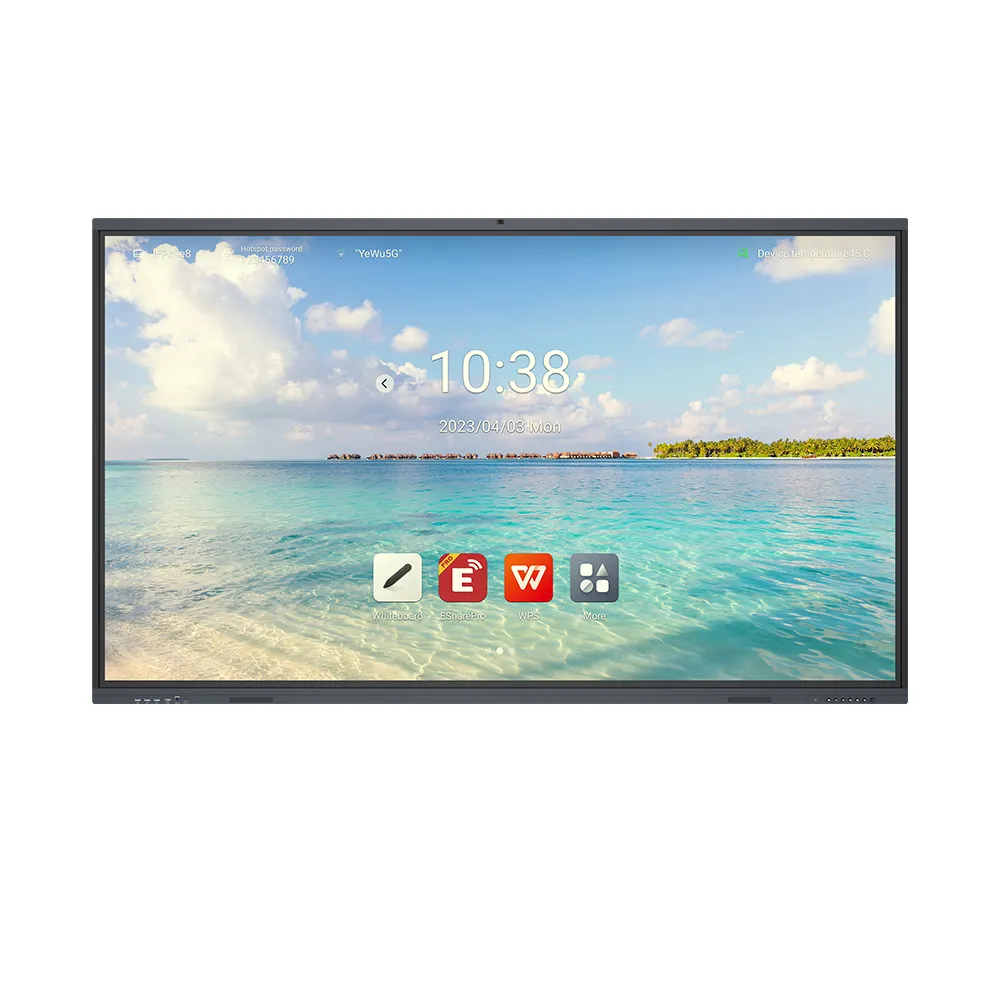
A Nano Technology Whiteboard combines traditional writing with interactive digital teaching. For schools, distributors, and project integrators, the right model should balance display quality, classroom usability, and long-term value. Therefore, buyers should assess screen visibility, writing methods, system compatibility, and customization options before placing bulk orders. An effective solution can also support multimedia lessons, collaborative activities, and localized software. For B2B buyers, dependable manufacturing and flexible OEM services further improve purchasing value.
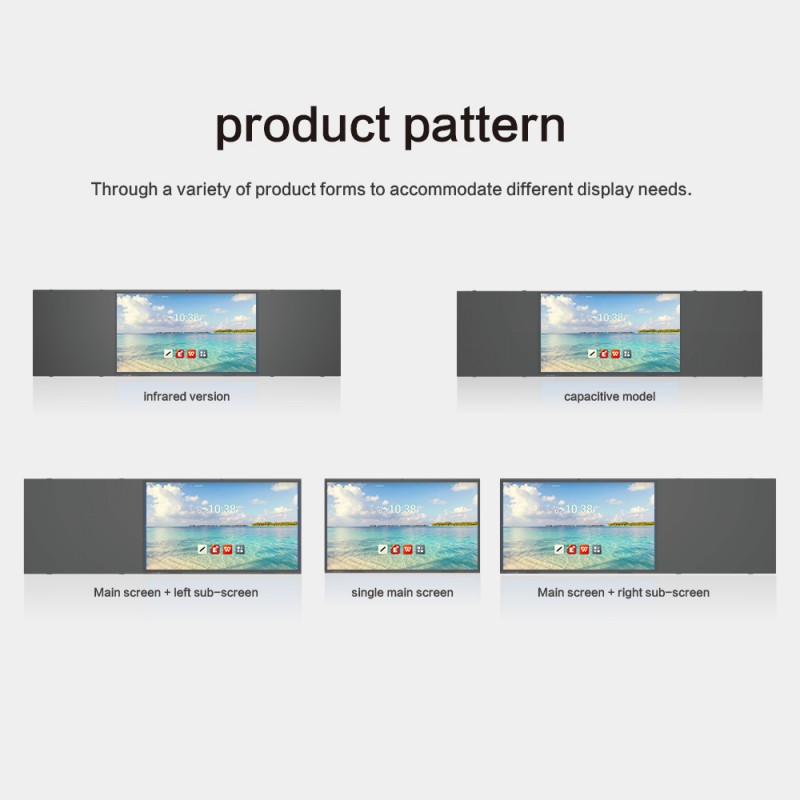
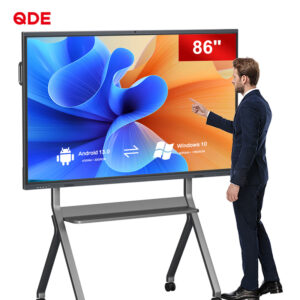
An 86-inch Nano Smart Blackboard can suit classrooms that need a large teaching surface. However, room layout and viewing distance should guide the final selection. Buyers should consider seating arrangements, installation height, and available wall space. Consequently, the display can serve more students without creating unnecessary installation costs.
The featured interactive flat panel supports 4K resolution. This helps teachers present detailed diagrams, educational videos, and digital learning materials. In addition, clear text supports lessons involving charts, maps, and technical illustrations.
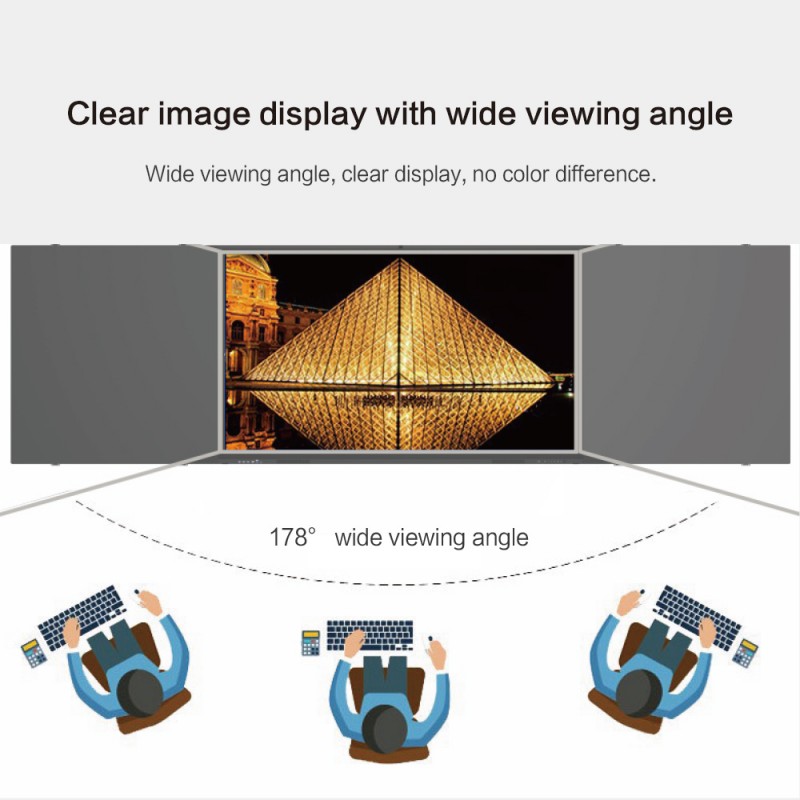
An anti-glare surface can help manage reflections from classroom lighting. Reduced blue-light emission may also support visual comfort during extended lessons. However, buyers should request the manufacturer’s supporting test reports. This helps confirm the relevant eye-care specifications before procurement.
Explore Interactive Display Products to review suitable models for different classroom projects.
Teachers often switch between handwritten explanations and digital materials. Therefore, a Nano Technology Whiteboard should support intuitive writing and smooth lesson transitions. The featured model supports chalk and stylus input on its anti-glare display. This hybrid approach connects familiar classroom habits with digital teaching workflows.
Multi-touch interaction allows teachers and students to engage with shared content. Meanwhile, intelligent annotation tools can help educators explain complex concepts directly on screen. Cloud-based lesson planning may also support preparation and content organization.
Before ordering, buyers should verify the exact touch-point count and supported writing tools. They should also confirm whether chalk input requires a specific surface mode or accessory. These checks help align product capabilities with actual classroom routines.
Teaching environments often use different applications, operating systems, and content formats. Therefore, buyers should confirm the system configuration before selecting a Nano Technology Whiteboard. The featured product description identifies built-in Android and Windows systems. However, the available operating system options may vary by configuration.
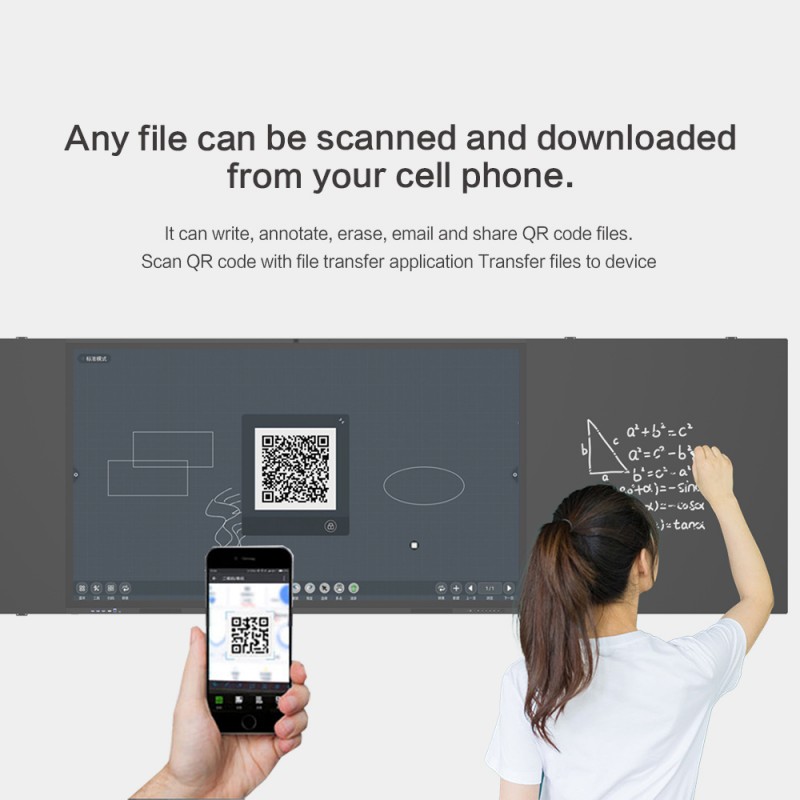
Wireless screen mirroring can help teachers share content from laptops, tablets, and smartphones. In addition, multimedia playback can support videos, three-dimensional models, and interactive learning resources. These functions can make lessons more flexible across subjects.
For each project, confirm wireless protocols, available ports, and device compatibility. Also, ask whether the required applications can run on the selected system. A clear compatibility checklist can reduce integration work after delivery.
Read the Interactive Display Technical Guide for guidance on system selection, connectivity, and deployment planning.
B2B buyers need clear specifications before comparing quotations. However, the product page does not provide every technical detail. Therefore, procurement teams should separate confirmed features from items requiring supplier verification.
| Evaluation item | Featured Nano Smart Blackboard | What buyers should confirm |
|---|---|---|
| Screen size | 86 inches | Overall dimensions and installation clearance |
| Display resolution | 4K | Native resolution and supported input formats |
| Writing methods | Chalk and stylus | Compatible tools and operating modes |
| Screen surface | Anti-glare glass | Surface durability and cleaning guidance |
| Eye-care features | Reduced blue-light emission | Applicable test reports and measurement methods |
| Touch interaction | Multi-touch | Exact touch-point count and response specifications |
| Operating systems | Android and Windows options | Included system and hardware configuration |
| Wireless sharing | Supported | Protocols and compatible devices |
| AI-assisted functions | Annotation, lesson planning, assessment | Included software, licensing, and network requirements |
| Certifications | Not specified | Applicable certificates and market-specific documentation |
This checklist helps buyers compare suppliers using consistent criteria. Moreover, written specifications can clarify responsibilities before production begins. Ask for a detailed quotation covering accessories, packaging, warranty terms, and delivery schedules.
For distributors and education technology brands, customization can create stronger market alignment. China Chip Depot offers OEM, ODM, SKD, and CKD services for interactive displays. These options support different procurement and assembly strategies.
Buyers can discuss hardware configurations, brand logos, and personalized packaging. Software localization is also available for languages such as Spanish, Arabic, and Indonesian. Therefore, regional distributors can prepare products for their target markets more efficiently.
Nevertheless, customization scope, minimum order quantities, and lead times should be confirmed for each project. Buyers should also request a sample or configuration review when practical. This helps evaluate build quality and usability before committing to larger quantities.
A suitable Nano Technology Whiteboard should offer consistent manufacturing, useful teaching functions, and a competitive total cost. For B2B procurement, value also depends on after-sales support, spare parts, and repeat-order consistency. Request these details alongside the product quotation.
Before choosing a Nano Technology Whiteboard, confirm five essential points:
Ultimately, the best choice depends on classroom requirements and project priorities. A well-matched 86-inch Nano Smart Blackboard can combine familiar writing methods with modern digital teaching. Meanwhile, flexible OEM and ODM support can help distributors build a more localized product offering.
Contact China Chip Depot to discuss specifications, customization, and wholesale pricing. Request a configuration proposal to evaluate product suitability, production requirements, and total project value before ordering.

 Hot News