
Home > Blog >
Choosing an Interactive Smart Blackboard supplier requires more than comparing screen sizes. Schools need reliable classroom displays, responsive touch technology, and practical teaching software. Meanwhile, distributors need competitive pricing and flexible OEM services. Therefore, supplier evaluation should cover hardware quality, system performance, customization, and after-sales support.
A suitable supplier can help schools improve classroom collaboration. It can also help distributors build competitive product portfolios. Here are five important factors for selecting the right partner.

Classrooms often combine presentations, digital lessons, and group activities. Therefore, teachers need displays that support different teaching methods. A suitable screen should offer clear visuals and convenient interaction.
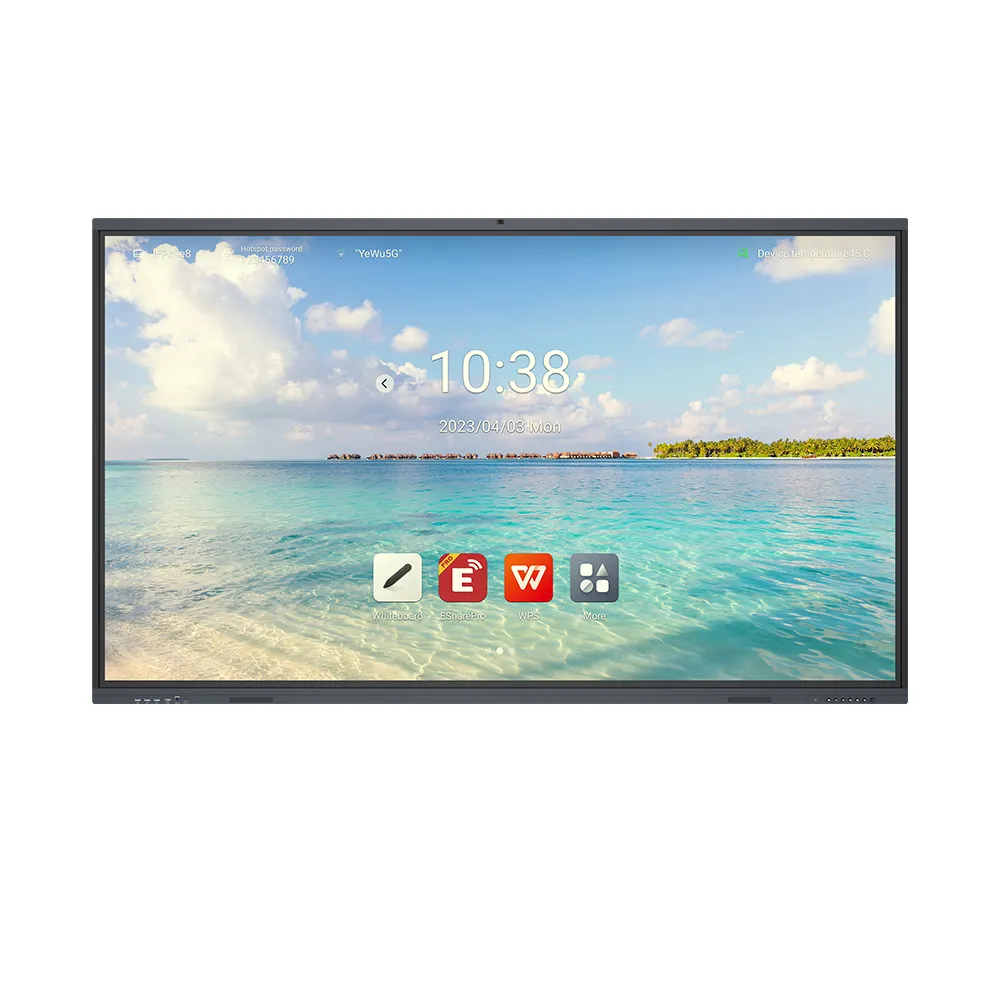
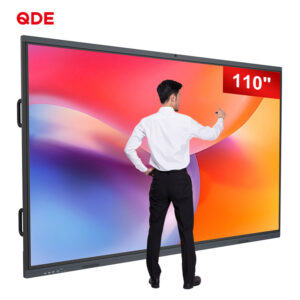
The 110-inch Interactive Smart Blackboard suits spacious classrooms and lecture halls. Its large display gives students a clear viewing area. Additionally, forty-point infrared touch supports multiple users simultaneously.
Zero-bonding technology helps reduce the visual gap. As a result, writing feels more natural during lessons. Teachers can annotate presentations and guide group activities.
For larger classrooms, display size and viewing distance matter. Therefore, buyers should assess room dimensions before ordering. This step helps schools select practical screen configurations.

Teaching software continues to develop. Meanwhile, schools use different applications and digital resources. Therefore, hardware flexibility matters when selecting an interactive display.
The V100 supports Android versions eleven through fourteen. Its standard configuration includes four gigabytes of RAM. It also provides thirty-two gigabytes of ROM.
For projects requiring more resources, higher configurations are available. Buyers can select up to eight gigabytes of RAM. Storage can also reach 128 gigabytes of ROM.
| Configuration | Standard Option | Higher Option |
|---|---|---|
| Operating system | Android 11–14 | Android 11–14 |
| RAM | 4 gigabytes | Up to 8 gigabytes |
| ROM | 32 gigabytes | Up to 128 gigabytes |
| Touch technology | Infrared | Infrared |
| Touch points | 40 points | 40 points |
| Display size | 110 inches | 110 inches |
These options support different classroom requirements. However, buyers should confirm software compatibility. They should also match memory capacity with expected workloads.
Modern classrooms connect multiple devices. Teachers may use laptops, tablets, cameras, and external storage. Consequently, flexible connectivity improves daily teaching workflows.
The V100 includes a full-function Type-C port. This interface supports compatible video and data transmission. It also supports power delivery up to sixty-five watts.
However, connected devices must support relevant functions. Therefore, buyers should confirm compatibility before deployment.
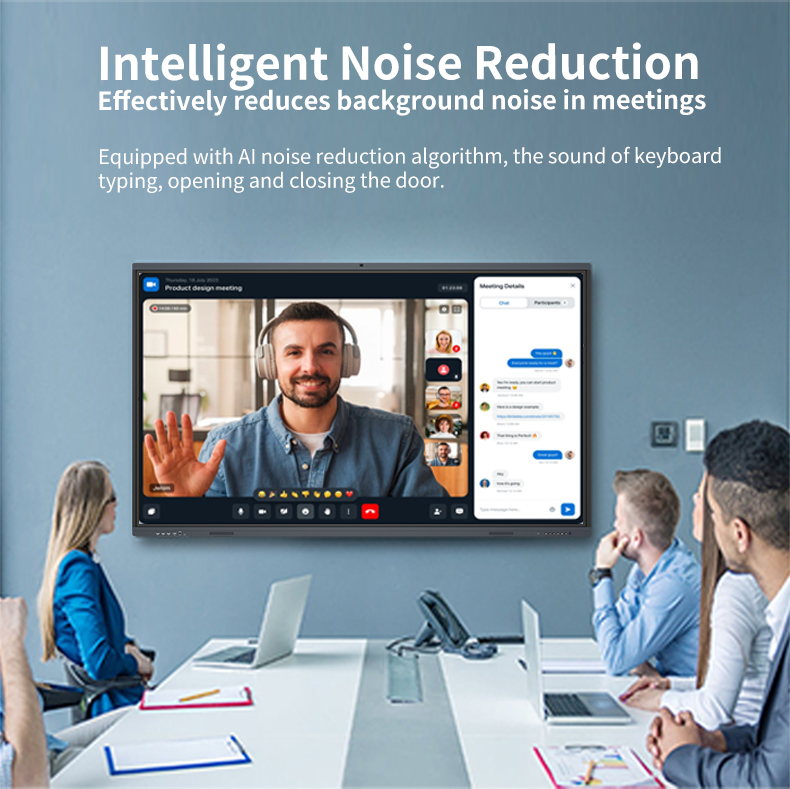
The upgraded audio system also supports classroom presentations. Clear sound helps teachers deliver lessons more conveniently. For larger venues, evaluate room acoustics and speaker coverage.
Distributors can explore our interactive display product range for additional configurations.

Different education markets have different purchasing requirements. For example, distributors may need localized software interfaces. Meanwhile, project integrators may require specific hardware configurations.
A capable Interactive Smart Blackboard supplier should offer flexible cooperation. The V100 supports OEM, ODM, SKD, and CKD services.
Customization options include:
Language options can include Spanish and Arabic. Indonesian localization is also available. These services help distributors serve regional education markets.
Furthermore, discuss minimum order quantities and lead times. Ask about sample approval and production inspection. Clear arrangements support smoother wholesale purchasing.
Schools often plan equipment purchases for long-term use. Therefore, product quality and supplier support deserve careful attention. Buyers should review manufacturing procedures and inspection arrangements.
Ask suppliers about incoming material inspections. Also, review assembly and final testing procedures. These checks help maintain product consistency.
Additionally, confirm warranty terms and spare parts availability. Technical support matters during installation and daily operation. For more purchasing guidance, visit our interactive display technical guide.
| Evaluation Item | What Buyers Should Confirm |
|---|---|
| Touch performance | Forty-point infrared touch |
| Display technology | Zero-bonding technology |
| System options | Android 11–14 |
| Hardware upgrades | RAM up to 8 gigabytes |
| Storage options | ROM up to 128 gigabytes |
| Connectivity | Full-function Type-C |
| Customization | OEM, ODM, SKD, CKD |
| Quality assurance | Inspection and testing procedures |
| After-sales support | Warranty and technical assistance |
These details help buyers assess supplier capabilities. However, always request written specifications. Confirm the final configuration before placing bulk orders.
Selecting an Interactive Smart Blackboard supplier requires a complete evaluation. Schools should consider screen size, touch accuracy, and system performance. Meanwhile, distributors should examine customization and wholesale value.
The V100 combines a 110-inch display with forty-point touch. It also offers flexible Android configurations and OEM services. These features support different classroom and project requirements.
China Chip Depot provides interactive display customization solutions. Our team supports distributors, brand owners, and project integrators. Contact us to discuss your requirements and request a wholesale quotation.
 Hot News