
Home > Blog >
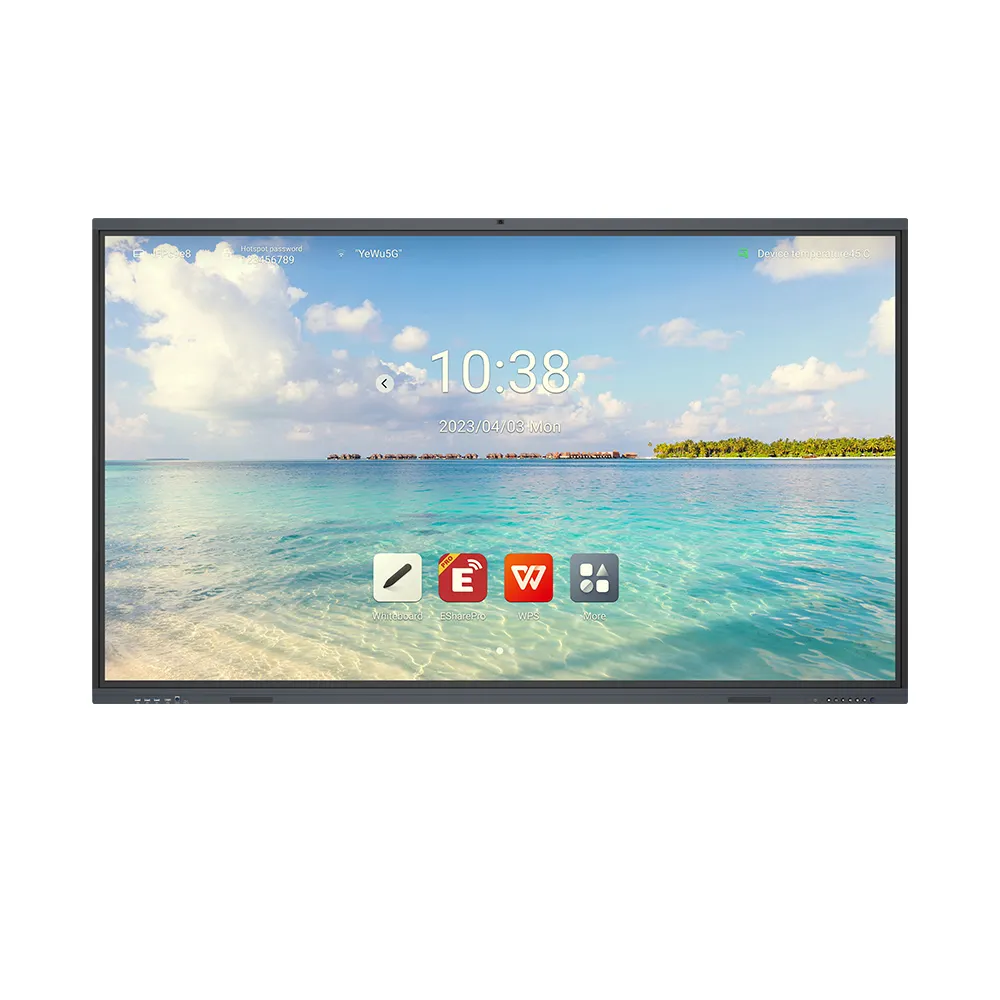
Investing in modern classroom technology is a huge step forward. An Educational Interactive Board transforms how teachers deliver complex lessons. However, these advanced tools require consistent and professional care. Many schools overlook maintenance once the installation finishes. Consequently, expensive hardware can fail much earlier than expected.
Proper upkeep is not just about keeping things clean. It is about protecting a vital educational investment. Think of it like maintaining a high-performance car. Small, regular actions prevent massive mechanical failures later. This guide provides expert tips to keep your board running. Let us explore the science of long-term hardware health.
The screen of an Educational Interactive Board is highly sensitive. It often uses infrared or capacitive touch technology. These systems rely on clear paths for light or electricity. Even microscopic debris can interfere with these delicate signals.
Physics tells us that screens naturally attract dust via static. When dust settles, it creates friction during touch gestures. This friction can lead to “micro-scratches” over several years. Furthermore, heavy dust blocks infrared sensors hidden in the frame. This results in “ghost touches” or unresponsive areas. Regular cleaning breaks the static bond and ensures accuracy.
Electronic components generate heat during high-speed data processing. Most boards have internal cooling systems or heat sinks. If dust blocks the vents, the internal temperature rises. Consequently, the processor may slow down to prevent melting. This is known as “thermal throttling” in engineering terms. Keeping vents clear ensures the board stays fast and responsive.
How do you treat an expensive pair of glasses? You would never use a rough paper towel. You avoid using harsh chemicals like window cleaner. The same logic applies to your Educational Interactive Board.
Always use a high-quality microfiber cloth for the screen. These cloths trap dirt without scratching the protective coating. Avoid using tap water if your area has hard water. Minerals in the water can leave “scum” on the glass. Use distilled water or a dedicated screen cleaner instead. Spray the cloth, never the screen, to prevent liquid seepage.
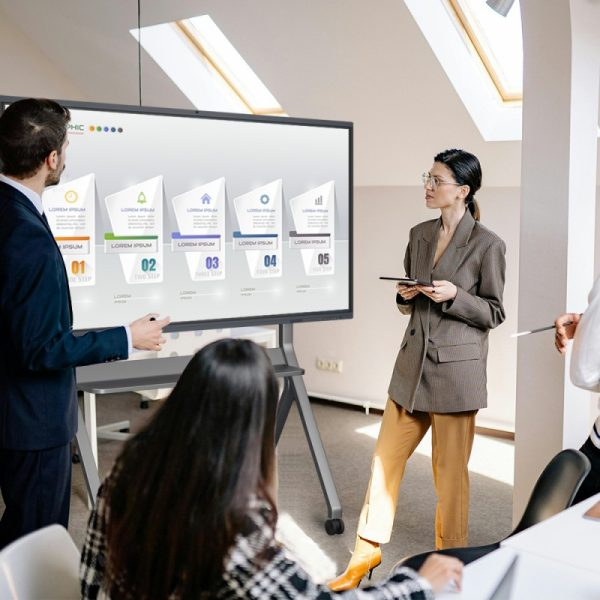
Classrooms are high-energy environments where accidents happen. Teach students to use only approved styluses or clean fingers. Sharp objects like pens or rulers can puncture the surface. Think of the screen as a giant smartphone. You must treat it with the same level of caution.
[Discover our digital classroom equipment for school administrators.]
A structured schedule is the best way to ensure longevity. We recommend a three-tier approach to board maintenance.
Daily: Gently wipe the screen with a dry cloth.
Weekly: Use a damp cloth for stubborn fingerprints.
Monthly: Vacuum the air vents and check cable connections.
Software issues often stem from loose physical hardware. Check the HDMI and USB ports for any “wiggle” room. Dust can also collect inside these ports over time. Use compressed air to blow out debris from the connectors. This prevents signal loss during important classroom presentations.
Maintenance is not just physical; it is also digital. Manufacturers release updates to fix bugs and improve touch speed. Set your Educational Interactive Board to update during off-hours. This keeps the internal software compatible with new teaching apps. A “clean” system runs cooler and lasts much longer.
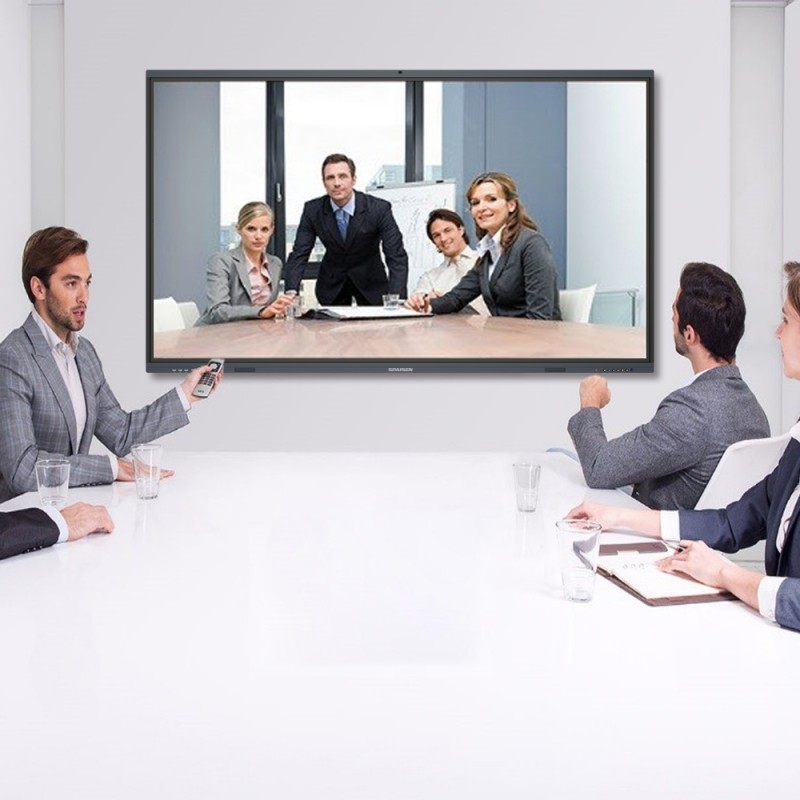
Every dollar spent on technology is a dollar for the students. When a board breaks, the learning process stops abruptly. This “downtime” has a high cost in lost teaching hours.
Most smart boards should last seven to ten years. However, poor care can cut this to five years. By following a routine, you add years of useful life. This allows the school to delay expensive replacement costs. You can then spend those saved funds on other resources.
A well-maintained board looks bright and reacts instantly. This keeps students engaged and focused on the lesson. In contrast, a laggy, dirty screen causes frustration and boredom. High-quality maintenance directly supports a high-quality learning environment.
[Read more about classroom technology longevity solution.]
Sometimes, the touch point does not match the finger’s position. This is a common calibration issue, not a hardware failure.
Run Calibration Tools: Most boards have a built-in wizard.
Clean the Frame: Wipe the inner edges where sensors live.
Check Lighting: Strong direct sunlight can confuse infrared sensors.
Restart System: A weekly power cycle clears the cache memory.
Do not leave the board on “Standby” all weekend. Modern screens have a limited “backlight life” in hours. Turn the unit off completely on Friday afternoons. This simple habit preserves the brightness of the LED panel. It also reduces the risk of power surges during storms.
| Feature | Professional Maintenance | Neglected Hardware |
| Touch Response | Instant and Accurate | Laggy or “Ghost Touches” |
| Visual Quality | Bright and Clear | Dull with Smudges |
| Internal Temp | Cool and Stable | High / Overheating Risk |
| Expected Life | 8 – 10 Years | 4 – 5 Years |
| Repair Costs | Minimal (Cleaning supplies) | High (Panel replacement) |

The Educational Interactive Board is the heart of the modern classroom. It deserves the same respect as a library or lab. By following these physics-based tips, you protect your school’s future. Keep the screen clean, the vents clear, and the software updated.
Maintenance is a small price for such a powerful tool. It ensures that every student sees the world clearly. Start your maintenance routine today and lead by example. A well-cared-for board is a sign of a professional school. Protect your investment, and it will serve your students for a decade.
 Hot News