
Home > Blog >
The modern workplace is changing rapidly. Many teams now operate in hybrid environments. Consequently, achieving “meeting equity” has become a major challenge. Meeting equity ensures everyone has an equal voice.
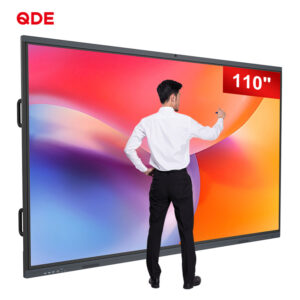
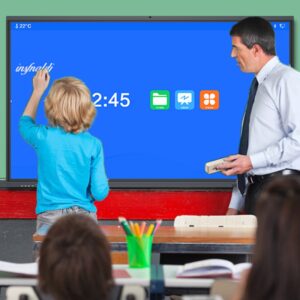
Surprisingly, the best solution comes from the education sector. A digital whiteboard for classroom is no longer just for schools. This technology bridges the gap between physical and digital spaces. It ensures that remote participants feel seen and heard.
Meeting equity means providing a fair experience for all. In-person attendees often dominate the conversation. Meanwhile, remote workers struggle to contribute.
Remote participants often feel like “ghosts” in the room. They see a blurry view of a physical board. However, interactive display technology for corporate training changes this. It digitizes every stroke in real-time.
A digital whiteboard for classroom syncs data instantly. Everyone sees the same high-resolution content. Therefore, location no longer limits a person’s contribution. Inclusion becomes a natural part of the workflow.
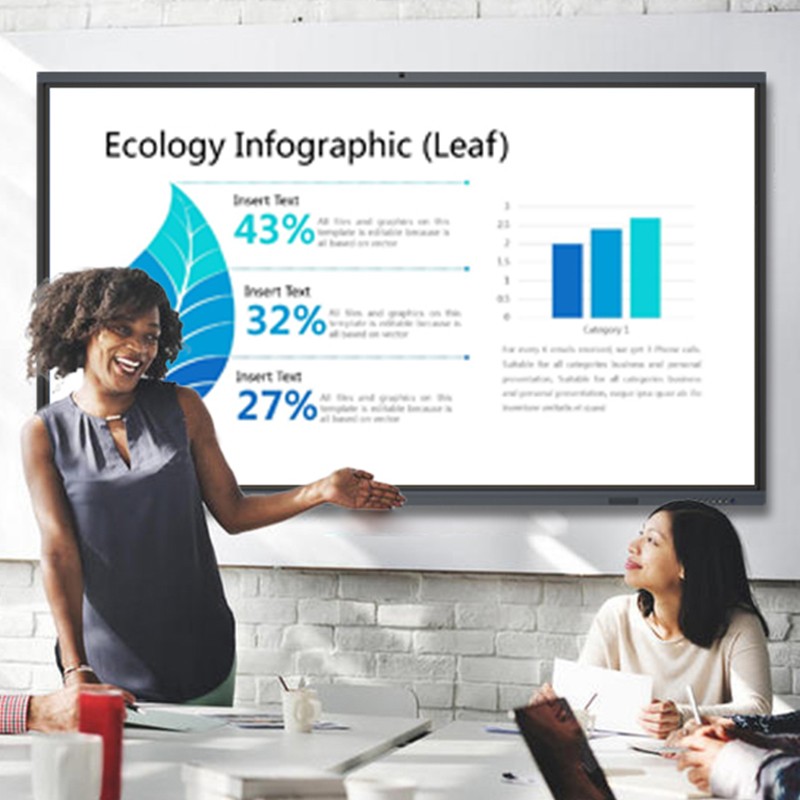
Government agencies and corporations have strict needs. They require security, durability, and ease of use.
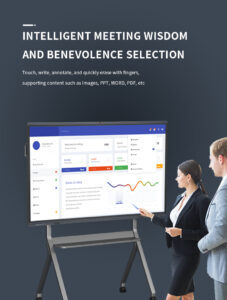
A digital whiteboard for classroom excels at group work. These boards allow multiple users to write simultaneously. This feature is perfect for corporate brainstorming sessions. It encourages shy participants to share digital “sticky notes.”
Government briefings require high security and clear visuals. Modern boards offer encrypted screen sharing. Furthermore, they integrate with existing secure networks. This makes them the best smart boards for government departments.
Insights from Tech Forums 💬
|
How exactly does this hardware solve the equity gap? It comes down to specific interactive features.
Most boards offer cloud-based canvases. Remote users log in from their laptops. They can write on the board from miles away. Consequently, the “power” stays with the ideas, not the room.
A digital whiteboard for classroom often includes 4K cameras. These cameras use AI to track the speaker. This prevents remote viewers from feeling lost. It creates a “front-row” experience for everyone.
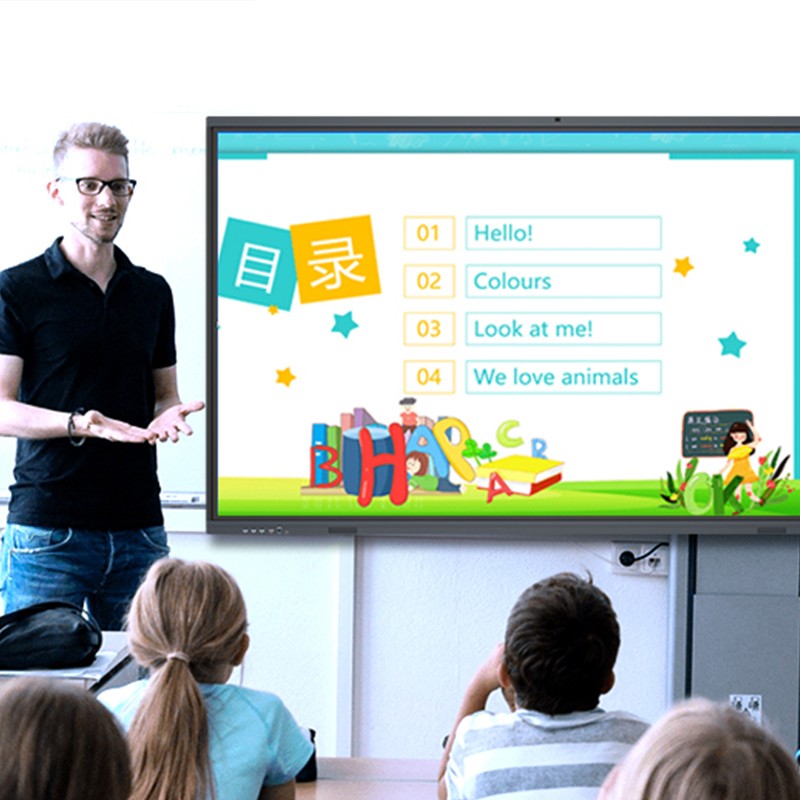
Choosing a digital whiteboard for classroom is an investment. You must ensure your team knows how to use it.
Digital First Mentality: Always write on the digital screen. Avoid using old physical flipcharts.
Enable Remote Editing: Grant “editor” access to remote colleagues.
Record Every Session: Use the board’s recording feature for absent members.
Utilize Templates: Use built-in charts for faster brainstorming. 📊
The public sector is moving toward digital transformation. Efficiency and transparency are now mandatory.
A digital whiteboard for classroom simplifies complex data. Officials can overlay maps and live data feeds. This is vital for emergency response teams. It provides a “single source of truth” for the whole team.
These devices are built for heavy classroom use. Therefore, they are incredibly durable for office life. They offer a lower total cost of ownership. This makes them ideal for long-term government contracts. 📜
Some teams fear the learning curve of new tech.
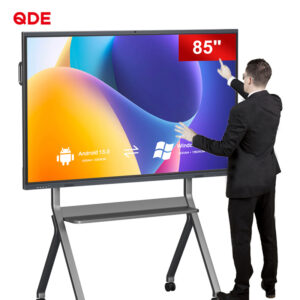
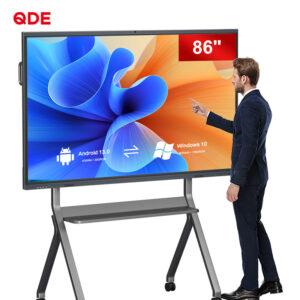
Modern boards use familiar Android or Windows OS. If you can use a tablet, you can use these. Most digital whiteboard for classroom models are “plug-and-play.”
Security is a top priority for corporate and government users. Always choose boards with enterprise-grade protection. Ensure they support secure login protocols like LDAP or QR codes.
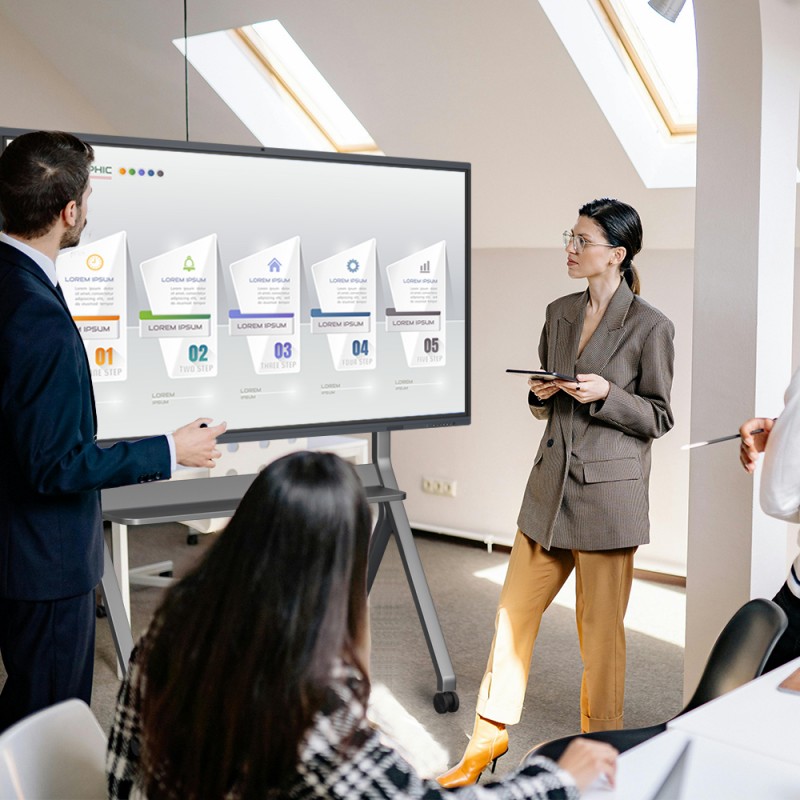
Meeting equity is not a luxury. It is a necessity for modern success. A digital whiteboard for classroom is the perfect tool. By improving remote team collaboration, you empower your staff. You ensure that every voice contributes to the goal. Whether in a school or a boardroom, technology unites us. Invest in inclusive tools today for a better tomorrow.

 Hot News