
Home > Blog >
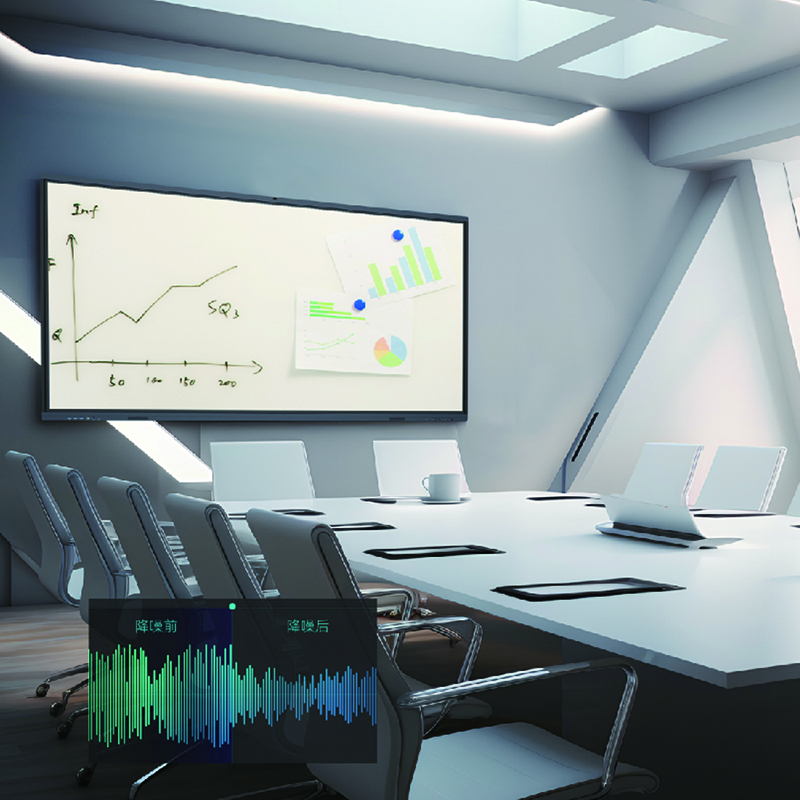
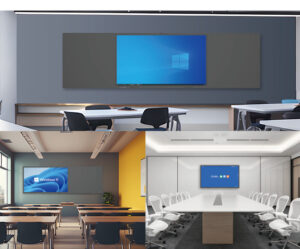
A 4K smart board for meeting room presentations helps teams share detailed visuals and collaborate more efficiently. As businesses adopt hybrid meetings, interactive flat panels bring presentations, annotation, and group discussions together. Moreover, a large touchscreen helps participants examine charts and documents more clearly.
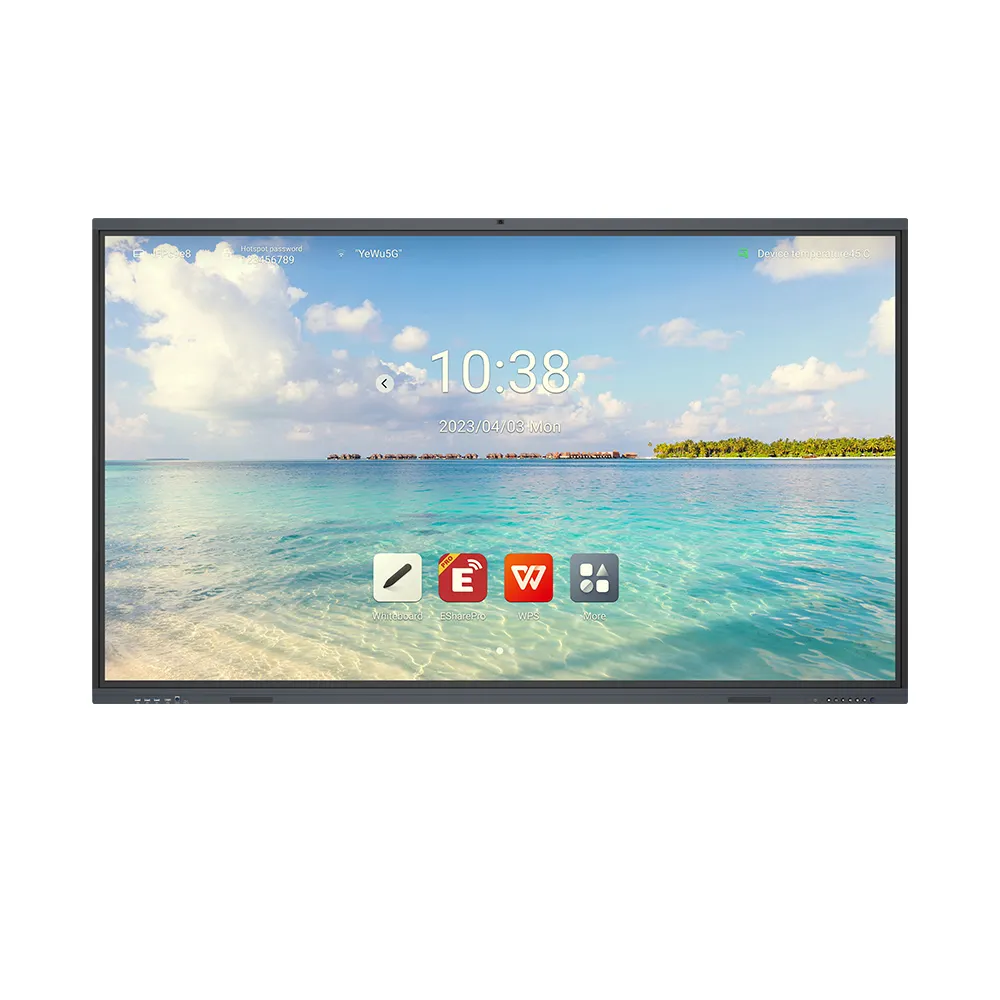
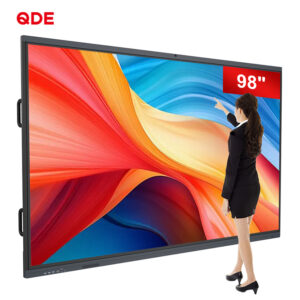
China Chip Depot offers a 75-inch 4K interactive whiteboard for meeting rooms and classrooms. It combines Ultra HD resolution, infrared touch, Android operating systems, and integrated audio. Therefore, businesses can create interactive presentations without relying solely on traditional projection equipment.
Traditional presentation workflows often separate displayed content from participant interaction. Consequently, presenters may need additional equipment to explain complex diagrams or revise ideas.
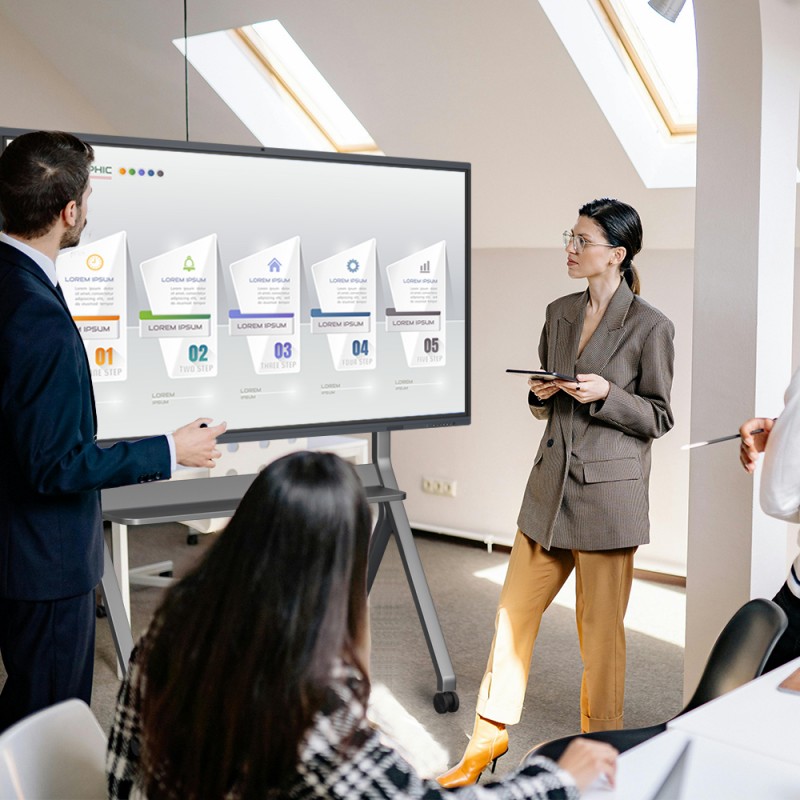
A 75-inch interactive display creates a shared visual workspace. Presenters can discuss project timelines, examine financial charts, and explain product designs on one screen. Meanwhile, participants can interact directly with displayed content.
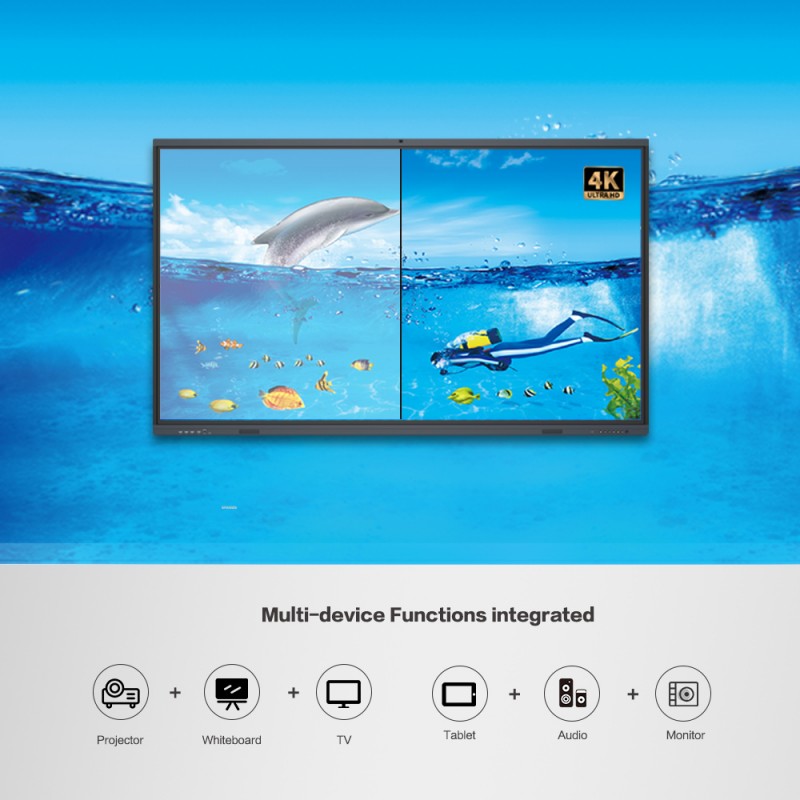
The display supports 4K Ultra HD resolution. This provides additional image detail for complex diagrams, spreadsheets, and product demonstrations. Furthermore, the large display helps teams review information during group discussions.
For example, engineering teams can examine drawings during design reviews. Similarly, sales teams can present product images and marketing materials. However, the source content must support sufficient resolution to benefit fully.
A 4K smart board for meeting room installations can therefore support presentations that combine text, graphics, and visual demonstrations. Its effectiveness depends on content quality, viewing distance, and room layout.
Meetings often involve brainstorming, reviewing proposals, and assigning follow-up tasks. However, discussions become more practical when participants can annotate information directly.
The featured smart board uses high-accuracy, 40-point infrared touch technology. Therefore, multiple participants can interact with the screen during suitable collaborative activities.
Teams can highlight important figures, annotate documents, and develop ideas together. Moreover, presenters can use touch interactions to guide attention toward specific details.
Consider a weekly project review. The team can open a schedule, mark delayed tasks, and record proposed changes. Meanwhile, colleagues can discuss priorities around the same display.
This workflow also suits training sessions and classroom presentations. However, the applications and connected computer must support the required annotation functions.
The product also features zero bonding technology. Buyers should confirm its specific implementation and optical benefits when evaluating display performance.
Explore our Interactive Flat Panel Product Category to compare display sizes and available meeting-room solutions.
Meeting rooms often connect laptops, presentation devices, and external equipment. Therefore, interface availability can influence setup time and installation flexibility.
The featured display provides a full-function USB Type-C interface. Depending on the connected device and implementation, Type-C can simplify compatible data, video, and power connections.
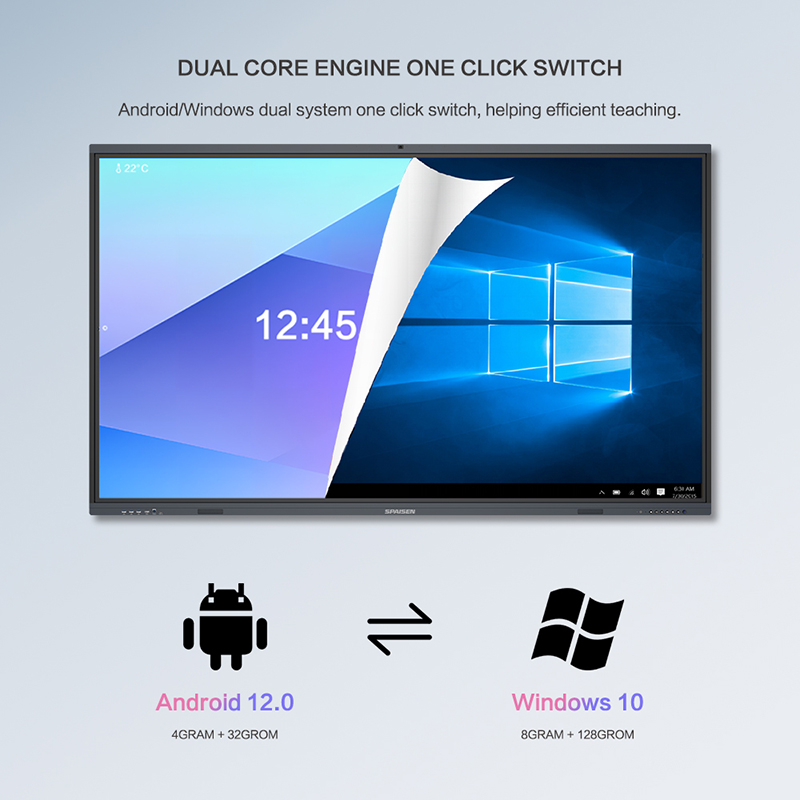
The system supports Android versions 11, 12, 13, and 14. Its standard configuration provides 4 GB of RAM and 32 GB of storage. Additionally, higher configurations can offer up to 8 GB of RAM and 128 GB of storage.
These options help buyers select a configuration suited to their applications. For example, basic presentation activities may require fewer resources than demanding interactive applications.
The display also includes upgraded audio and a 20-watt speaker system. Consequently, teams can use integrated sound for presentations and video playback.
However, room acoustics and audience size affect sound coverage. Larger conference spaces may benefit from an external audio system.
Read our Technical Guide for practical advice on interactive display selection and system integration.
Selecting a suitable display requires balancing screen size, computing resources, connectivity, and installation needs. Therefore, OEM buyers should evaluate the intended meeting environment before confirming an order.
For example, a compact meeting room may prioritize available wall space. Meanwhile, a training room may need a mobile stand and more flexible viewing arrangements.
The following table summarizes the featured model’s main capabilities. Buyers should confirm any configuration-dependent features before ordering.
| Parameter | Specification | Selection Consideration |
|---|---|---|
| Screen size | 75 inches | Match room dimensions and viewing distance |
| Display resolution | 4K Ultra HD | Confirm source-device compatibility |
| Touch technology | Infrared, 40-point touch | Check software and interaction requirements |
| Operating system | Android 11, 12, 13, or 14 | Confirm the selected version |
| Standard memory | 4 GB RAM, 32 GB storage | Evaluate application requirements |
| Maximum listed configuration | 8 GB RAM, 128 GB storage | Confirm availability |
| Audio | 20-watt speaker | Assess room acoustics |
| Connectivity | Full-function USB Type-C | Verify supported functions |
| Installation | Adjustable mobile stand available | Consider room flexibility |
| Certifications | Not specified in the supplied information | Request relevant documentation |
China Chip Depot supports OEM, ODM, SKD, and CKD services. Furthermore, customers can discuss hardware configurations, private-label branding, packaging, and software language localization.
These options suit distributors, brand owners, and project integrators. For international deployments, language customization can support local users. Nevertheless, buyers should confirm software compatibility and customization scope before production.
A 4K smart board for meeting room projects may serve corporate offices, training centers, educational institutions, or government facilities. Each environment brings different software, installation, and branding requirements.
For corporate offices, teams may prioritize presentation workflows and conferencing compatibility. Meanwhile, schools may emphasize interactive lessons and group participation.
China Chip Depot works with customers on customized configurations. Buyers can discuss branding, localized interfaces, and personalized packaging. Additionally, optional built-in OPS support may help integrate compatible computing hardware.
An adjustable mobile stand can also support flexible room arrangements. For example, organizations can move the display between training spaces and meeting areas, subject to the installation requirements.
Before ordering, confirm touch performance, connection compatibility, operating system requirements, and mounting arrangements. Also, request samples or demonstrations when practical.
These steps help purchasing teams assess suitability before deploying multiple units. Ultimately, a well-selected interactive display can support more organized presentations and productive collaboration.
Q1: What are the main benefits of a 4K smart board for meeting room use?
It provides detailed visuals, touch-based annotation, and shared interaction. Consequently, teams can review documents, explain concepts, and discuss project updates more directly.
Q2: Can several people use the touchscreen simultaneously?
The display supports 40-point infrared touch. However, actual collaborative features depend on the application, operating system, and connected hardware.
Q3: Can China Chip Depot customize the display for private-label projects?
Yes. The company offers OEM, ODM, SKD, and CKD services. Options include branding, packaging, hardware configuration, and software language localization.
Q4: Is the 75-inch display suitable for every meeting room?
Not necessarily. Buyers should consider room dimensions, viewing distance, installation space, and audience size. A mobile stand may provide additional flexibility.
Q5: What should buyers confirm before placing a bulk order?
Confirm the operating system, memory configuration, connectivity, mounting options, and required documentation. Additionally, clarify customization details, sample availability, production schedules, and after-sales support before finalizing procurement.


 Hot News