
Home > Blog >
Choosing the right classroom technology is an important decision. Traditionally, the standard equipment for visual learning has been the projector. However, with rapid advancements in technology, most schools now prefer to use interactive displays for teaching. So, is a projector still a viable option for your school? Or should you upgrade to an interactive whiteboard? This guide will explain the main differences between the two, including image quality, interactive features, and long-term costs, to help you find the best solution for your students.
Visibility is the most important factor in a classroom. Students must see the content clearly from every desk.
Projectors rely on reflected light. Consequently, they often look washed out in bright rooms. You must dim the lights to see the screen. This makes it harder for students to take notes. Furthermore, shadows often block the view when teachers stand up.
Modern interactive displays for education use LED backlighting. They offer crisp 4K resolution and high brightness. You can use them in fully lit rooms. Many screens also feature anti-glare coatings. This ensures a clear view from every angle.
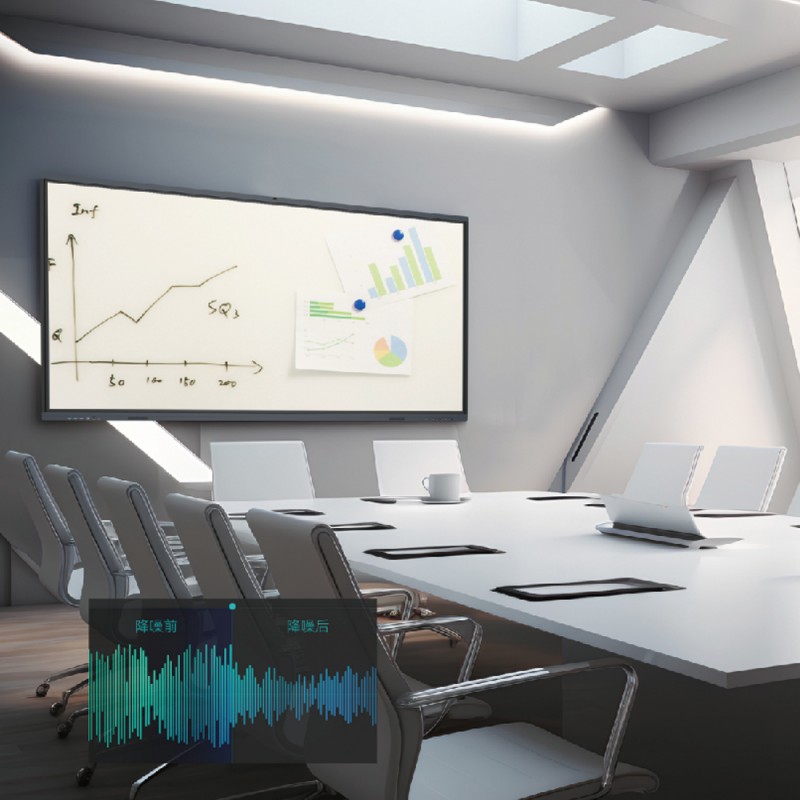
Modern teaching requires more than just sitting and watching. Enhancing student engagement with tech is a top priority today.
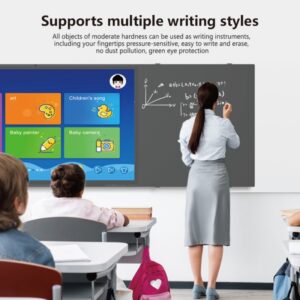
Projectors are mostly passive tools. You show a video or a slide. In contrast, interactive displays for education encourage active participation. Students can touch the screen to move objects. They can solve puzzles or draw directly on the board.
A smart display allows multiple students to work together. They can collaborate on a single math problem. This teamwork is impossible with a standard projector setup. Interactive tech turns a lecture into a workshop.
Below is a detailed breakdown of how these two technologies compare.
| Feature | Traditional Projectors | Interactive Displays for Education |
| Resolution | Usually 1080p or lower | Ultra HD 4K |
| Lighting Needs | Requires dark rooms | Works in bright light |
| Maintenance | High (Lamp changes/filters) | Low (No lamps to replace) |
| Lifespan | 3,000 – 5,000 hours | 50,000+ hours |
| Interactivity | None (unless expensive add-ons) | Built-in Multi-touch |
| Shadows | High interference | Zero interference |
Projectors often have a lower initial price. However, they require expensive replacement lamps. They also consume significant electricity. Over five years, the maintenance costs add up.
An interactive displays for education unit costs more initially. Yet, it lasts much longer. There are no lamps to buy. It uses less power. Most importantly, it includes built-in software. You don’t need to buy extra computers or speakers.
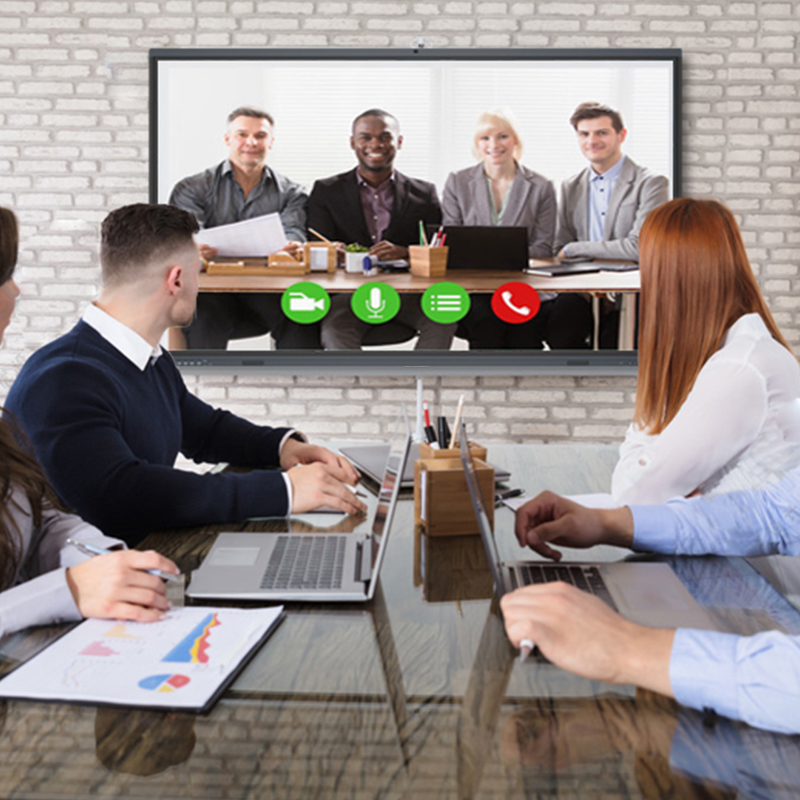
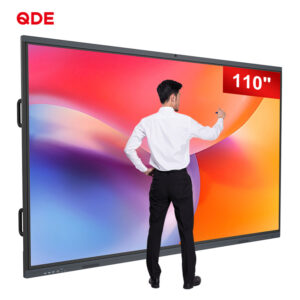
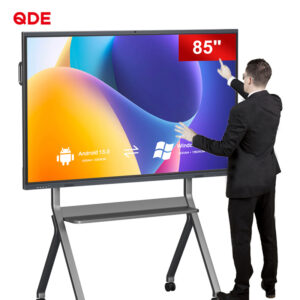
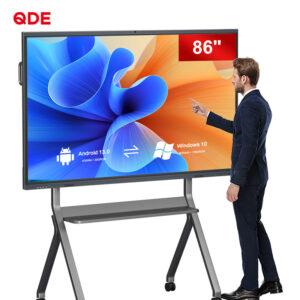
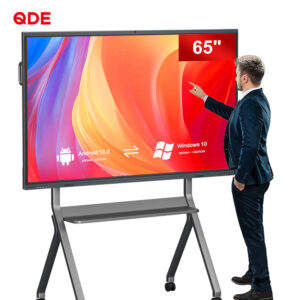
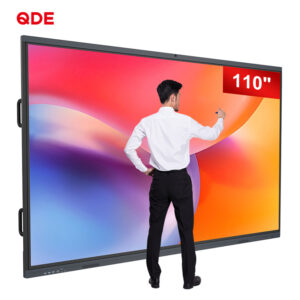
If you want the best interactive screens for schools, look at QDE. This display is designed specifically for modern learning. It combines power, style, and efficiency.
The QDE features an Od20mm ultra-thin module. The total thickness is less than 86mm. It looks modern and professional. It has no extended antennas or convex structures. This ensures the integrity of the whole machine.
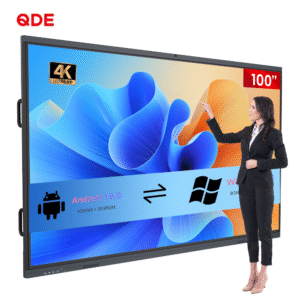
Enjoy a stunning 4K HD display. The AG anti-glare tempered glass is incredibly tough. It features Mohs grade 7 hardness. This protects the screen from scratches and impacts. The picture remains soft and clear for young eyes.
QDE allows you to switch between Windows and Android freely. It integrates a computer, Android TV, and a touch screen. It even functions as a professional electronic whiteboard. This versatility supports any lesson plan.
Sustainability is a key feature of the QDE system.
You can turn off the LCD backlight with one key. This reduces power consumption by more than 80%. You don’t even have to turn off the power. This is perfect for quick teacher breaks.
The screen automatically adjusts to ambient light. This saves energy throughout the day. More importantly, it protects student eyes from strain. This is vital for enhancing student engagement with tech during long classes.
QDE comes ready for action with a full software suite.
Interactive Teaching Experience: Multi-touch allows many students to collaborate.
Educational Software Suite: Includes math tools and science simulations.
Wireless Projection: Mirror laptops or tablets without any cables.
Built-in Audio System: Integrated speakers ensure everyone hears the lesson.
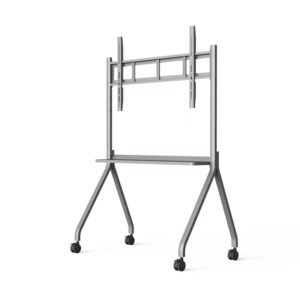
Optional Accessories: Add microphones, cameras, or brackets as needed.
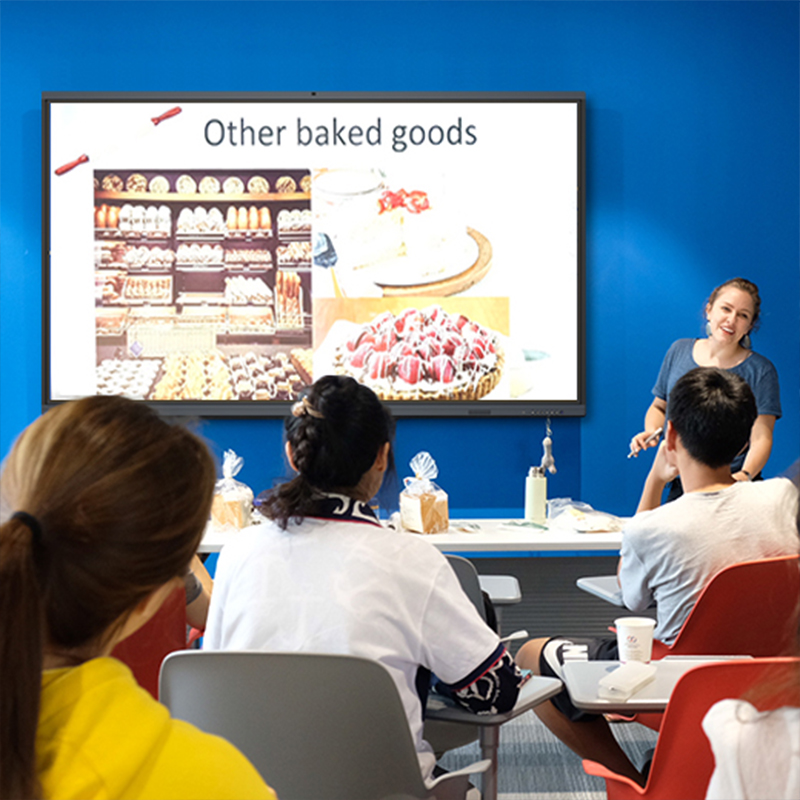
The classroom technology comparison is clear. Projectors are a thing of the past. Interactive displays for education provide better value and better results. By choosing a solution like QDE, you empower your teachers. You create a vibrant, interactive environment for your students. This is the best way to prepare them for a digital future. Invest in quality hardware today. Your students deserve the best tools for success!
 Hot News