
Home > Blog >
Choosing the right display shape is a critical design decision. Most engineers debate between classic square and modern circular shapes. Specifically, the circular LCD screen large format is trending in 2026. But which shape offers superior visual clarity?
The answer lies in Pixel Density, or PPI. PPI determines how sharp your images appear to the eye. Therefore, understanding the math behind these shapes is essential.
Pixel Density refers to the number of pixels per inch. High PPI means the human eye cannot see individual pixels. Consequently, images look smooth, realistic, and incredibly crisp.
For a circular LCD screen large in size, PPI is vital. Large screens often risk looking “pixelated” if density is low. Square screens follow a standard grid that is easy to calculate. However, circular screens cut off corners, which changes the visual perception. Thus, you must evaluate PPI based on the active viewing area.
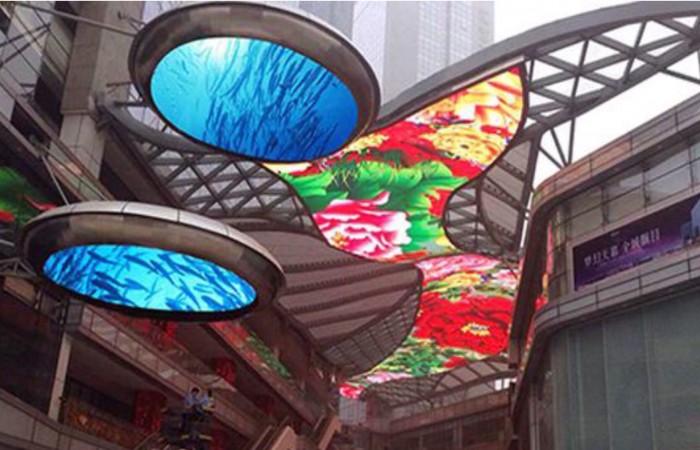
Square and rectangular screens are the industry standard. They use a simple rows-and-columns grid system. This makes manufacturing very efficient and cost-effective.
In a square display, every pixel has a fixed neighbor. This creates a very uniform look across the entire panel. Furthermore, software developers prefer square grids for easy UI scaling. Most standard apps fit perfectly into this four-cornered box.
To find the PPI of a square, use the Pythagorean theorem. You divide the diagonal resolution by the diagonal screen size. This formula gives a very accurate measure of sharpness. However, it does not account for the “wasted” corner space in round designs.
Circular screens are beautiful and mimic traditional high-end watches. But the circular shape presents a unique mathematical challenge for PPI.
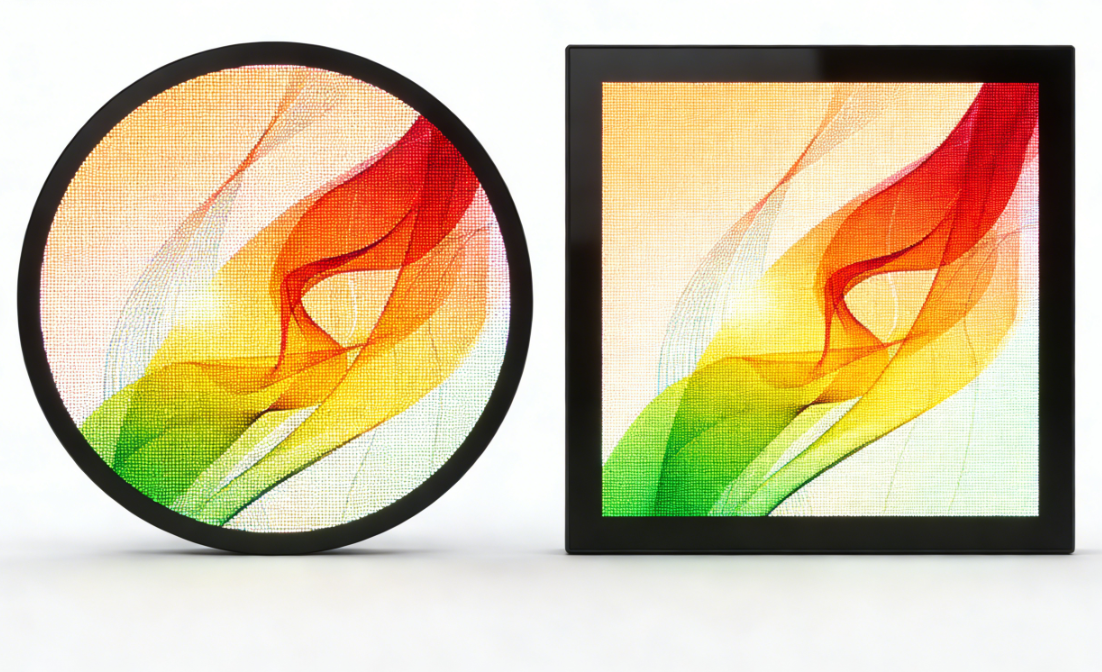
Manufacturers build a circular LCD screen large unit from a square mother-glass. Then, they trim the corners to create the round shape. As a result, many pixels on the edges are removed. The remaining pixels must provide enough detail for the human eye.
Interestingly, round edges can trick the eye into seeing more detail. The curved border blends the pixel grid more naturally. Therefore, a round screen might appear sharper than a square screen. This is true even if they have the exact same technical PPI.
The following table compares two 1.5-inch displays with the same base resolution.
| Feature | Square 1.5-inch Display | Circular LCD Screen Large (1.5-inch) |
| Active Pixel Count | 100% of the grid | Approx. 78.5% of the grid |
| Calculation Method | Diagonal measure | Diameter measure |
| Corner Clarity | High and sharp | Non-existent (Trimmed) |
| Apparent Sharpness | Standard | High (Smoother edges) |
| PPI Efficiency | Higher technical PPI | Higher perceived PPI |
If you want a high PPI on a round screen, look for these traits.
Sub-pixel Arrangement: Pentile or RGB stripes change the look.
Bonding Technology: Zero-gap bonding improves the light path.
Anti-Glare Coating: This can soften or sharpen the pixel edges.
Backlight Uniformity: This ensures colors stay consistent across the circle.
High-quality manufacturing is the key to a great circular LCD screen large display. You must balance resolution with power consumption for the best result.
Square screens remain the kings of data-heavy interfaces. If your device displays lots of text, choose a square. It maximizes the usable space for every single pixel.
Furthermore, square panels are generally cheaper to produce. They have less waste during the cutting process. Thus, they are ideal for budget-conscious high-volume projects. Most industrial sensors and controllers still use this reliable format.
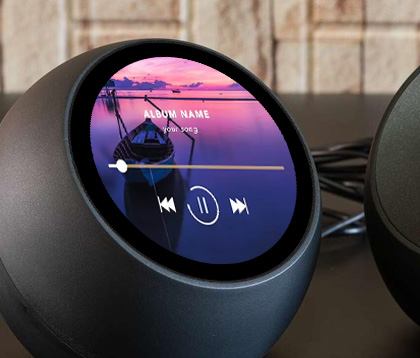
Modern wearables and smart home hubs thrive on round designs. A circular LCD screen with enough space for easy touch is a premium choice. It offers a sophisticated aesthetic that squares cannot match.
Use a circular screen for luxury products or automotive dials. It provides a focal point that feels natural and organic. Even with slightly fewer active pixels, the visual impact is often greater. It is the best choice for a sleek, 2026-ready user interface.
In technical terms, square screens often win on pixel count. They use the entire grid without wasting any corner space. However, a QDE circular LCD screen format offers superior perceived quality.
The curve of the circle hides the limitations of the pixel grid. Therefore, it provides a smoother and more premium visual experience. For text, choose the square. For beauty and impact, choose the circle. Both shapes have a place in the modern technology landscape.

 Hot News