
Home > Blog >
Modern collaboration requires large-scale interactive solutions to engage every participant effectively. Standard monitors often fail to provide enough space for group brainstorming or classroom learning. Therefore, many organizations are now turning to an IR touch frame 110 inch to transform ordinary displays. This technology turns any large screen or projection surface into a high-performance interactive hub. It offers a cost-effective way to achieve massive touch capabilities without purchasing expensive specialized monitors. This comprehensive guide explores why this specific size fits educational and corporate environments perfectly. We will help you navigate the technical details to make a confident investment.
Before buying, we must understand how infrared (IR) technology actually functions in a 110-inch format. This knowledge ensures you choose a durable and responsive product.
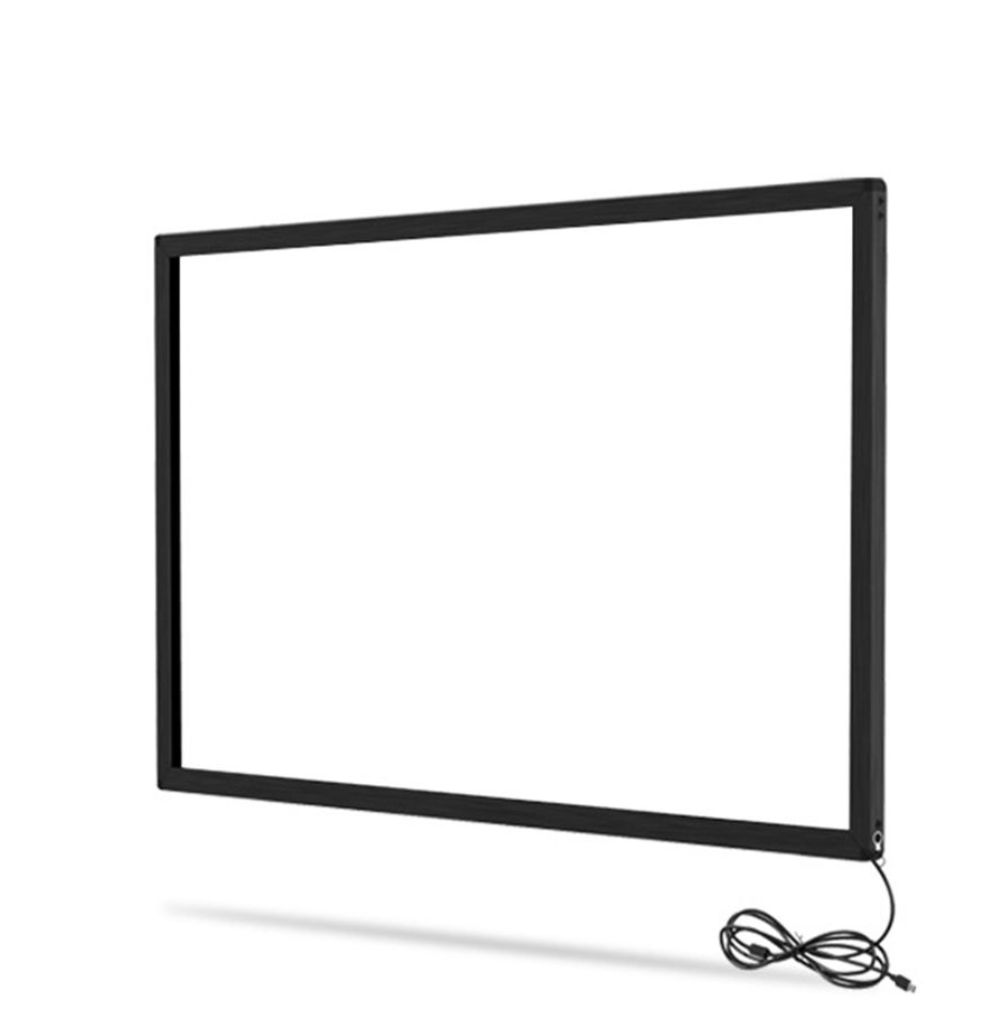
An infrared frame uses a dense grid of light-emitting diodes and sensors. These components sit inside the bezel and create an invisible light grid across the surface. When a finger or stylus breaks that light, the system registers a touch point. Consequently, the technology does not require pressure, making it very sensitive and fast.
A 110-inch surface provides ample room for multiple students or colleagues to work together. Because the frame sits outside the glass, it adds a layer of protection to your screen. Moreover, it supports multi-touch gestures like pinching, zooming, and rotating across a massive canvas.
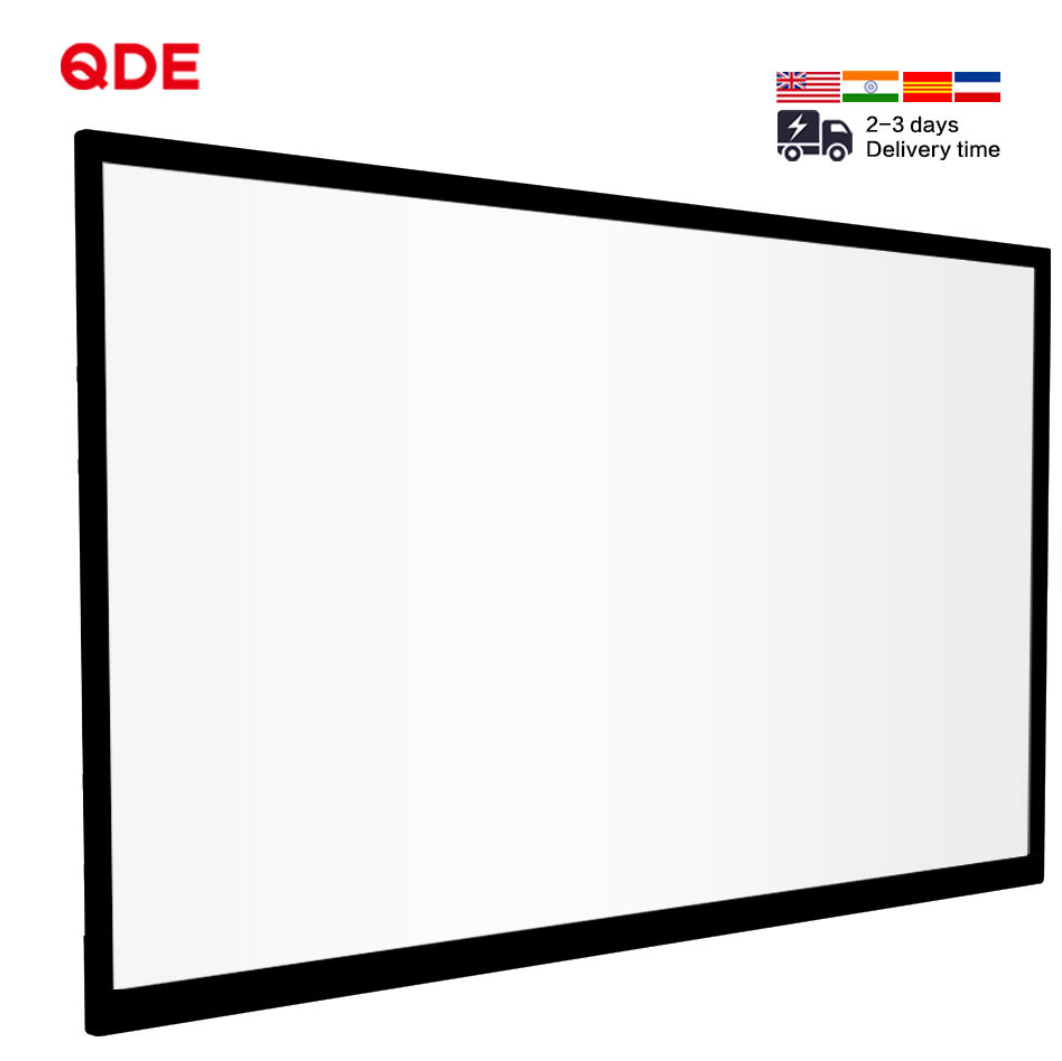
Investing in an IR touch frame 110 inch offers several strategic advantages for modern workspaces.
Cost Efficiency: You can upgrade an existing large-screen TV for a fraction of the cost of a new smart board.
Driver-Free Installation: Most modern frames use HID (Human Interface Device) protocols for instant plug-and-play functionality.
High Durability: The frame does not involve sensitive film or glass coatings that could wear out over time.
Object Recognition: These frames can distinguish between a finger, a gloved hand, or an opaque stylus.
These features make the technology incredibly versatile for diverse environments. Whether in a sunny classroom or a dark boardroom, the performance remains consistent.
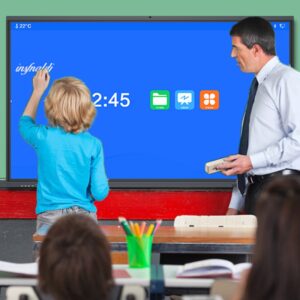
Schools require equipment that can withstand daily use by energetic students. An IR touch frame 110 inch must meet specific criteria to succeed in a classroom.
Ensure your frame supports at least 10 or 20 simultaneous touch points. This allows several students to solve problems on the screen at once. Effective collaboration improves student engagement and fosters a more interactive learning atmosphere.
Classrooms often have bright overhead lights or sunlight streaming through windows. High-quality frames feature advanced filters to block ambient light interference. This ensures the touch response stays accurate and avoids “ghost touches” during important lessons.
In corporate settings, clarity and professional presentation are the top priorities. A massive interactive display changes how teams conduct remote and in-person meetings.
A reliable IR touch frame 110 inch must work perfectly with software like Microsoft Teams or Zoom. This allows presenters to annotate slides and share ideas in real-time. Digital whiteboarding becomes much more natural when you have 110 inches of digital “paper” to use.
Corporate meeting rooms often prioritize sleek, modern aesthetics. Look for a frame with an ultra-thin bezel to maintain a professional look. A slim frame ensures the touch overlay does not distract from the high-resolution content on the screen.
To ensure you receive a high-performance product, you must verify the technical data sheet carefully.
Response Speed: Look for a response time of less than 10 milliseconds for smooth writing.
Resolution Capability: Ensure the frame supports 4K interpolation for precise touch accuracy.
Connection Type: Most frames connect via a simple USB 2.0 or 3.0 interface for data and power.
Operating System Support: Confirm compatibility with Windows, Android, Linux, and macOS.
High accuracy is vital when you are working on a 110-inch scale. Even a small calibration error can feel significant on such a large surface area.
Industry Experience in Display Solutions Our team has years of experience installing interactive systems in various professional settings. We understand the common challenges of large-scale deployments, such as alignment and signal stability. This practical knowledge allows us to recommend solutions that actually work in the field.
Authoritative Technical Standards We stay updated on the latest developments in infrared sensors and optical bonding. By following global manufacturing standards, we ensure our advice is technically sound and reliable. Trustworthy brands provide clear warranties and long-term technical support for their IR touch frame 110 inch products.
Proper installation is the key to achieving long-term performance from your large touch frame.
Aligning a 110-inch frame requires two people to ensure perfect symmetry. Use the provided high-strength adhesive or mounting brackets to secure the frame to the display bezel. A perfectly aligned frame prevents calibration drift and ensures the corners remain responsive.
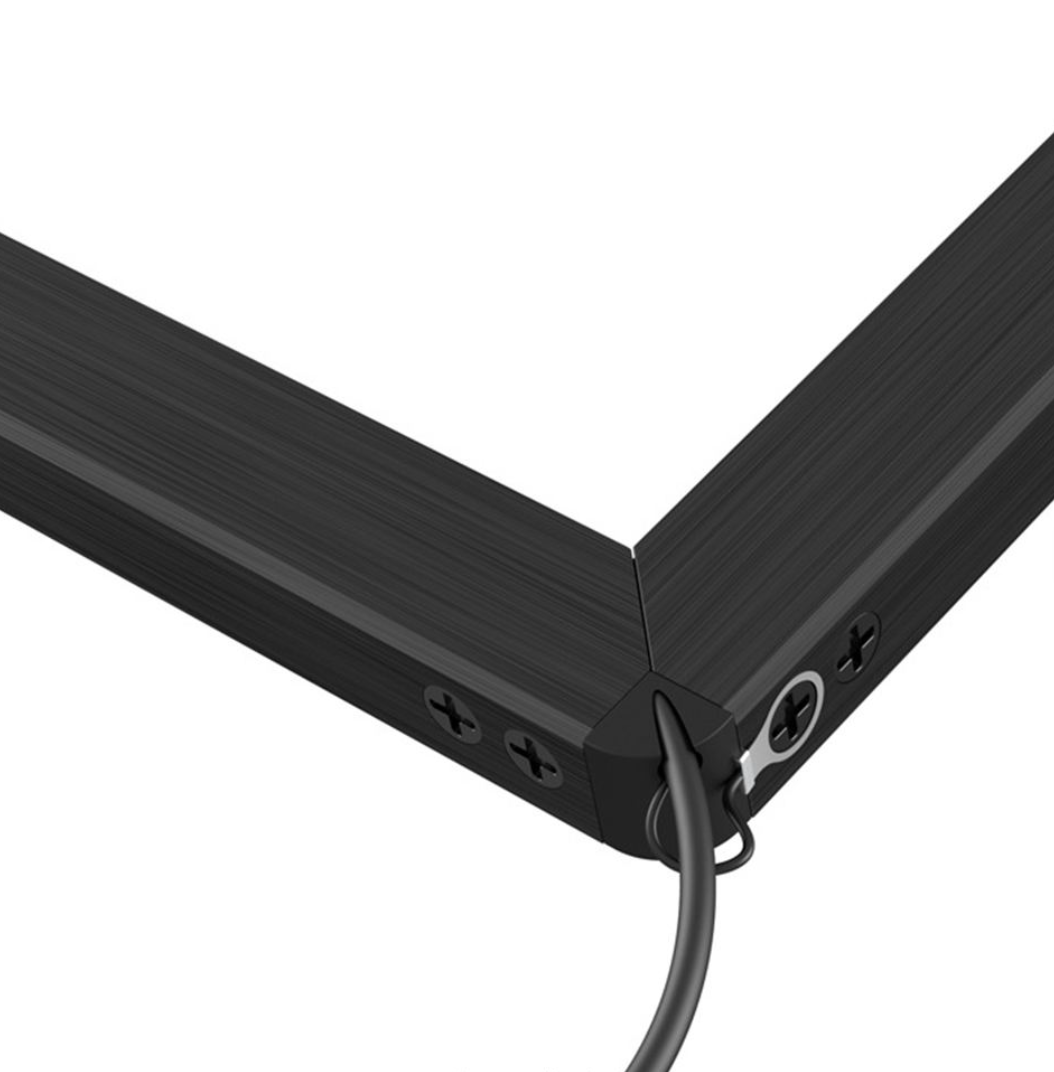
Infrared sensors sit behind a small translucent strip inside the frame. Dust or fingerprints can block the light beams and cause missed touches. Simply wipe the inner edge of the frame with a soft, dry cloth once a week. This simple step maintains peak performance for many years.
Many buyers hesitate due to outdated information regarding infrared technology. Let us clarify two frequent misconceptions.
Myth 1: IR frames are less accurate than capacitive screens. While capacitive screens are great for phones, IR frames offer incredible accuracy on a 110-inch scale. Modern IR sensors provide pixel-perfect precision that is ideal for detailed architectural drawings or complex math.
Myth 2: Sunlight will make the touch screen unusable. Older IR technology did struggle with bright light. However, modern “anti-sunlight” sensors can handle up to 100,000 lux. This means your IR touch frame 110 inch will work perfectly even in a brightly lit atrium.
When budgeting for a 110-inch interactive display, consider the long-term savings. An IR frame is an “additive” technology that preserves your existing assets.
No Glass Replacement: If a student scratches the display, you only replace the glass, not the touch sensor.
Low Power Consumption: IR frames draw very little power through a standard USB port.
Future Upgrades: If you buy a newer TV later, you can often move the frame to the new display.
This flexibility makes the QDE IR touch frame 110 inch the smartest choice for budget-conscious schools and growing businesses. It provides a high-end experience without the high-end price tag.
Choosing an IR touch frame 110 inch is a powerful way to boost engagement and collaboration. It offers a massive, responsive surface that is perfect for schools and professional meeting rooms. By focusing on multi-touch support, light interference protection, and easy installation, you ensure long-term value. This technology bridges the gap between passive viewing and active participation.
Are you ready to revolutionize your classroom or office? Explore the latest QDE 110-inch infrared solutions and bring your big ideas to life on a grand scale!


 Hot News