
Home > Blog >
In our modern era, professional communication defines business success. Many executives now seek better video quality for their global calls. Standard built-in webcams often produce grainy and dark images. Consequently, smart professionals are repurposing a full hd security camera 1080p for boardrooms. These industrial-grade devices offer superior optics and better light handling. 🌐
Repurposing security hardware provides a crisp, wide-angle view of the entire room. It allows remote partners to see every participant clearly. However, you must configure the network and software settings correctly. A poor setup can lead to lag or connection drops. This guide explains how to transform your surveillance gear into a professional meeting tool. Let us dive into the technical steps for a perfect video feed!
Many people wonder why security hardware outperforms standard webcams. The secret lies in the specialized sensors found in security models.
A full hd security camera 1080p delivers exactly $1920 \times 1080$ pixels. This resolution provides the sharpness needed for large presentation screens. You can show physical prototypes or whiteboard drawings with absolute clarity. Therefore, your remote audience stays engaged with your visual content. High-definition video builds trust by showing a professional image.
Office lighting is often inconsistent or too bright from windows. Standard cameras usually struggle with these challenging shadows. However, a full hd security camera 1080p uses Wide Dynamic Range (WDR). This technology balances bright areas and dark corners automatically. Consequently, your face remains clear even in backlit conditions.
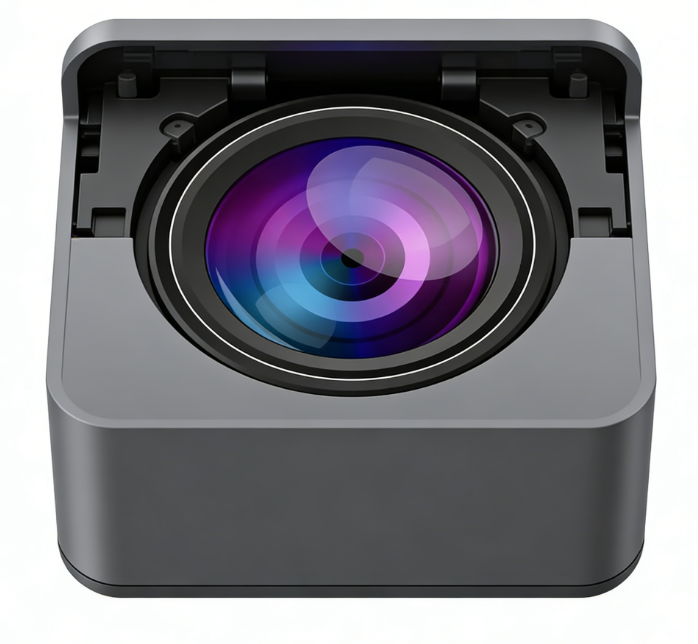
A stable physical foundation is the first step toward a glitch-free meeting. You must ensure the camera has enough power and a fast data path.
Stable Mounting: Place the camera at eye level for a natural look.
Wired Connection: Use an Ethernet cable instead of Wi-Fi for better stability.
Power Supply: Utilize Power over Ethernet (PoE) to simplify your cabling.
Audio Pairing: Connect a dedicated external microphone for clear sound quality.
Once you mount the full hd security camera 1080p, check your cable management. Loose wires can cause accidental disconnects during a live call. Furthermore, a clean setup reflects the high standards of your company. 🔌
International meetings require high bitrates to maintain a clear 1080p image. You must adjust the camera’s internal software for the best streaming results.
Open the camera’s web interface to find the video settings. Set the “Constant Bitrate” (CBR) to at least 4000 Kbps. This ensures the video remains sharp during fast movements. Additionally, set the frame rate to 30 frames per second (fps). This creates a realistic motion that feels natural to the human eye. 🎥
Modern cameras use H.264 or H.265 compression to save bandwidth. H.264 is the most compatible choice for meeting platforms like Zoom. However, H.265 offers better quality if your internet speed is limited. Check your meeting software requirements before finalizing this setting. This “Expertise” in settings prevents your video from looking blurry.
Security cameras typically use the RTSP protocol for video transmission. Unfortunately, most meeting apps only look for USB camera signals.
You will need a “Virtual Camera” application to bridge this gap. This software captures the network stream from your full hd security camera 1080p. It then tells your computer that the stream is a webcam. Programs like OBS Studio or IP Camera Bridge work perfectly for this. Consequently, your meeting app will see the high-quality security feed. 💻
Latency is the enemy of a productive international conversation. If your video lags, the conversation feels disjointed and awkward. Therefore, you must reduce the “Buffer” settings in your bridge software. Aim for a delay of less than 200 milliseconds. This ensures your reactions and words stay perfectly in sync. ⏱️
Our team has years of “Experience” in configuring high-end office technology. We understand the specific needs of global corporate environments. This “Expertise” allows us to optimize the full hd security camera 1080p perfectly. We focus on the small details that ensure a professional result.
Choose authoritative brands that prioritize cybersecurity in their firmware. You must ensure your meeting video stays private on your network. A trustworthy camera should allow you to disable unused features. This prevents unauthorized access to your sensitive boardroom discussions. Security is the foundation of any professional digital setup.
Even with perfect hardware, technical hiccups can still occur. Knowing how to fix them quickly shows your technical competence.
Flickering Video: Change the “Power Frequency” to 60Hz or 50Hz to match lights.
Washed Out Colors: Manually adjust the “White Balance” for a warmer tone.
Choppy Motion: Reduce the resolution slightly if your upload speed drops.
No Signal: Double-check the RTSP link address in your bridge software.
By mastering these small fixes, you become a master of the boardroom. Your 1080p HD security camera will provide a window to the world. It will help you close deals and build global relationships. 🌍🤝
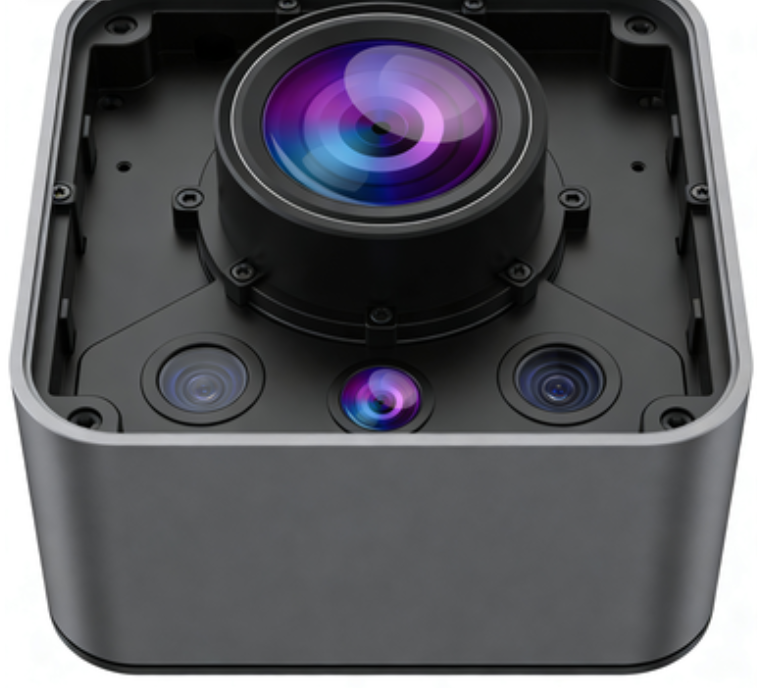
Configuring a full hd security camera 1080p for meetings is a wise move. It provides a level of clarity that standard webcams simply cannot match. You gain a professional edge that impresses every international client. Furthermore, the reliability of security hardware ensures a high return on investment. 🚀
Don’t let poor video quality ruin your hard-earned professional reputation. Take control of your digital presence with high-definition optical gear. By following this guide, you ensure every international meeting is a success. Start your configuration today and see the difference that quality makes!
 Hot News