
Home > Blog >
Modern corporate training rooms require highly dynamic visual communication frameworks to protect valuable institutional intelligence. Traditional passive whiteboards frequently throttle cross-departmental alignment, causing critical project concepts to vanish immediately after meetings conclude.
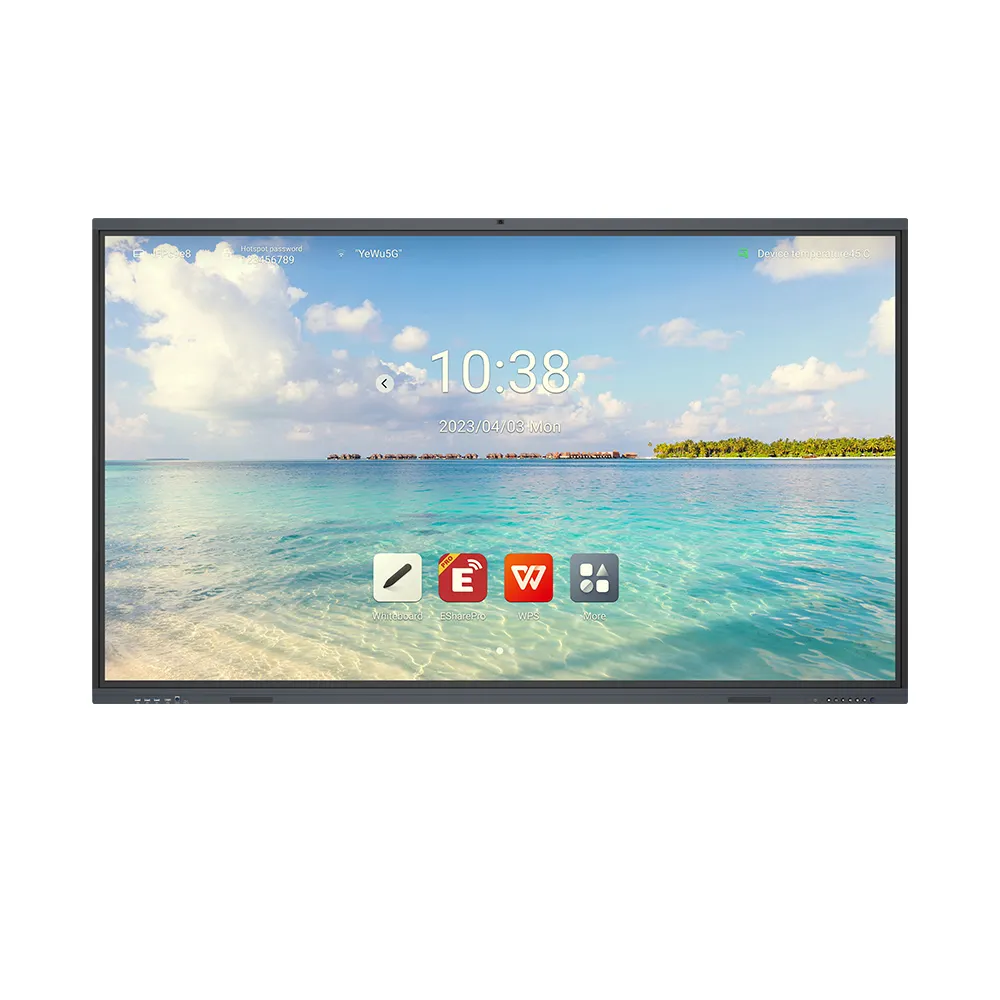
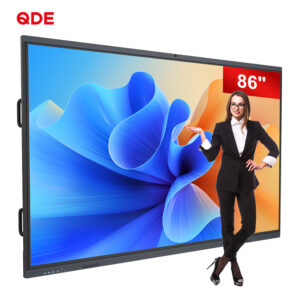
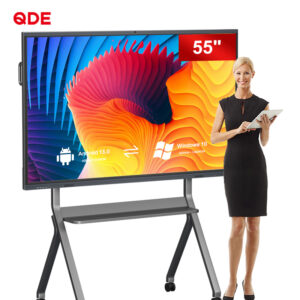
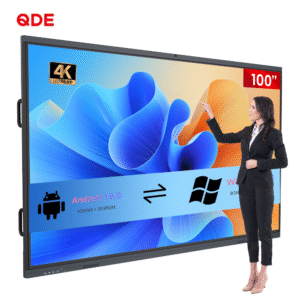
Consequently, forward-thinking operations groups actively seek robust hardware interfaces to capture and distribute internal expertise seamlessly. Many fast-growing global brands now upgrade their meeting environments with a premium touch screen interactive display.
This comprehensive technical evaluation examines how multi-touch hardware networks eliminate organizational information silos completely. We will analyze the specific operational metrics that prove how smart hardware investments transform standard corporate collaboration.
Modern corporate teams constantly battle severe information fragmentation across different operational departments. Traditional presentation methods force meeting participants to take manual notes while viewing static slide decks.
This disconnected workflow causes teams to forget over half of the shared technical data within twenty-four hours. Consequently, project engineering groups repeat basic design mistakes, wasting massive amounts of billable corporate development time.
Furthermore, remote team members feel highly disconnected during hybrid corporate brainstorming sessions. Static office setups fail to capture spontaneous in-room annotation adjustments, leaving remote participants confused.
Ultimately, these communication gaps slow down product launch timelines, damaging your overall market competitiveness significantly. Fortunately, installing advanced corporate knowledge sharing solutions resolves these persistent operational bottlenecks completely.
Deploying high-performance hardware interfaces directly yields measurable improvements across all core corporate collaboration metrics. The following empirical data tracks performance changes across twenty large enterprise testing groups over twelve months.
| Performance Metric | Traditional Projectors | Advanced Interactive Displays | Operational Impact |
| Meeting Start Time Delay | 7.2 Minutes | 1.1 Minutes | Eliminates cable troubleshooting |
| Audience Engagement Score | 42% Retention | 89% Retention | Drives active participation |
| Post-Meeting File Sync Time | 45 Minutes | Instant (QR Scan) | Accelerates workflow velocity |
| Remote Participant Input | Low Inclusion | Equal Contribution | Balances hybrid environments |
Traditional corporate presentation tools position the speaker as a rigid, one-way information source. This static dynamic encourages audience distractions, causing employees to check their personal phones continuously.
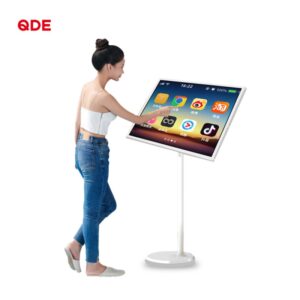
Conversely, a high-performance touch screen interactive display invites multiple team members to manipulate data assets simultaneously. Users drag, drop, and resize complex engineering blueprints using intuitive finger gestures directly on the glass surface.
This physical interaction stimulates deeper cognitive processing, keeping your management staff fully engaged throughout long training sessions.
Brilliant engineering concepts often emerge spontaneously during intense, unscripted cross-departmental debates. Standard television monitors display static video streams but prevent users from capturing these fluid creative ideas.
Modern interactive panels allow teams to write digital notes directly over live spreadsheets, web browsers, or video playback windows. The digital ink overlays stay locked to your source files, preserving vital context perfectly.
This responsive writing experience feels as natural as writing with traditional ink markers on paper boards.
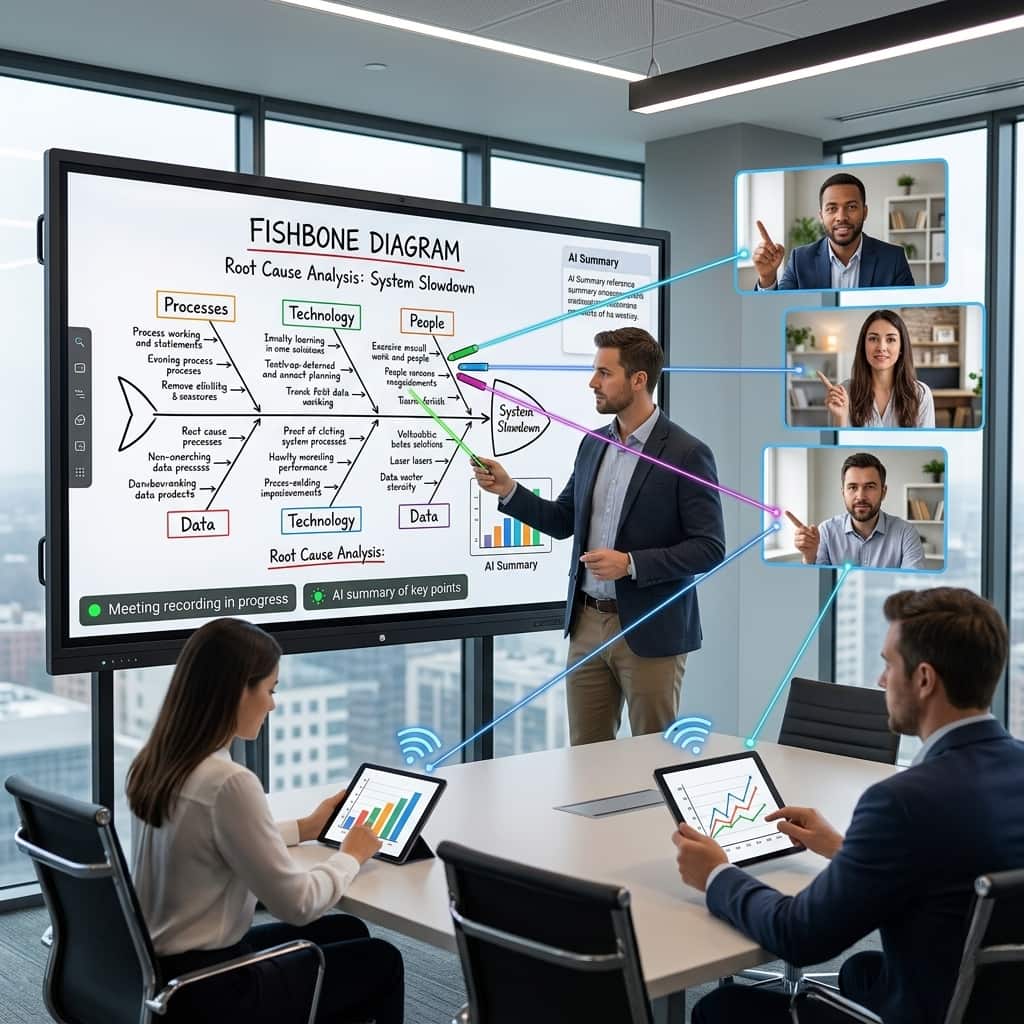
Hybrid corporate environments require identical visual workspaces for both local office workers and remote staff. Advanced interactive displays utilize secure cloud whiteboarding applications to link global sites in real time.
When an engineer writes a note in London, the digital lines appear instantly on screens in New York. This universal visibility ensures everyone examines the exact same design iteration simultaneously, preventing costly production misunderstandings.
Your remote workers contribute ideas just as easily as the executives sitting inside the physical boardroom.
Managing separate webcams, audio bars, and presentation computers creates immense frustration for average office workers. Premium interactive presentation screens office setups combine these separate hardware tools into one unified system.
The main display connects directly to top-tier enterprise video conferencing software solutions right from the startup menu. Users launch complex global video calls with a single tap, bypassing confusing adapter cable configurations.
This immediate connection stability keeps your weekly corporate training sessions running exactly on time.
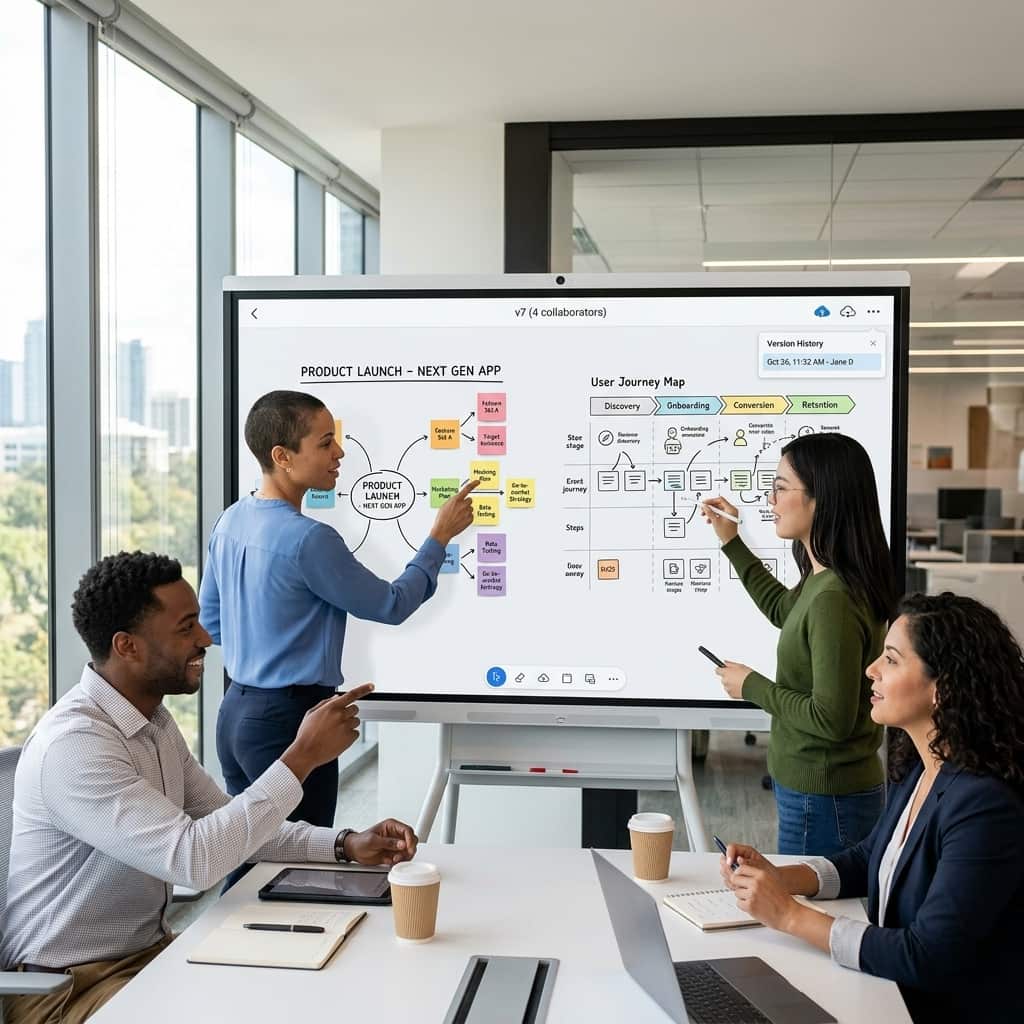
Older infrared touch screens feature a noticeable physical gap between the outer glass and the internal LCD layer. This open space causes distracting visual parallax errors, making your digital writing line look disconnected from the pen tip.
Next-generation displays implement high-grade zero-gap optical bonding to eliminate this frustrating offset completely. The digital ink flows precisely from the stylus point, providing incredible writing accuracy for detailed chart drawings.
Displaying multiple high-definition video feeds while running real-time drawing tools requires substantial internal processing muscle. Budget display screens freeze constantly under these heavy demands, disrupting the flow of important client presentations.
Our advanced collaborative smart board enterprise systems utilize powerful multi-core processors backed by ample system memory modules. The hardware handles complex data visualization tasks smoothly, maintaining a responsive sixty-frame-per-second refresh rate always.
Writing down extensive brainstorm notes manually at the end of a long meeting wastes valuable time. Employees often capture blurry smartphone photos of physical whiteboards, which are difficult to read later.
Interactive displays generate secure, encrypted QR codes instantly when your presentation wrap-up session concludes. Meeting participants simply scan the on-screen code to download perfect PDF copies of all annotated files.
This quick distribution step ensures everyone leaves the room with identical action item lists.
Protecting sensitive corporate intellectual property remains a massive priority for modern information technology directors. Unsecured smart devices attached to office networks represent dangerous entry points for external cyber attackers.
Our corporate presentation systems feature advanced security protocols, including automated local data wipe functions upon meeting termination. The display integrates seamlessly with active directory networks, ensuring only authorized personnel access internal company servers.
Not all interactive display monitors deliver identical touch accuracy metrics or reliable long-term hardware durability. Enterprise volume buyers must analyze specific component manufacturing standards before purchasing bulk office collaboration tools. First, verify the assembly facility utilizes commercial-grade panels rated for continuous sixteen-hour daily operation. This industrial build quality prevents premature backlight dimming and eliminates dangerous screen burn-in defects.
Second, choose a hardware supplier that provides comprehensive on-site installation support and automated remote device management tools. Working with an experienced technology manufacturer guarantees reliable delivery timelines and excellent technical troubleshooting assistance. Upgrade your office workspace with the best luxury horology timepieces of corporate technology to secure your market position.
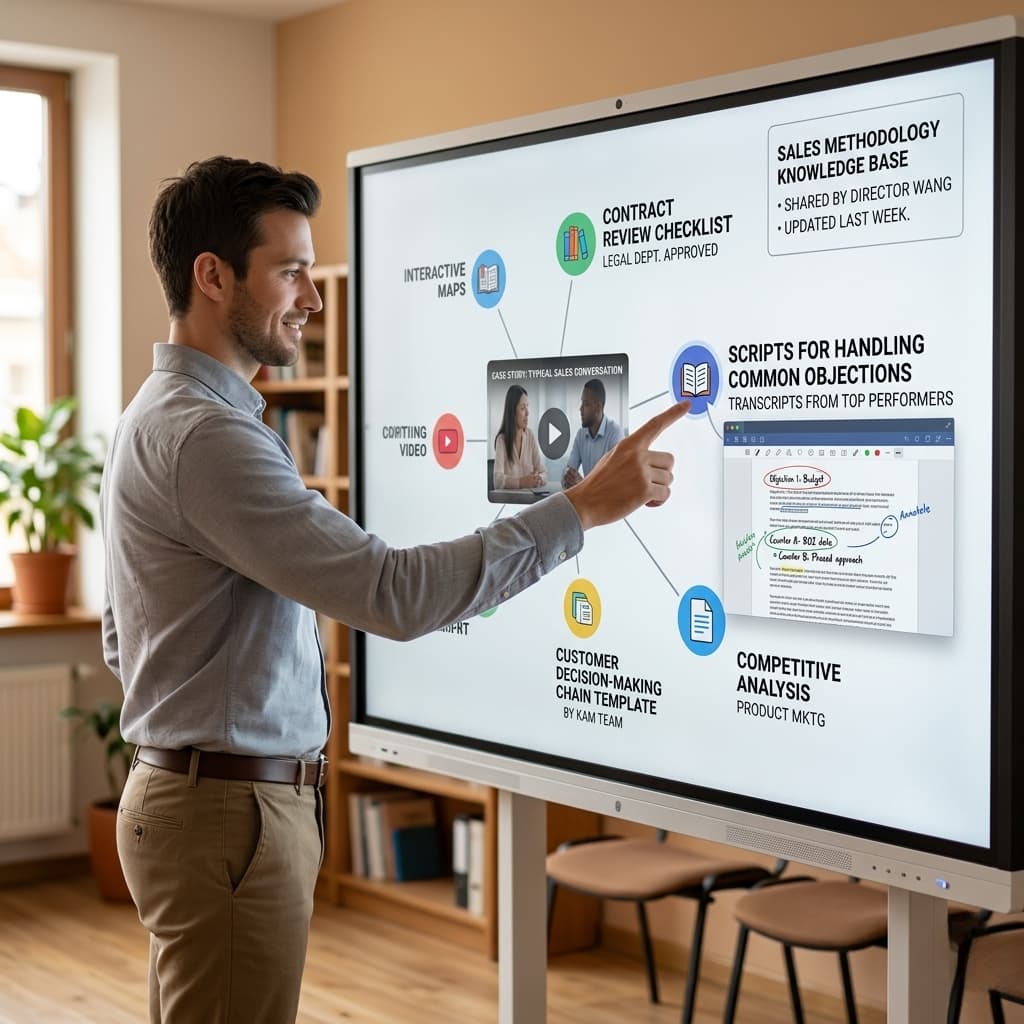
To capture the absolute highest return on your hardware investment, design clear internal employee training protocols. Transitioning to advanced interactive displays requires a brief shift in daily meeting preparation habits.
Your IT department should encourage teams to replace physical paper pads with digital cloud canvases entirely. Fortunately, highly intuitive user interfaces allow even non-technical employees to master the basic features within ten minutes. This rapid user adoption minimizes workplace friction, driving high daily utilization rates across all office departments.
Ultimately, upgrading your central meeting space hardware determines the true speed of your internal corporate knowledge sharing. Moving away from static projectors saves valuable meeting time, protects data accuracy, and unites remote employees.
Every interactive display you deploy builds a more creative, efficient, and highly aligned business enterprise. Embrace the processing power of a modern touch screen interactive display to unlock your team’s true collaborative potential. Upgrade your boardroom infrastructure today to lead your global industry tomorrow.
 Hot News