
Home > Blog >
Partnering with a strategic custom lcd display manufacturer protects your brand identity from unpredictable outdoor environmental conditions. This hardware choice directly ensures that your marketing messages remain strikingly vibrant on both blindingly sunny and dark, overcast days.
For instance, consumer perceptions of product quality drop significantly when outdoor digital signage appears washed out or aggressively over-illuminated. Furthermore, custom hardware engineering maintains crisp contrast levels automatically, matching ambient light shifts without manual adjustments.
Ultimately, this seamless visual consistency builds deep trust and elevates your premium brand appeal among modern retail shoppers. Now, let us examine how changing weather patterns create massive visibility bottlenecks for standard commercial screens.
When you deploy digital hardware in open-air environments, ambient lighting changes drastically throughout the operational day. Unfortunately, standard consumer-grade screens cannot adapt to these rapid changes, which can lead to severe brand image degradation.
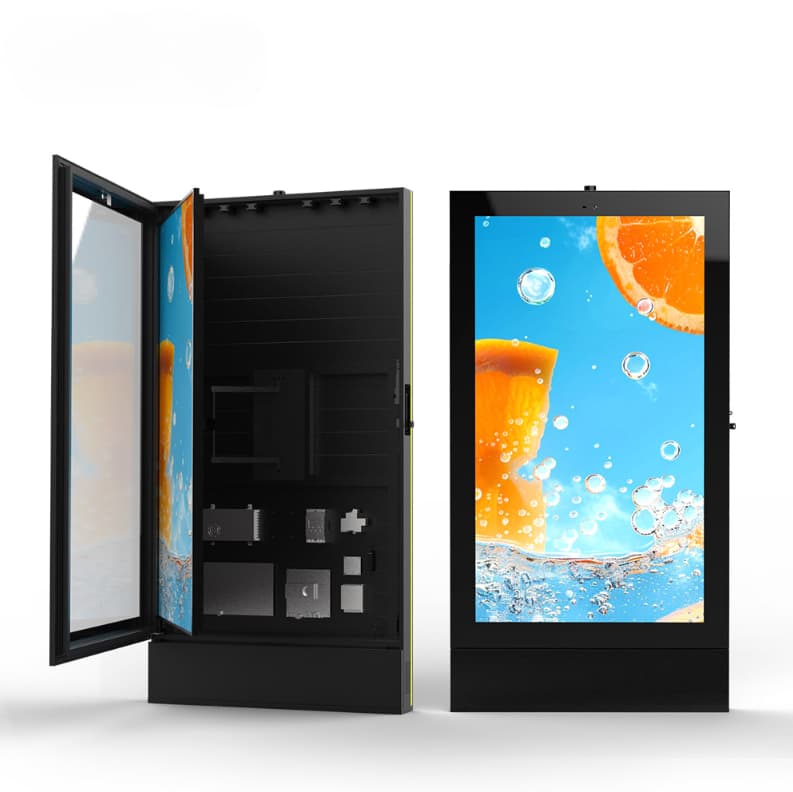
Harsh afternoon sunlight emits immense ambient glare that completely overpowers low-nit, standard retail display backlights. Consequently, your carefully designed promotional videos turn into unreadable, dark mirrors right in front of potential buyers. This washed-out appearance makes high-end products look cheap, which instantly breaks the premium consumer experience. Therefore, failing to counter direct sunlight directly diminishes the effectiveness of your expensive prime real estate placements.
Conversely, cloudy days present a entirely different visual challenge for outdoor advertising networks. When natural light drops, a screen running at maximum brightness produces an uncomfortably intense glare. This blinding effect causes severe consumer eye fatigue, forcing passersby to look away from your store window. Moreover, premium brand marketing requires perfectly balanced illumination to evoke sophisticated emotional connections with target audiences.
To understand how tailored hardware solves these lighting issues, we must explore custom commercial display engineering deeply. Specialized engineers utilize advanced hardware components to ensure perfect readability regardless of local weather shifts.
Premium outdoor displays utilize industrial-grade backlights that emit up to three thousand nits of pure light output. Additionally, a professional custom lcd display manufacturer applies advanced optical bonding technology directly to the glass surface. This process fills the internal air gap with high-grade resin, reducing external light reflections by over ninety percent. As a result, your content retains deep black levels and intense color saturation during peak daylight hours.
To maintain ideal contrast when clouds block the sun, custom units integrate highly responsive ambient light sensors. These smart sensors track local weather shifts in real time to adjust backlight intensity smoothly:
Bright Sunlight: Triggers maximum nit output to slice through heavy solar glare effortlessly.
Overcast Skies: Drops luminance to comfortable levels, preserving perfect color tones without blinding shoppers.
Anti-Reflective Coatings: Scatter incoming natural light rays to eliminate distracting background reflections entirely.
| Environmental Lighting Factor | Standard Commercial Displays | Custom Weather-Adaptive Displays |
| Direct Sunlight Readability | Poor (Total screen washout) | Flawless (Up to 3,000 nits output) |
| Cloudy Day Visual Comfort | Blinding (Fixed high brightness) | Perfect (Automatic sensor dimming) |
| Color Saturation in High Glare | Drops below twenty percent | Maintains over eighty-five percent |
| Internal Heat Management | High risk of black screen failure | Advanced intelligent cooling system |
| Long-Term Brand Perception | Cheap, unmaintained appearance | Premium, highly professional aesthetic |
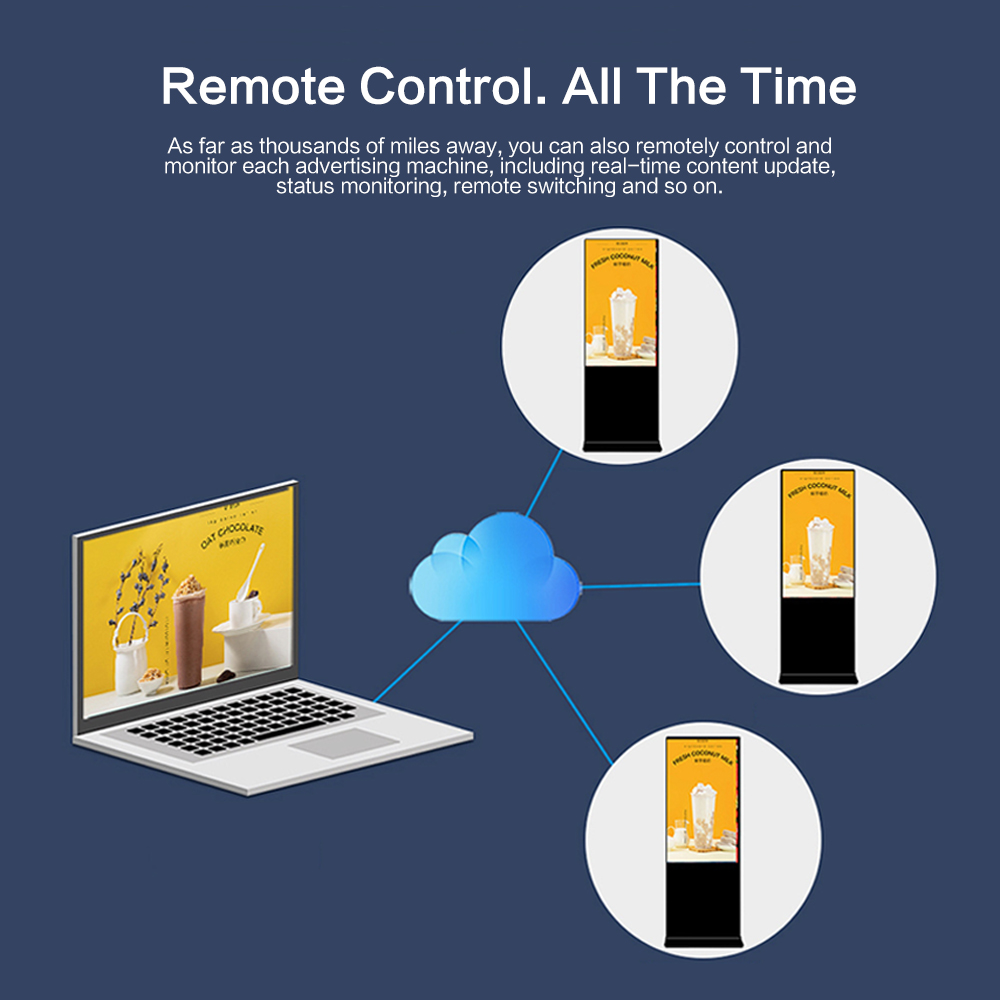
Maintaining a luxury brand image requires absolute consistency across every single physical touchpoint in your retail network. Custom display technology secures this consistency by neutralizing the visual chaos caused by changing outdoor weather elements.
Prolonged exposure to direct summer sunlight can cause standard LCD crystals to reach their isotropic temperature limit. When this happens, large black blotches form across the panel, ruining your promotional content completely.
In contrast, a dedicated manufacturer integrates specialized high-temperature liquid crystals that resist thermal breakdown up to 110°C. This industrial shield ensures your marketing message loops smoothly during intense heatwaves.
Luxury brands spend millions establishing precise corporate color guidelines for their global product lines. If your outdoor screens distort these specific colors due to poor panel calibration, brand authority erodes instantly.
Experienced manufacturing partners implement precise hardware color calibration tools that protect your signature hues perfectly.
Investing in premium display hardware from a trusted partner delivers significant financial advantages over standard retail equipment. These smart systems optimize power consumption automatically, which drastically lowers your long-term operational costs.
Running an outdoor screen at full brightness during a dark, cloudy week wastes massive amounts of electricity. Because custom displays dim themselves automatically during overcast weather, they reduce power draw by up to fifty percent. This automated efficiency directly extends the operational lifespan of sensitive internal LED backlights by several years.
Standard screens fail quickly when exposed to humid rainy days or dusty autumn windstorms. Custom outdoor displays utilize rugged, IP65-rated weatherproof enclosures that seal out moisture and airborne particles completely. Therefore, your local store managers spend zero time dealing with frustrating hardware breakdowns or scheduling costly technician visits.
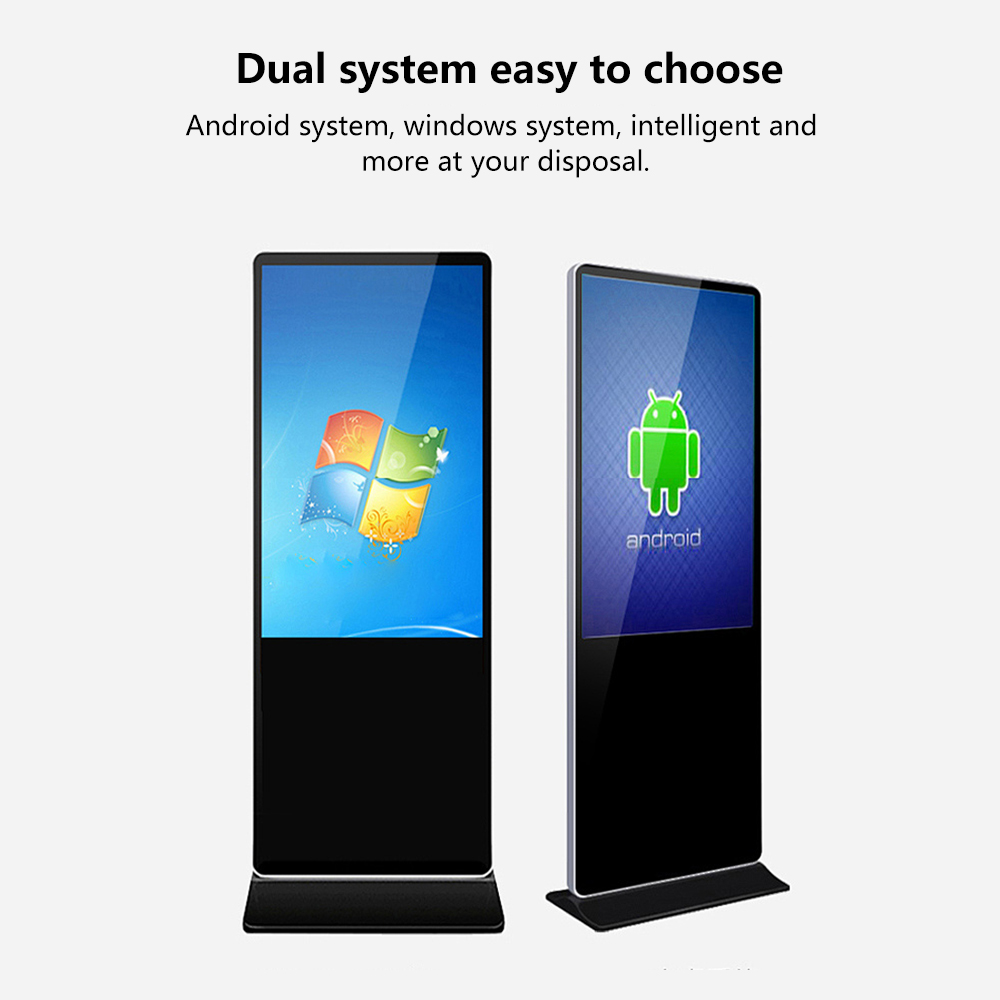
Failing to install weather-adaptive displays leaves your premium brand image vulnerable to shifting environmental lighting conditions. You cannot build a sophisticated, luxury retail presence by utilizing low-cost screens that wash out under the sun.
Transitioning to a dedicated custom display solution fundamentally upgrades your outdoor marketing touchpoints every single day. It blends high-nit hardware engineering with smart ambient sensors to shield your brand equity from visual degradation.
Stop letting bad glare or over-illuminated screens compromise your product presentation on the high street this season. Invest in field-proven display technology that stabilizes your visual branding and delivers flawless performance in any weather. Your retail teams will love the zero-maintenance design, and your customers will enjoy a truly premium experience.
Contact a trusted manufacturing partner today to secure a more striking, professional brand presence tomorrow.
 Hot News