
Home > Blog >
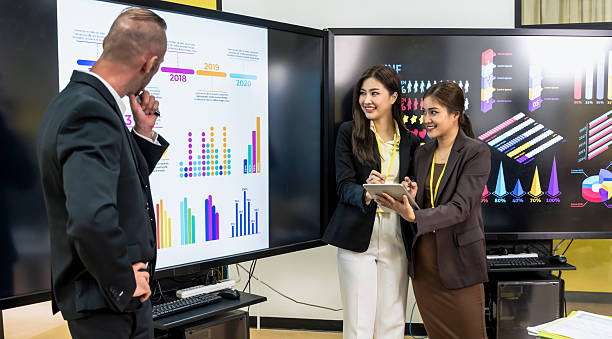
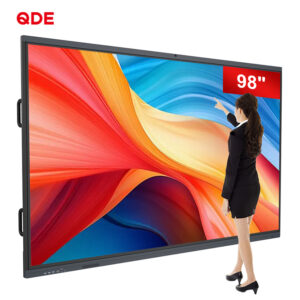
Modern educators struggle with outdated legacy projection systems in traditional learning environments. Explore our interactive display solutions at product-category for modern edtech innovations. Smart board interactive whiteboard systems replace traditional setups through advanced touch technology and high-definition panel PCs. Furthermore, these displays eliminate ambient light washing and high maintenance costs. Consequently, schools now adopt interactive flat panel solutions to boost active student engagement.
Ambient light washes out traditional projector images instantly. Teachers must close blinds and dim room lights daily. Therefore, students struggle to read clear details during bright daytime lessons.
Projector bulbs lose brightness and burn out frequently. Replacing expensive lamps strains school budgets over time. Besides, dust buildup inside optical engines causes severe heat damage.
Presenters cast annoying shadows across the projected screen area. Furthermore, physical movement often knocks projected images out of alignment. Teachers waste valuable instruction time recalibrating coordinates repeatedly.
Early interactive projectors suffer from slow, inaccurate touch responses. Multi-user collaboration becomes frustrating due to severe input lag. Consequently, students lose interest during collaborative group learning activities.
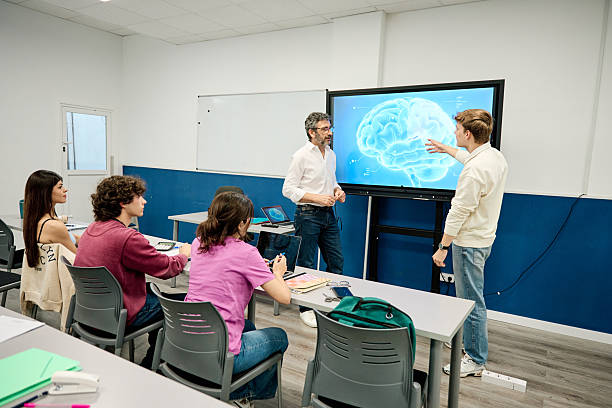
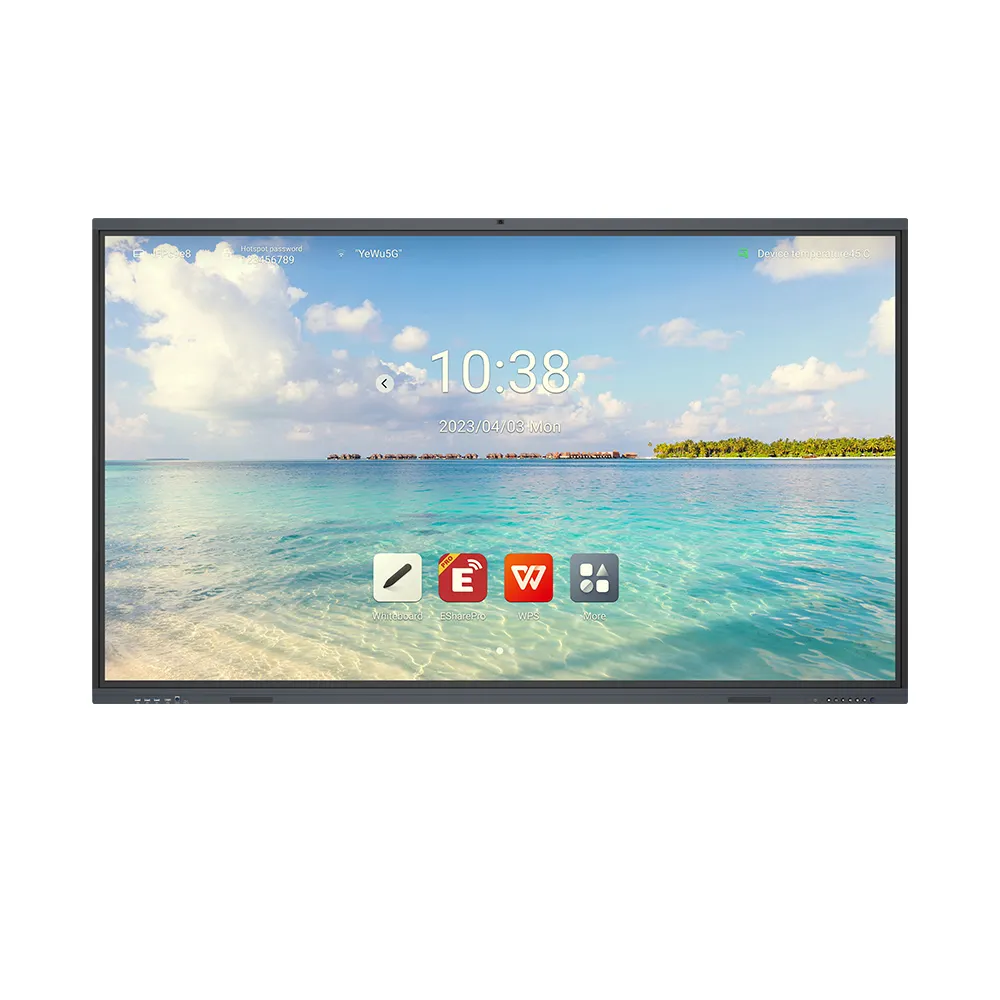
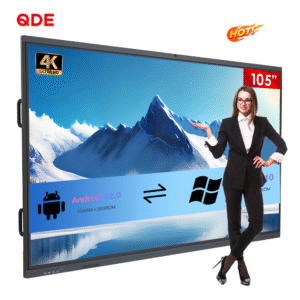
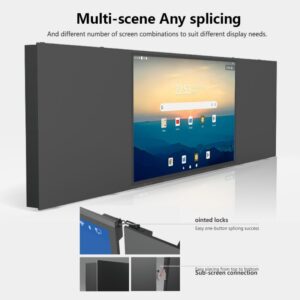
The 105″ Industrial Vehicle Touch Monitor features a 21:9 aspect ratio. The T982 chipset delivers crisp 4K visual displays effortlessly. Additionally, teachers can display two lesson documents side by side easily.
Precision infrared 40-point touch technology enables multi-student collaboration. Zero bonding technology eliminates optical gaps to enhance touching accuracy. As a result, writing feels natural, fast, and smooth.
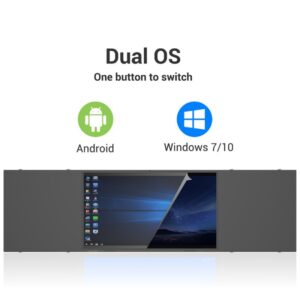
Android 11 to 14 OS drives rapid system responses. Scalable configurations offer up to 8GB RAM and 128GB ROM. Moreover, full-function Type-C ports transfer data, audio, and power simultaneously. Learn technical installation steps at technical-guide to optimize performance.
| Feature Parameter | Traditional Classroom Projector | 105″ Interactive Panel PC (T982) | Certification Standard |
| Display Technology | Bulb / Laser Projection | Direct-lit LED LCD Panel | Energy Star Compliant |
| Aspect Ratio | 4:3 or 16:9 Standard | 21:9 Ultra-Wide Canvas | CE / FCC Certified |
| Touch Precision | Single Point / Optical Pen | 40-Point Precision Infrared | Zero-Bonding Standard |
| OS & Processing | Requires External PC | Android 11-14 / T982 Chipset | Lead-Free Compliance |
| Maintenance | Bulb Changes / Filter Cleaning | Zero Maintenance Panel | IP5X Dust Resistant |
Upgrading your classrooms requires proper hardware selection and layout planning. Integrated upgraded audio systems deliver clear sound to large rooms. Furthermore, flexible wall mounts secure panels in busy learning zones.
We provide complete OEM, ODM, SKD, and CKD services globally. Distributors customize hardware configurations and personalized packaging to expand markets. Additionally, localized software supports Spanish, Arabic, and Indonesian seamlessly.
China Chip Depot supports your hardware expansion as a trusted partner. Contact our team today to upgrade your interactive educational systems!
Q1: What are the essential golf accessories for beginners?
A: Beginners need durable golf tees, microfiber golf towels, division ball markers, divot repair tools, and quality golf gloves.
Q2: How do I clean and maintain my golf gloves?
A: Wipe dirt away using a damp cloth gently. Always air-dry gloves flat away from direct heat to protect the leather.
Q3: Why should golfers carry a divot repair tool on the course?
A: Divot tools repair ball marks on greens quickly. Fixing turf marks maintains smooth putting surfaces for all players.
Q4: How do custom golf accessories benefit corporate tournaments?
A: Branded golf balls, towels, and tees boost brand visibility. They provide memorable, high-value keepsakes for corporate clients and tournament participants.
 Hot News