
Home > Blog >
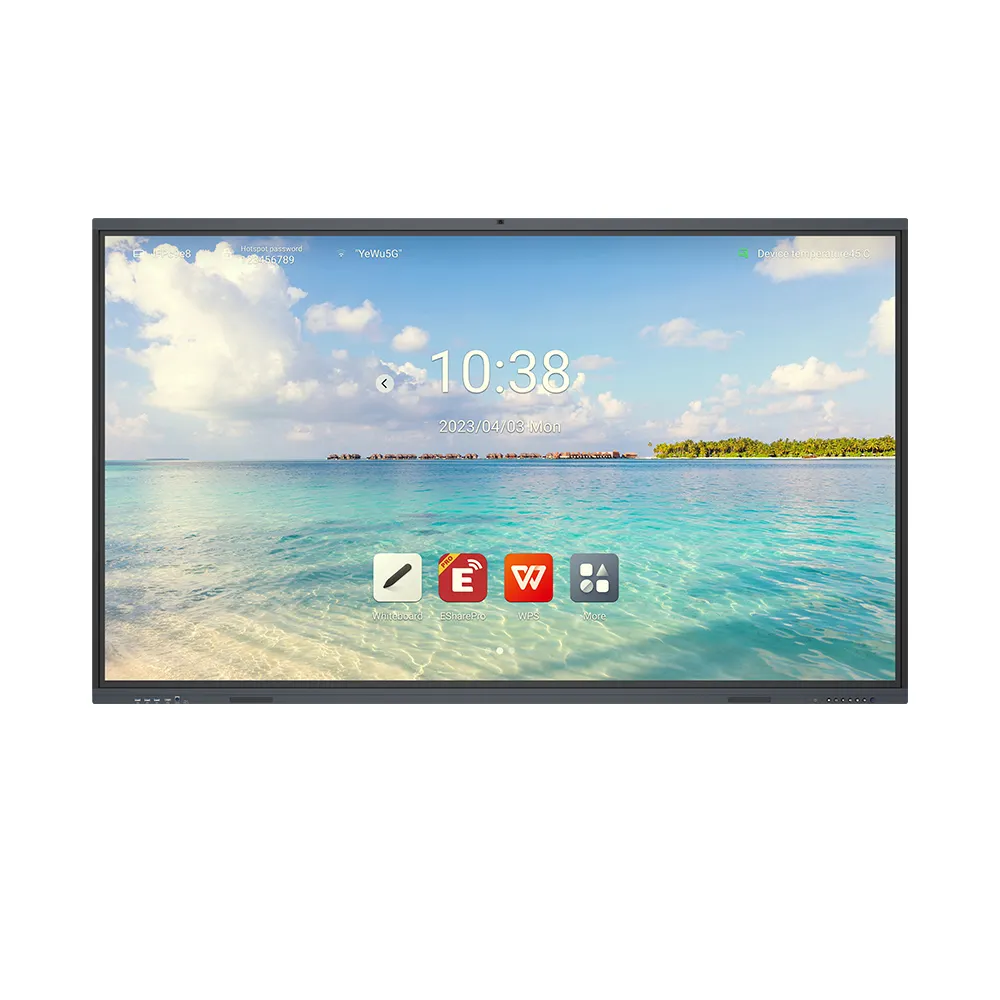
A digital signage monitor display helps retailers present timely promotions, product information, and brand messages. As retail media evolves, commercial screens offer flexible alternatives to printed advertising. Moreover, cloud-based content management allows teams to update campaigns across different locations.
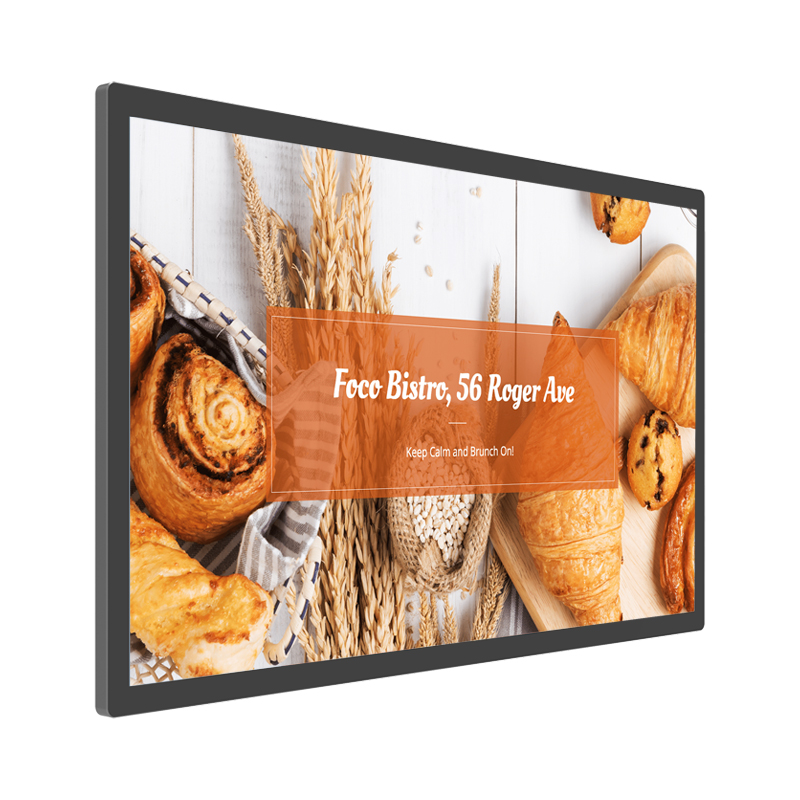
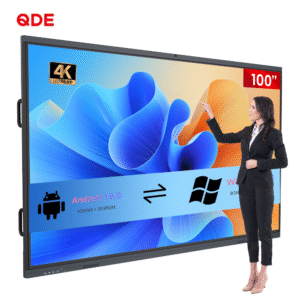
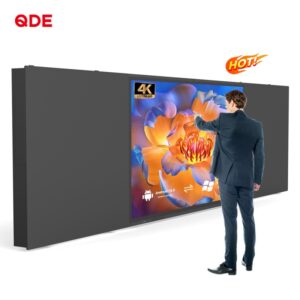
A wall-mounted digital signage monitor display combines 4K Ultra HD visuals with remote content management. Consequently, retailers can adapt promotional content to changing inventory, customer interests, and seasonal campaigns.
However, successful retail advertising requires more than attractive visuals. Businesses must consider screen placement, ambient lighting, content design, and daily operating requirements. Therefore, choosing the right display starts with understanding the store environment.
Retailers often struggle to keep printed promotions current. For example, prices, discounts, and seasonal offers can change throughout the week. Consequently, outdated materials may create additional work for store staff.
A wall-mounted digital signage display helps retailers update promotional messages more efficiently. Staff can schedule new campaigns without replacing printed materials. Meanwhile, different departments can present relevant messages in separate areas.
Retailers can place displays near entrances, product shelves, and checkout counters. Each location supports a different advertising purpose.
At entrances, stores can promote seasonal collections and current offers. Near shelves, displays can explain product features or introduce complementary products. Furthermore, checkout-area screens can highlight accessories and upcoming promotions.
The key lies in matching content to the customer’s shopping journey. Instead of repeating one advertisement everywhere, retailers can develop targeted messages for each location.
Explore our Digital Signage Product Category for wall-mounted advertising displays and commercial screen solutions.
Retail advertisements must remain readable under different lighting conditions. For example, shopping malls often combine bright ceiling lights with reflective surfaces. Meanwhile, storefronts may receive substantial ambient light during daytime.
The featured display supports 4K Ultra HD resolution and brightness up to 1,500 candelas per square metre. These features help retailers present detailed imagery and readable promotional content.
Higher resolution can benefit advertisements containing detailed product images, fine text, and layered graphics. However, the source content must provide sufficient detail to realize those benefits.
High brightness also helps improve visibility in well-lit indoor environments. Nevertheless, direct sunlight and reflections may require additional assessment.
Therefore, retailers should test screen visibility at the intended installation location. They should also adjust text size, contrast, and image composition for comfortable viewing.
Additionally, wide color gamut technology supports richer color reproduction. This capability can help retailers present apparel, cosmetics, electronics, and branded products with greater visual detail.
Managing advertisements across multiple stores can require considerable coordination. For example, marketing teams may need to update prices or launch promotions simultaneously. Consequently, manual updates can become difficult to organize across expanding store networks.
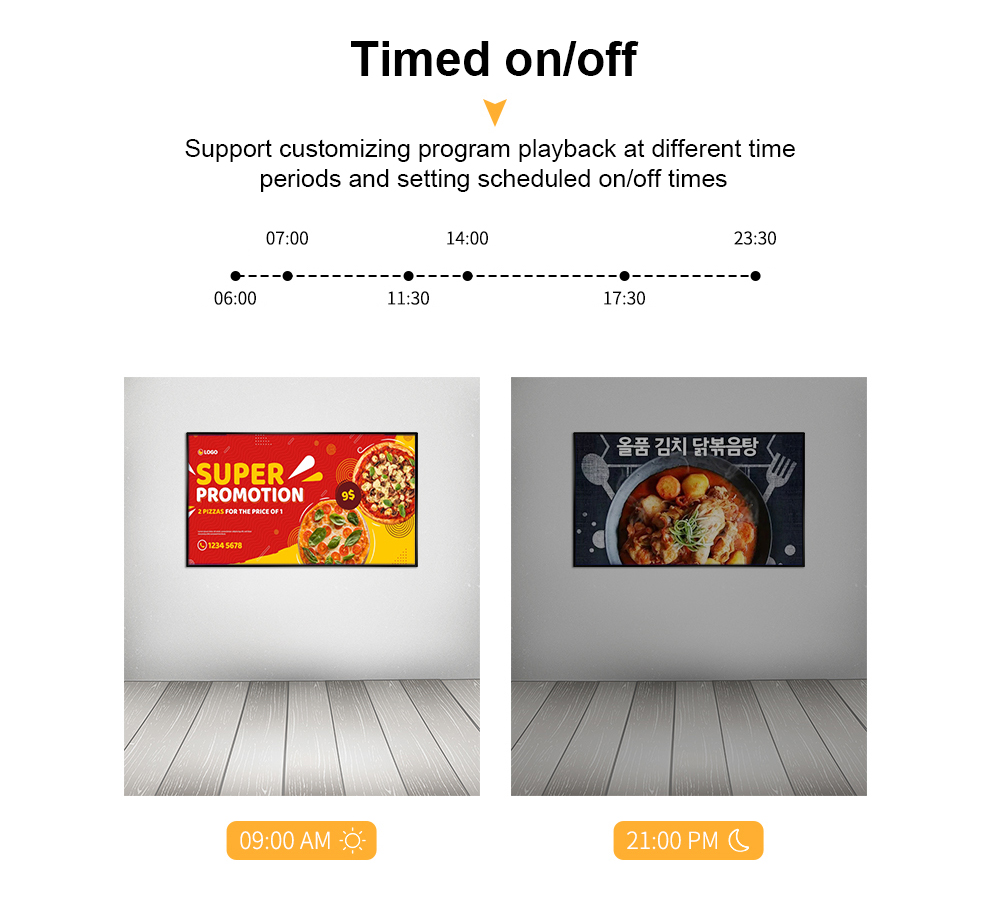
The digital signage monitor display supports a cloud-based content management system. Retail teams can schedule campaigns, update content remotely, and monitor playback.
Suppose a retailer launches a weekend promotion across several branches. The marketing team can prepare campaign assets centrally and schedule their playback. Meanwhile, individual stores can display content suited to local inventory or customer preferences.
Multi-zone display also enables different content formats to appear together. For instance, a screen can combine product videos, promotional text, and supporting images.
However, effective deployment requires reliable network access and suitable CMS configuration. Businesses should also confirm user permissions, scheduling functions, and monitoring capabilities.
Read our Technical Guide for practical advice on content management and digital display deployment.

Retail spaces vary in size, lighting, customer traffic, and installation constraints. Therefore, buyers should match display features to their operational requirements.
A boutique may prioritize elegant wall integration and high-quality product imagery. Meanwhile, a supermarket may focus on frequent promotional updates. Shopping centers may need larger advertising screens for shared public areas.
The following table summarizes the advertised features and relevant selection considerations.
| Parameter | Product specification | Retail application |
|---|---|---|
| Display resolution | 4K Ultra HD | Detailed product images and campaign graphics |
| Maximum brightness | 1,500 candelas per square metre | Well-lit retail environments |
| Content management | Cloud-based CMS | Remote scheduling and updates |
| Content layout | Multi-zone display | Combined video, text, and images |
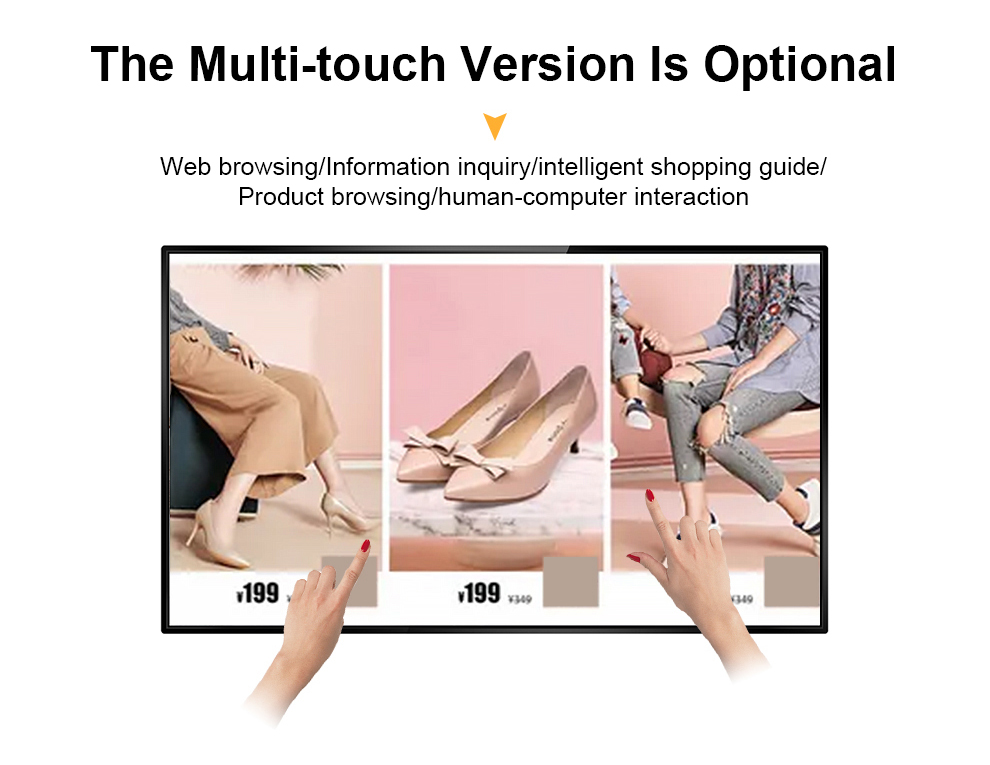
| Touch functionality | Optional touchscreen | Interactive product information |
| Installation | Wall-mounted, VESA-compatible | Space-conscious retail layouts |
| Operating capability | Designed for 24-hour, 7-day operation | Extended advertising schedules |
| Protection features | Overheat protection, anti-glare treatment, shock resistance | Support for demanding commercial use |
| Certifications | Not specified in the supplied information | Confirm applicable compliance documents |
These features provide a foundation for different advertising strategies. Nevertheless, buyers should verify detailed specifications and installation requirements before ordering.
For example, touchscreen functionality can support product exploration and promotional interactions. However, stores should evaluate whether customers would benefit from direct screen interaction.
Installing a digital signage monitor display marks the beginning of an ongoing advertising process. Retailers must also develop useful content and maintain consistent campaign schedules.
Short messages, strong product images, and clear calls to action can support easier viewing. Furthermore, content should match the screen’s location and the time customers spend nearby.
Retailers can organize campaigns around product launches, seasonal events, and inventory priorities. Additionally, they can use playback reports to verify scheduled content delivery.
Where suitable, businesses can combine screen campaigns with QR codes or connected promotional pages. This approach allows customers to explore additional information using their mobile devices.
However, playback data alone does not prove advertising effectiveness. Retailers should also examine sales trends, customer engagement, and campaign timing.
Maintenance matters as well. Regular cleaning, ventilation checks, and software updates can help support consistent operation. Therefore, businesses should establish clear responsibilities for content management and display maintenance.
Ultimately, the best digital signage monitor display strategy combines suitable hardware with relevant content. With thoughtful placement and organized campaign management, retailers can strengthen product communication and adapt promotions more efficiently.
Q1: How does a digital signage monitor display help retail stores?
It supports dynamic promotions, product information, and brand messaging. Additionally, remote management helps retailers update campaigns without replacing printed advertisements.
Q2: Is a 4K display suitable for every retail store?
Not necessarily. A 4K screen benefits installations featuring detailed images and high-resolution content. However, screen size, viewing distance, and budget should guide selection.
Q3: Can retailers update advertisements remotely?
Yes. The advertised cloud-based CMS supports remote content updates, scheduling, and playback monitoring. However, retailers should confirm network and software requirements.
Q4: Is touchscreen functionality necessary for retail advertising?
No. Standard displays suit passive advertising, while optional touchscreens support interactive product discovery. The choice depends on customer needs and store objectives.
Q5: What should buyers check before purchasing a digital signage monitor display?
Review resolution, brightness, mounting compatibility, CMS functions, operating requirements, and warranty coverage. Additionally, confirm available certifications and installation support before deployment.
 Hot News