
Home > Blog >
Modern businesses face a constant battle for consumer attention. Traditional static posters often fail to capture interest in busy environments. Consequently, many companies now turn to commercial digital signage displays to boost their visibility. These high-tech screens offer a dynamic way to communicate with customers and employees alike.
Choosing the right hardware is a critical decision for any B2B buyer. A professional screen does more than just show images. It acts as a 24/7 brand ambassador for your organization. In this guide, we will explore the technical benefits of these displays. We will also help you navigate the complex world of professional AV hardware.
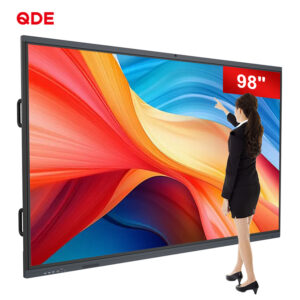
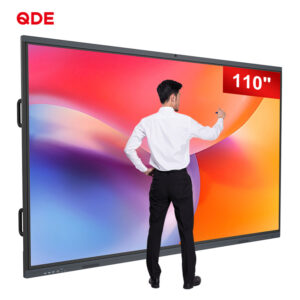
A commercial digital signage display is a professional-grade monitor designed for public spaces. People often confuse these units with standard consumer televisions. However, the internal architecture differs significantly between the two types.
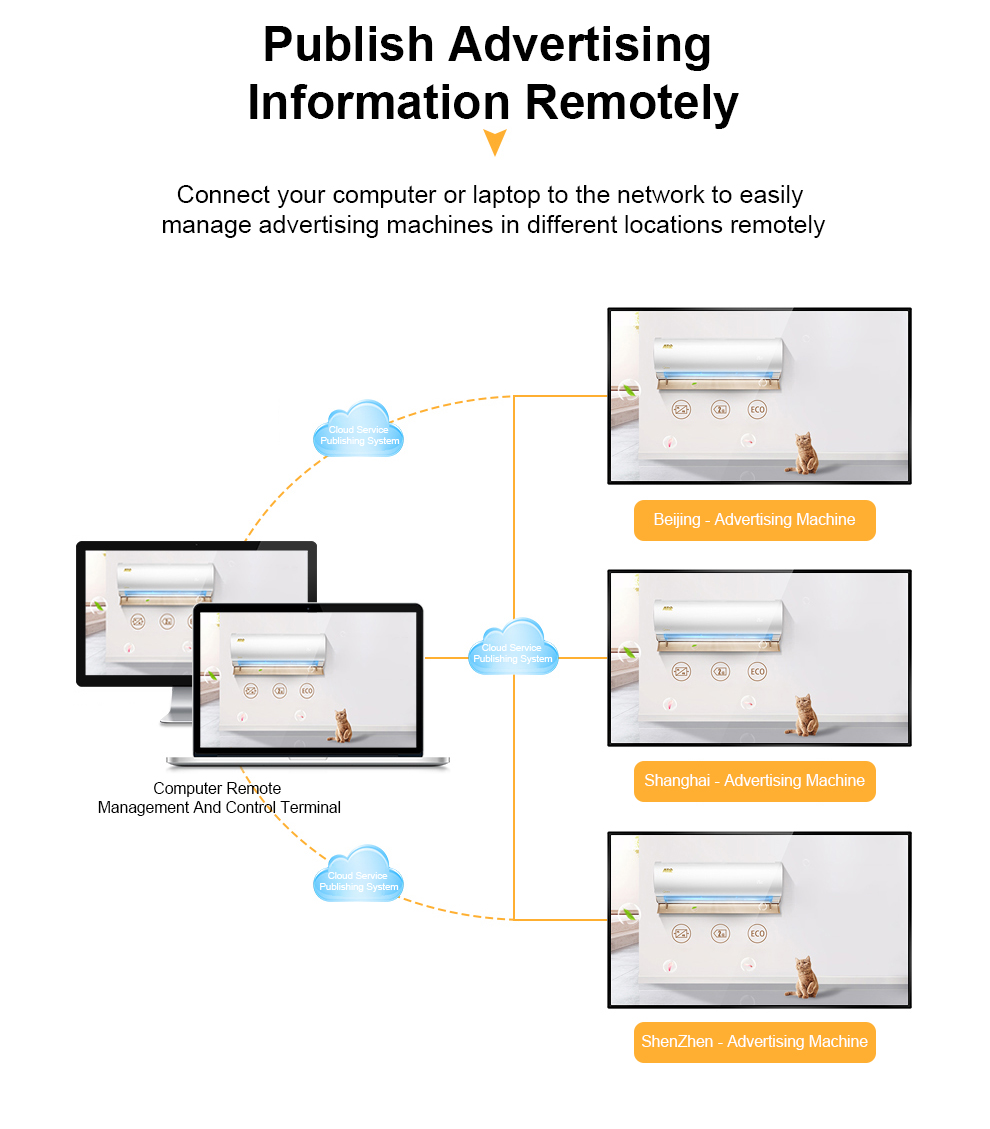
Professional displays feature industrial-grade components that withstand heat and dust. They provide consistent performance even when running for 24 hours straight. Furthermore, these screens offer specialized software integration for remote content management. This allows marketing teams to update visuals across multiple locations instantly. Because they prioritize durability, they represent a much better long-term investment for businesses.

When you evaluate commercial digital signage displays, several technical specs stand out. Understanding these features helps you choose the best model for your specific needs.
Most indoor environments have bright artificial lighting. Standard screens often suffer from glare and washout. Therefore, professional signage offers high “nit” ratings. A typical commercial unit provides 500 to 700 nits. Outdoor models can even exceed 2,500 nits to combat direct sunlight.
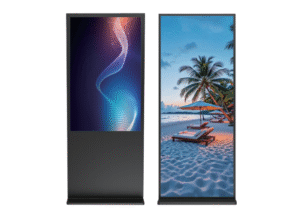
Consumer TVs work best in a horizontal position. However, many retail ads look better in portrait mode. Commercial digital signage displays include cooling systems designed for both orientations. This flexibility allows for creative installations in narrow hallways or storefront windows.
Modern displays often feature “System on Chip” (SoC) technology. This means the screen has a built-in computer or media player. You do not need to hide a bulky PC behind the monitor. This setup simplifies installation and reduces the number of potential failure points.
B2B environments require diverse ports. Professional screens include HDMI, DisplayPort, and LAN connections. Many also offer RS232 control for centralized IT management. This ensures your screens integrate perfectly with existing office or store infrastructure.
Many small business owners consider buying cheap TVs from big-box retailers. While the low price tag is tempting, the long-term costs are much higher.
Consumer TVs usually have a warranty that excludes commercial use. If you run a home TV for 18 hours a day, it will likely fail within months. Furthermore, consumer screens lack the thermal management needed for enclosed spaces. This leads to “panel darkening” or permanent image ghosting. Investing in commercial digital signage displays protects your budget from frequent replacement costs.
Reddit: The Pro AV PerspectiveProfessional forums like Reddit offer valuable real-world insights. In the “Commercial AV” community, many specialists discuss the dangers of under-speccing projects. One well-known case involved a large hotel chain. The procurement team initially chose consumer-grade screens for their lobby. Within a year, the screens showed significant “burn-in” from the static news tickers. An expert contributor on the forum highlighted that commercial digital signage displays use pixel-shift technology. This feature prevents static images from damaging the liquid crystals. The hotel eventually replaced every unit with professional signage. This transition resolved the maintenance issues and improved the brand image immediately. |
Selecting digital signage displays requires a strategic approach. Follow these steps to ensure you get the best value for your money.
First, consider where the screen will live. A screen in a climate-controlled office has different needs than one in a greasy restaurant. If you place a screen near an entrance, look for “high-brightness window displays.” For outdoor patios, prioritize an IP-rated weatherproof enclosure.
Calculate the viewing distance for your audience. For close-up viewing, 4K resolution is essential for sharp text. If the screen is high on a wall, a larger 1080p screen might suffice. Always aim for a size that balances visibility with the surrounding architecture.
Does your company use a specific Content Management System (CMS)? Not all commercial digital signage displays support every software platform. Verify that the hardware can run your preferred player. Some brands offer proprietary software, while others use open-source Android systems.
Look beyond the initial purchase price. Factor in energy consumption and maintenance. Many modern displays are “energy-efficient digital monitors” that lower monthly utility bills. Also, check if the manufacturer offers a three-year on-site warranty.
You might start with one screen today. However, your network will likely grow. Choose a brand that allows you to manage multiple units through a single cloud dashboard. This makes expanding your digital footprint much easier in the future.
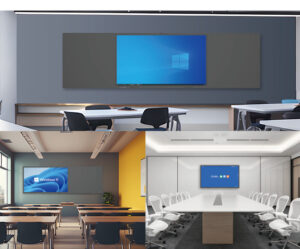
The versatility of commercial digital signage displays makes them useful in every sector.
Retail Stores: Use “interactive retail kiosks” to let customers browse digital catalogs.
Corporate Lobbies: Display real-time company KPIs and welcoming messages for visitors.
Quick Service Restaurants: Implement “digital menu boards” to update prices and items instantly.
Manufacturing Plants: Show safety protocols and production targets to workers on the factory floor.
Education: Use large screens in common areas for event announcements and emergency alerts.
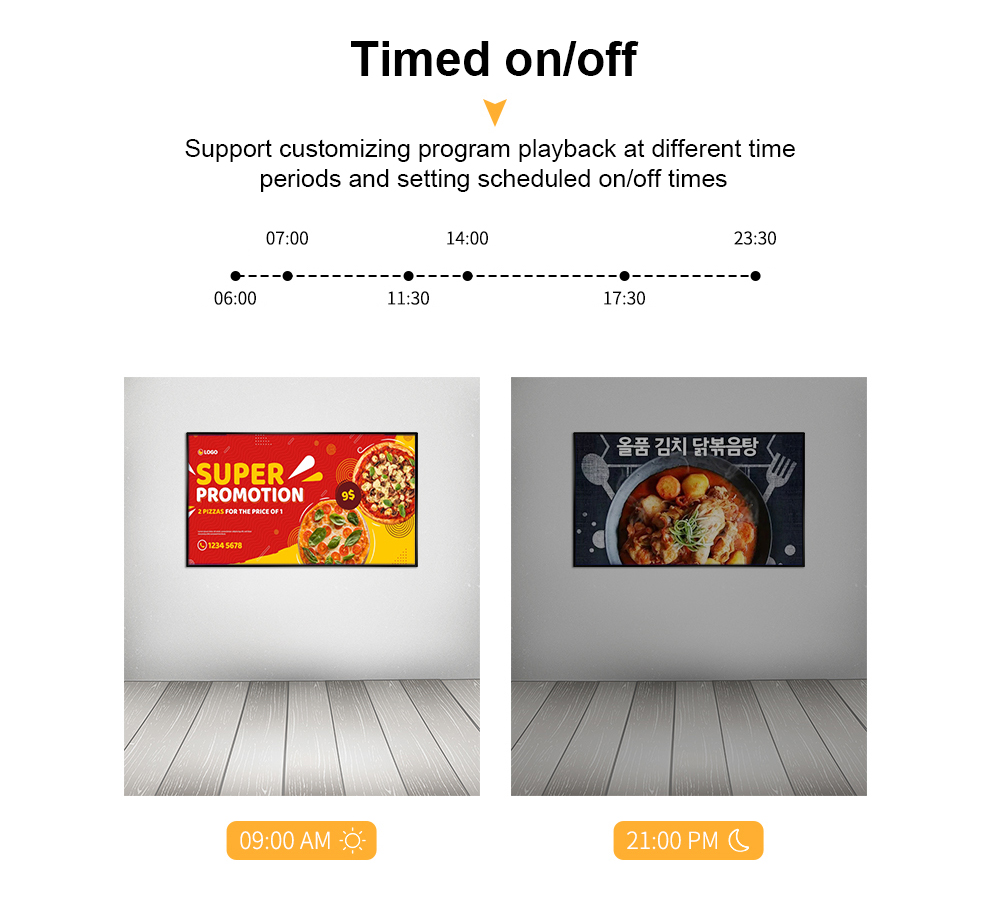
A screen is only as good as the content it displays. To get a high return on your investment, keep your visuals fresh. First, use high-contrast colors to make text readable from a distance. Second, include a clear “Call to Action” (CTA) on every slide. Third, schedule your content to change throughout the day. For example, a cafe should show breakfast items in the morning and coffee specials in the afternoon. Commercial digital signage displays make this automation simple and effective.
When researching your purchase, you might use more specific terms. Many buyers look for “wall-mounted digital advertising screens” or “ultra-wide stretched displays.” These specialized shapes fit unique architectural spaces like pillars or shelf edges.
Another growing trend is the “touchscreen wayfinding display.” These units help visitors navigate large malls or hospitals. By using these specific terms, you can find hardware tailored to your exact niche.
To keep your commercial digital signage displays running perfectly, follow a basic maintenance schedule.
Dust the Vents: Ensure the cooling fans remain clear of debris.
Update Firmware: Regularly install manufacturer updates to improve security and performance.
Monitor Connectivity: Check your network signal strength to avoid “black screens” during peak hours.
Calibrate Colors: Periodically adjust the brightness and contrast to maintain brand consistency across all screens.
Investing in digital signage displays is a transformative move for any brand. These tools offer the durability, brightness, and control that consumer hardware lacks. By following a structured buying process, you can avoid common pitfalls.
Focus on quality, software compatibility, and long-term support. A well-placed professional screen will pay for itself through increased engagement and streamlined communication.


 Hot News