
Home > Blog >
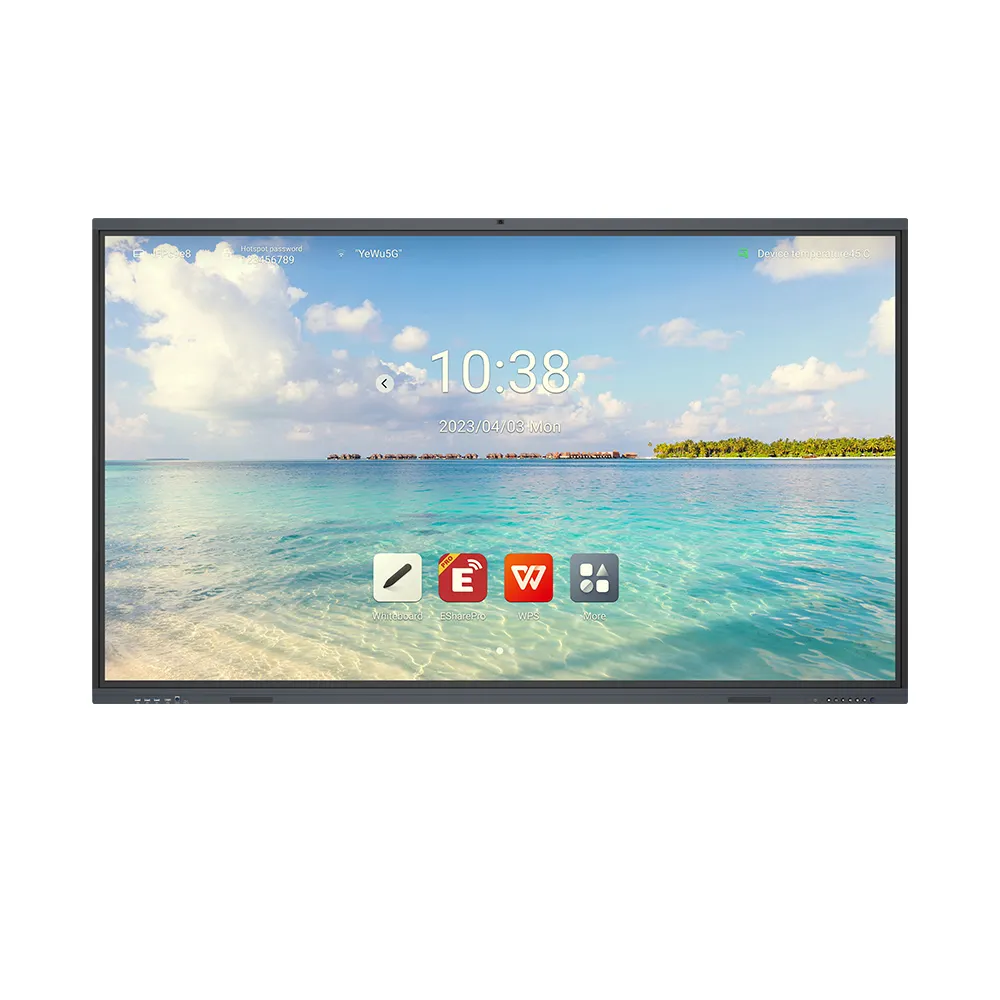
Deploying a PCAP interactive display transforms modern classroom instruction by providing zero-latency touch response, multi-student collaboration, and anti-glare visual clarity effortlessly. High-precision projected capacitive touch technology delivers superior durability and seamless gesture support at exceptional value, cutting long-term school technology ownership costs. Furthermore, integrating a 55-inch PCAP touch interactive board replaces outdated projection units, offering maximum return on investment for cost-conscious educational institutions today.
This modern classroom technology guarantees lead-free compliance (RoHS standards) for safe everyday educational installation worldwide. Furthermore, a PCAP interactive display features a seamless zero-bezel glass design that resists dust, moisture, and frequent classroom use over years. Consequently, schools improve student participation metrics while securing cost-effective, future-proof interactive hardware today. Explore our complete product-category inventory to upgrade your interactive classroom screens now.
School IT directors and teachers encounter frustrating technical limitations when using traditional interactive whiteboards during daily lessons. Accidental palm touches disrupt digital writing, harsh sunlight causes screen glare, and single-touch inputs prevent collaborative group learning. School administrators regularly identify four primary classroom display failure scenarios daily.
Traditional infrared boards rely on raised frames with exposed optical sensors that accumulate dust and chalk debris quickly. When students rest their hands on the screen frame, optical sensors register accidental inputs and interrupt digital ink flow. Consequently, teachers waste valuable instructional time clearing erratic digital marks and recalibrating display sensors repeatedly. Projected capacitive glass panels embed conductive sensor layers beneath tempered glass to eliminate physical frame edges completely.
Standard glossy display panels reflect bright ambient window sunlight and overhead LED lighting directly into student eyes. Children sitting at wide side angles struggle to view fine handwriting, detailed math formulas, or interactive science diagrams clearly. As a result, students lose concentration during long lectures and suffer severe eye strain throughout the school day. High-definition anti-glare coatings disperse ambient light reflections evenly, preserving full color contrast across all viewing angles.
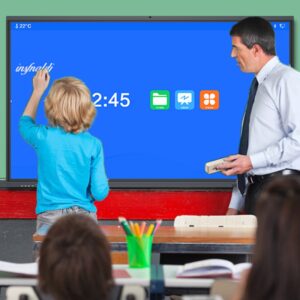
Legacy classroom touch screens support only single-touch pen inputs, preventing multiple pupils from interacting on screen together. Group exercises stall because students must wait in line to solve math problems or annotate interactive maps sequentially. Therefore, interactive teaching sessions become slow, reducing overall student participation and classroom energy during active learning routines. Multi-touch capacitive sensors track ten or more simultaneous touchpoints, enabling seamless multi-student group writing activities effortlessly.
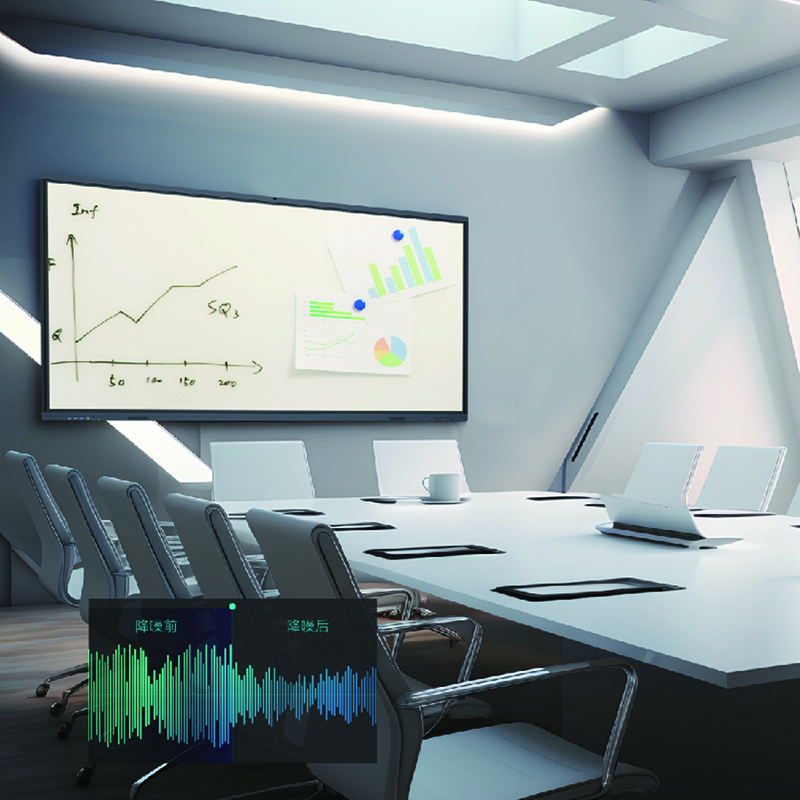
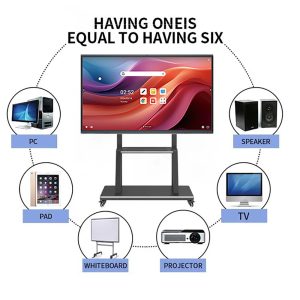
Connecting standalone desktop speakers, external webcams, and loose power cables across teacher desks creates hazardous cable clutter. Disconnected audio cables drop sound during educational video screenings, confusing students and interrupting lesson flows unexpectedly. Thus, educators waste precious teaching minutes managing external hardware connections before starting every single class period. Integrated high-fidelity speakers and built-in microphone arrays deliver clear room-filling audio without external cable clutter.
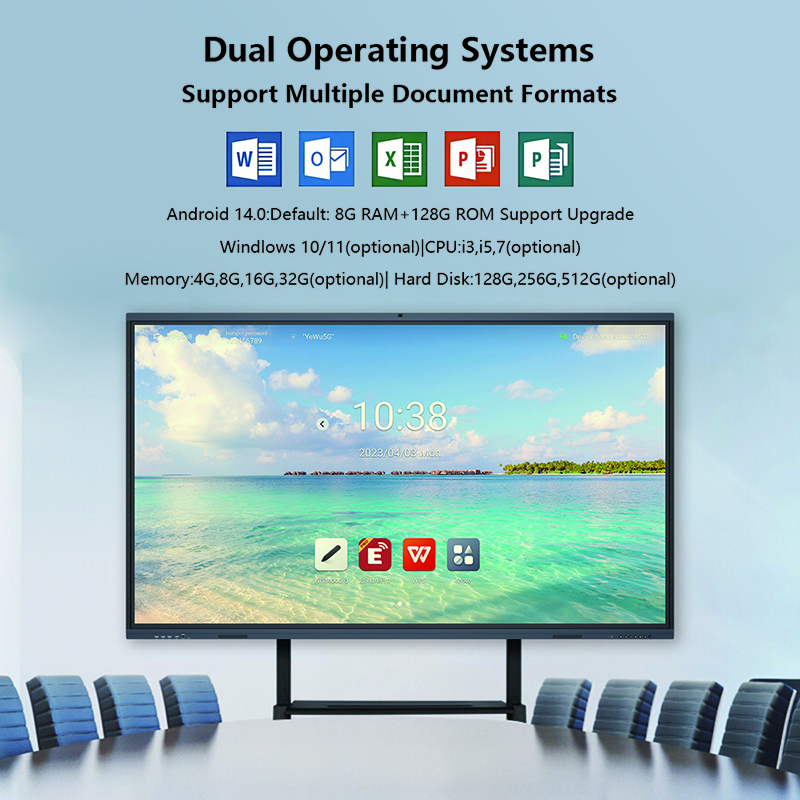
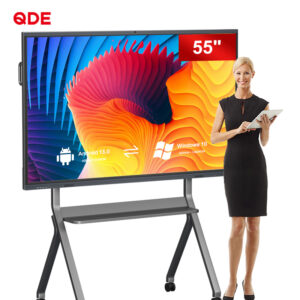
The 55-inch PCAP Interactive Touch Board offers exceptional touch precision, robust durability, and intuitive multi-touch functionality for modern learning environments. It combines projected capacitive sensor glass with comprehensive educational software suites seamlessly.
Utilizing transparent conductive grid layers beneath protective tempered glass, PCAP sensors detect electrostatic field changes instantly upon finger contact. This glass-enclosed design supports fluid multi-touch gestures, including pinch-to-zoom, swiping, and dual-pen palm-rejection writing. Furthermore, check out our detailed technical-guide on comparing PCAP sensor glass against traditional infrared frame touch displays for interactive education.
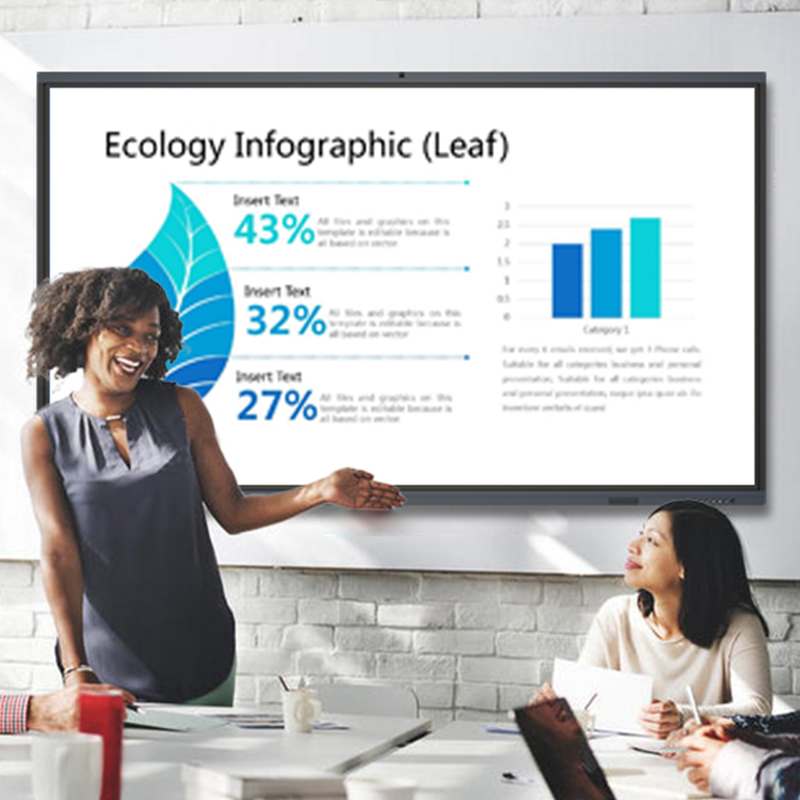
The included educational software suite provides interactive geometry tools, interactive science simulations, and lesson templates for dynamic content creation. Built-in wireless projection enables teachers and students to mirror laptop, tablet, or smartphone screens across Windows, macOS, iOS, and Android platforms. Consequently, classrooms transition smoothly into interactive digital hubs without purchasing expensive proprietary software licenses or external casting dongles.
An advanced anti-glare surface treatment reduces harsh reflections, maintaining visual clarity even in brightly lit classroom settings. Integrated high-power stereo speakers deliver crisp, room-filling sound, enhancing interactive multimedia lessons and educational video playback. Additionally, high touch sensitivity allows users to operate the display using bare fingers, fine styluses, or even gloved hands reliably.
The table below compares the 55-inch PCAP Interactive Touch Board against traditional infrared classroom displays.
| Parameter / Feature | 55-Inch PCAP Interactive Board | Traditional Infrared (IR) Board |
| Touch Technology | Projected Capacitive (PCAP) Grid | Raised Infrared Sensor Frame |
| Surface Design | Seamless Edge-to-Edge Glass | Bezeled Frame (Collects Dust & Chalk) |
| Palm Rejection | Advanced Built-in Palm Rejection | Poor (Accidental Frame Touch Inputs) |
| Glass Surface Coating | $3\text{ mm}$ Anti-Glare Tempered Glass | Standard Glossy Glass (Reflects Light) |
| Gesture Support | Fluid Pinch, Zoom, & Swipe Gestures | Limited or Clunky Multi-Touch Gesture |
| Wireless Mirroring | Cross-Platform (iOS, Android, Win, Mac) | Requires External Casting Dongles |
| Cost Performance | High Value (Long-Life Low Maintenance) | High Repair Costs (Exposed Sensors) |
| Safety Standard | Lead-Free Compliance (RoHS Certified) | Basic Uncertified Assembly Standards |
Consider these major instructional and financial benefits when upgrading your school display technology today.
Superior Touch Accuracy: Precision PCAP touch technology delivers natural, fluid digital ink writing without parallax drift or input lag.
Unmatched Cost Performance: Long-lasting tempered glass construction reduces ongoing hardware maintenance and panel repair expenses.
Interactive Student Collaboration: Multi-touch capabilities allow multiple pupils to solve problems together on screen simultaneously.
Versatile Cross-Platform Connectivity: Built-in wireless projection connects student tablets and teacher laptops without messy cables.
Transform your classroom learning environment and maximize your hardware investment value today! Browse our wide product-category selection to order your PCAP interactive display
 Hot News