
Home > Blog >
In the modern digital era, the way we communicate information has undergone a massive transformation. Traditional wooden lecterns are quickly becoming relics of the past. Today, educational institutions and corporate boardrooms demand more dynamic tools. Enter the touch screen interactive digital podium. This innovative solution combines hardware and software to create a seamless presentation experience. It empowers speakers to engage audiences like never before. If you want to elevate your professional setup, understanding this technology is essential.
A touch-screen interactive digital podium is a high-tech lectern equipped with integrated computing power and a sensitive touch display. Unlike a standard podium, it serves as a central hub for all multimedia content. It allows presenters to control their slides, annotate documents, and manage audio-visual equipment from one station.
Think of it as a giant, powerful tablet mounted on a sleek pedestal. These devices usually feature high-definition screens. They support multi-touch gestures such as swiping, pinching, and zooming. Most models run on Windows or Android operating systems. This flexibility ensures compatibility with popular software like PowerPoint, Zoom, and specialized educational apps. For B2B buyers, it represents the intersection of ergonomic design and advanced collaborative technology.
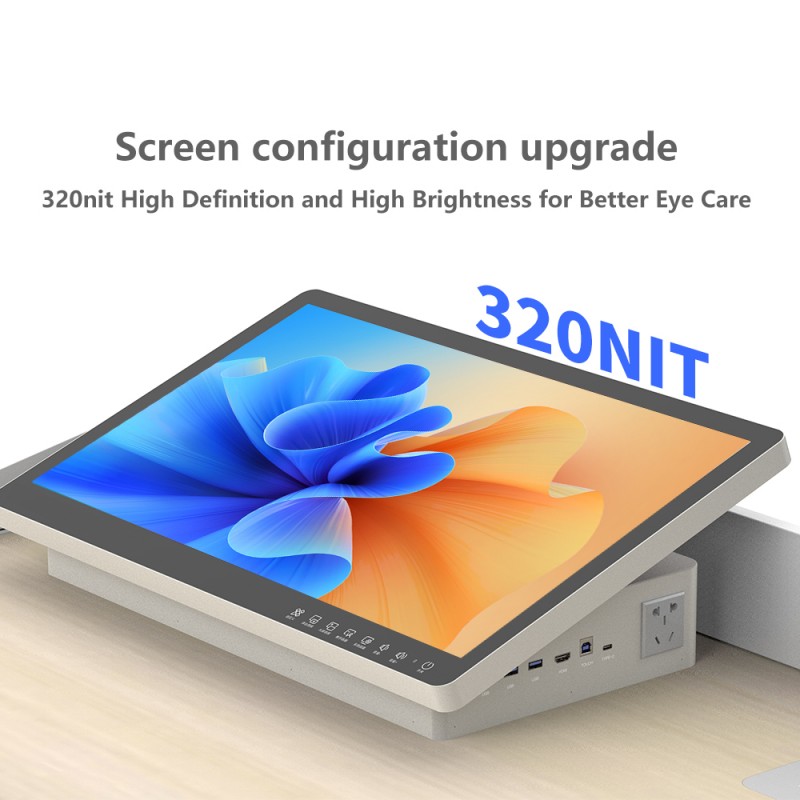
When evaluating a touch-screen interactive digital podium, several technical specifications set the top-tier models apart.
The heart of the system is the screen. Most modern podiums offer 10-point or 20-point touch capabilities. This allows for fluid writing and gesture control. High-definition (4K or 1080p) resolution ensures that every detail is visible to the presenter.
A professional touch-screen interactive digital podium includes a wide array of ports. You will typically find HDMI, USB 3.0, and LAN connections. Wireless connectivity, such as Wi-Fi and Bluetooth, is also standard. This allows the podium to sync with projectors and large-format displays effortlessly.
Most units house a built-in industrial-grade PC. This eliminates the need for messy external laptop connections. Furthermore, smart control panels allow users to switch sources or adjust volume with a single tap.
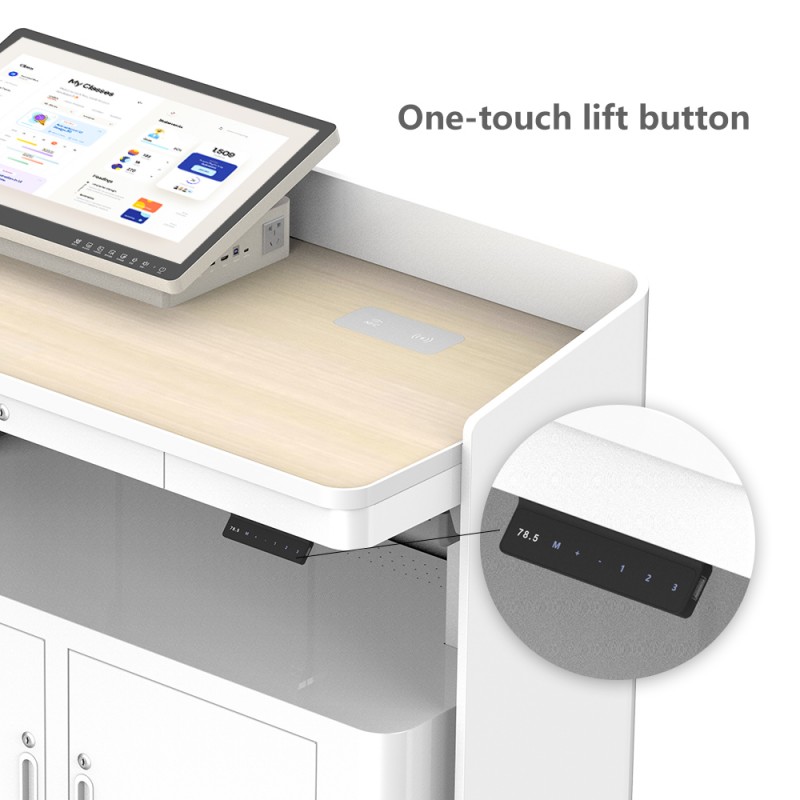
Comfort is crucial for long presentations. Many premium podiums feature motorized height adjustment. This ensures that speakers of different heights can work comfortably. Additionally, the screen tilt angle is often adjustable to reduce glare.
Investing in a touch-screen interactive digital podium offers significant advantages for various organizational settings.
Enhanced Audience Engagement: Visual aids become interactive. Presenters can highlight data in real-time. This keeps the audience focused and improves information retention.
Streamlined Workflow: You no longer need to walk back and forth to a laptop. Everything is at your fingertips. This creates a more professional and fluid delivery style.
Versatility in Content: You can switch between a PDF, a live website, and a video in seconds. The touch-screen interactive digital podium handles complex multitasking with ease.
Professional Branding: For corporations, these sleek devices project an image of innovation. They show clients that your company stays ahead of technological trends.
Reduced Setup Time: With built-in components, IT teams spend less time Troubleshooting cables. Simply power on the device and start the meeting.
The versatility of the touch-screen digital podium makes it suitable for numerous environments.
In universities, professors use these podiums to deliver interactive lectures. They can write digital notes directly on the screen. Students find these visual-rich presentations much more engaging than traditional static slides.
Executives use the touch-screen interactive digital podium for strategic planning sessions. During hybrid meetings, the podium acts as a bridge between local and remote participants. It simplifies the sharing of complex spreadsheets and blueprints.
Security and precision are paramount in government settings. These podiums provide a reliable interface for high-stakes briefings. The ability to quickly annotate maps or tactical data is invaluable.
Companies use interactive podiums at exhibitions to attract visitors. Potential customers can browse digital catalogs or watch product demos independently. This creates a memorable brand experience.
Selecting the right equipment requires a careful analysis of your specific needs. Follow these criteria to make an informed decision.
Ensure the touch response is instantaneous. Lag can ruin the flow of a presentation. Look for “Optical Bonding” or “PCAP Touch” technology. These features provide a more natural writing experience, similar to a smartphone.
Does the podium support the software your team uses daily? Check if the built-in PC meets the requirements for heavy applications. Most B2B buyers prefer systems that allow for easy software updates.
For high-traffic areas, durability is key. Look for podiums made from aluminum or toughened steel. A sturdy base prevents wobbling during touch interactions.
As your technology evolves, your podium should too. Choose a model with extra slots for future upgrades. Having spare USB ports or an OPS (Open Pluggable Specification) slot is a major plus.
A touch-screen interactive digital podium is a significant investment. Partner with a manufacturer that offers a comprehensive warranty. Reliable technical support is essential for minimizing downtime in your facility.
Q: Can I connect my own laptop to the podium?
A: Yes, most models include an external HDMI and USB interface. You can easily switch between the internal PC and your personal device.
Q: Is the touch screen sensitive to palm pressure?
A: High-end models feature palm rejection technology. This allows you to rest your hand on the screen while writing without causing errors.
Q: Do these podiums work with video conferencing tools?
A: Absolutely. They are fully compatible with Zoom, Microsoft Teams, and Google Meet. They often serve as the primary control interface for these platforms.
Q: How do I maintain the touch screen?
A: Use a microfiber cloth and a mild screen cleaner. Avoid harsh chemicals that might damage the anti-glare coating.
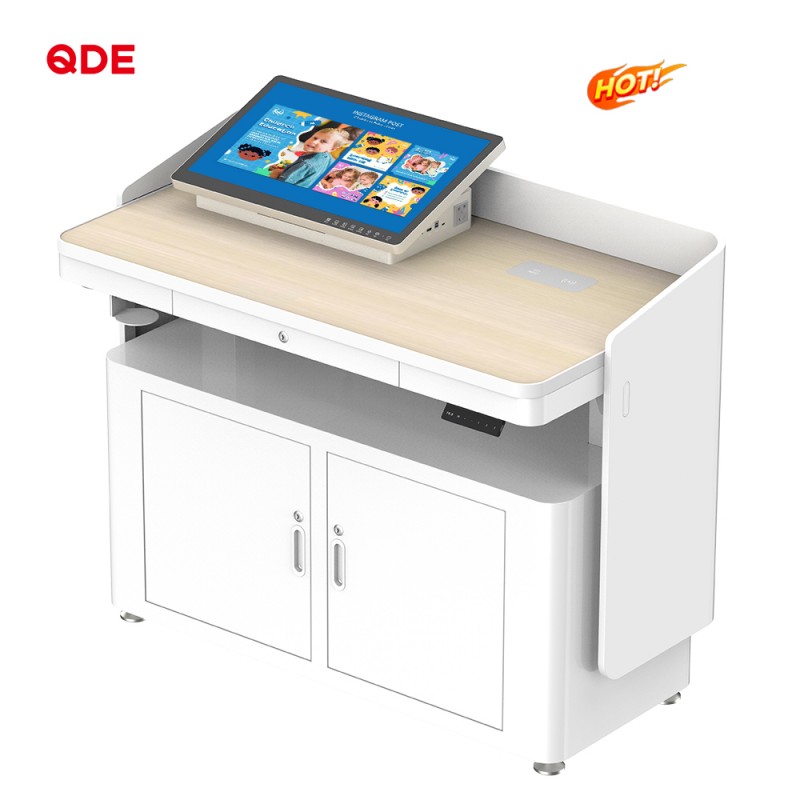
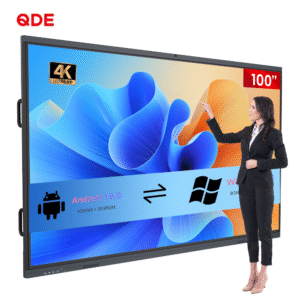
If you are looking for a top-tier solution, our Interactive Digital Podium is the ideal choice. This product sits within our Intelligent Classroom Equipment and Interactive Teaching Console categories. It represents the pinnacle of Multimedia Instructional Platforms.
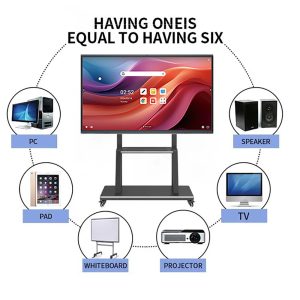
Our digital podium redefines classroom instruction. It merges traditional lectern functionality with advanced digital capabilities. It serves as a centralized control hub for all your multimedia teaching tools.
Unified Control: Manage projectors, audio systems, and lighting through one intuitive interface. You no longer need five different remotes.
Multimedia Integration: With a built-in PC and Android support, you can play videos or PDFs instantly.
Enhanced Collaboration: Use wireless screen mirroring to share content from any mobile device.
Security & Protection: Our lockable cabinet keeps your hardware safe. Furthermore, the design is dustproof and spill-resistant.
Customizable Configuration: We offer adjustable height settings to fit any speaker perfectly.
 Hot News